CyberLink's video editor. Supported versions recognize speech, add subtitles, and link the transcript to source footage.
Use the transcript to navigate the video
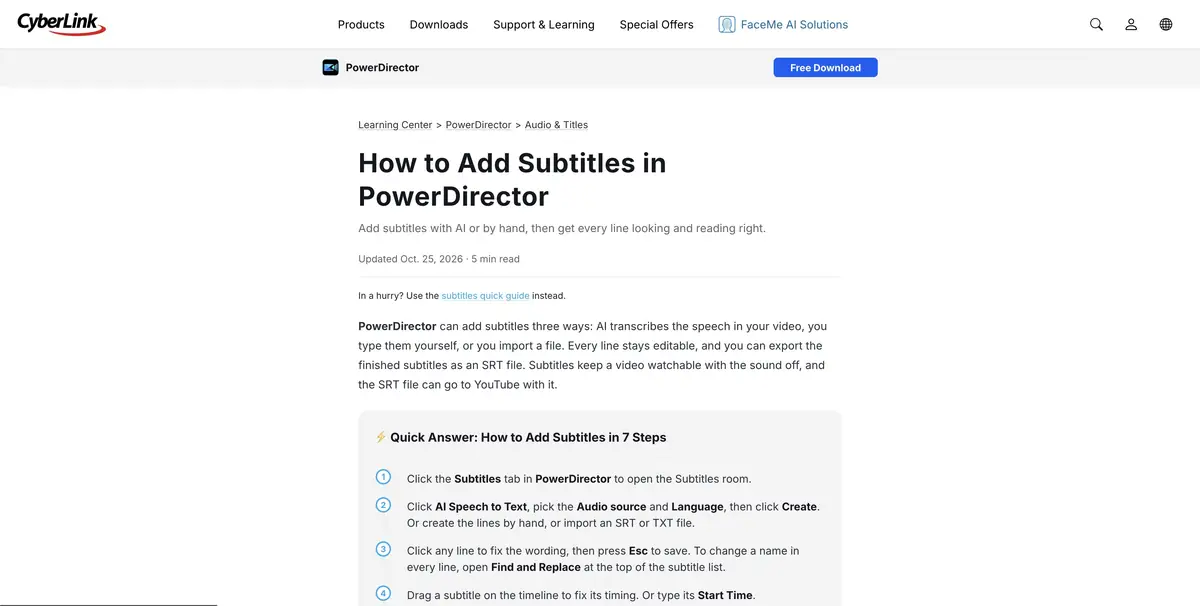
PowerDirector can recognize speech from the selected source and turn it into subtitles. In the editing mode, words are associated with a place in the video. It's faster to find the right piece of long talk. For a rough transcript, specify the language in advance. If the speech drowns out the music, check if there is a separate track in the project that is better suited for recognition.
Trim an answer without changing its meaning
Let’s take a look at our own bicycle repair. The speaker at the beginning stipulates that the described method is suitable for only one type of fastening. When searching for a phrase, it is easy to immediately find the instruction itself and accidentally cut off the condition. Select a related passage along with the clause and watch it without the rest of the interview. Then correct the name of the part in the transcript and match it with the spoken phrase.
After the text reduction, check the audio transition. At the place of gluing can be heard a burst of breathing or a sharp change in noise.
Review the subtitles
Compare the pauses with the time the text is displayed and estimate the length of the line on the phone screen. If short captions change too quickly, the viewer may not have time to read them. Save the original entry to return to the disputed location. Before a large project, check the automatic processing conditions and supported languages in its version. CyberLink’s recognition capabilities and costs depend on the chosen plan.
Suitable tasks
- Short version of the interview
- Prepare verified subtitles
Strengths
- Linking decryption to video
- Ability to manually correct subtitles
Limitations
- Speech recognition mistakes can carry over into the rough cut
- Credits and languages depend on the regime
Selection and conditions
- Free access
- Not confirmed
- Trial period
- Yes
- No sign-up required
- Not confirmed
- Russian interface
- Not confirmed
- Local installation
- Not confirmed
- API
- Not confirmed
“Not confirmed” means there is not enough information. The feature may still be available; check the developer’s terms.
- Input formats
- Video, Audio
- Result
- Video, Text
Terms
The application is installed on a compatible platform. Select the sound source and language for recognition.From task to first result
Practical example
- Task
- Short version of the interview
- What to prepare
- Your own long video lecture with several self-contained answers or explanations.
Task brief or prompt
Suggest short clips, each expressing a complete thought: a question, explanation and clear conclusion. Preserve negations and qualifications. Prepare suitable framing and check the automatically generated subtitles.
Expected result
Several draft clips from the source recording, checked by an editor before publication.
How to check the result
- The beginning of each clip is understandable to a person who has not seen the full recording.
- The edit preserves the statement's meaning and important conditions.
- Subtitles, names, terms and framing are manually checked.
An editorial teaching example of a task brief, not the result of hands-on testing of the service. Check that the required mode is available, that you have rights to the source material and that the intended use of the result is permitted.
Check details
Official sources
This description is based on the developer’s material. Features, prices and availability may change; check the primary source before use.