

OpusClip finds segments in existing video footage and helps prepare them for short-form formats. Its appeal score helps with selection; it does not promise views or account growth.
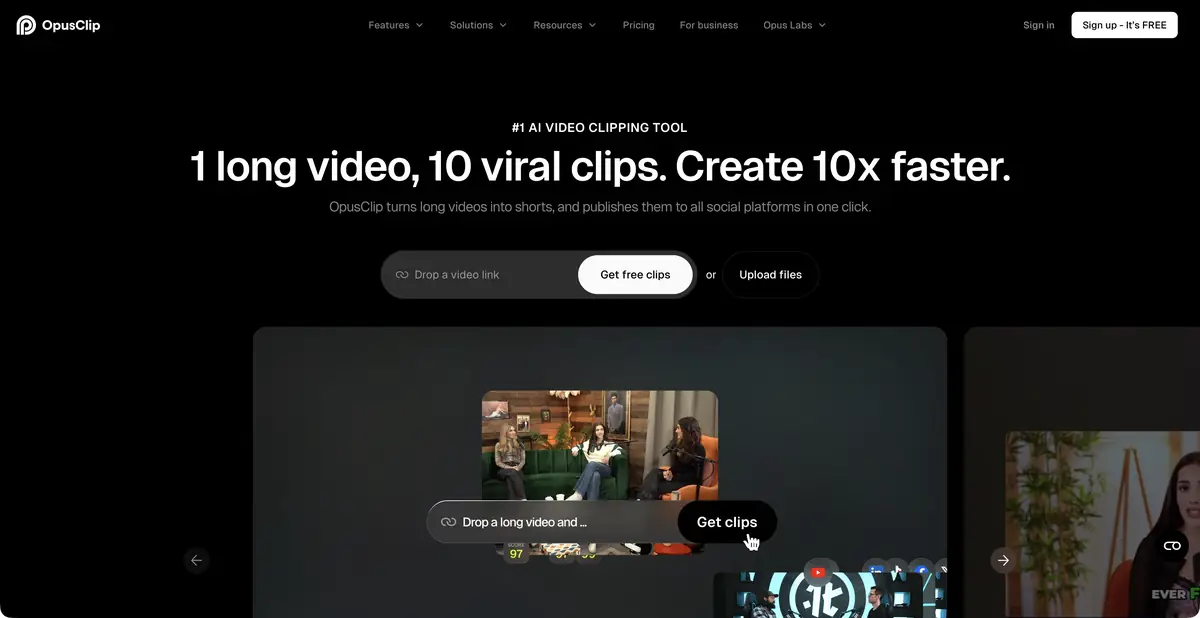
What can be done with one long recording?
A webinar or interview usually contains several independent explanations, but you have to look for them manually throughout the record. OpusClip offers fragment selection, automatic framing, subtitles and further edits. The system works with speech and visual content; the user's task is to select really complete thoughts and keep the context. The service itself can not confirm the truth of what was said in the original video.
Selection, styling and edits
ClipAnything and ReframeAnything find moments and keep subjects in frame. Depending on the plan, features include an editor, pause removal, subtitle styles, additional visual inserts and branded templates. After automatic clipping, you can continue working on individual segments.
Virality Score is not a revenue forecast or a guaranteed publication outcome. It is more useful to check whether the video has a clear opening, enough explanation and an honest conclusion. A high score does not justify a headline unsupported by the speaker's words.
Example: turn one lecture into three self-contained explanations
Imagine a recording of your own lecture about color. Choose three focused questions: why contrast matters, why text gets lost on a photograph and how to check a layout at a small size. Ask the service to find the relevant moments, then compare the clips with the full recording.
Check each clip's first sentence: words such as ‘this’ and ‘so’ often refer to the previous slide. If the idea is unclear without it, add context or choose another excerpt. Check subtitles against the audio, especially terms and names.
Before exporting, view the vertical version on a small screen. The speaker, important illustrations and text should not overlap. If the meaning depends on a diagram with small labels, automatic reframing alone will not be enough.
Teamwork and automation
OpusClip publishes an official REST API and MCP connection. Its documentation covers projects, transcripts, edits, export and related operations. These let you integrate processing into your own system, while access, limits and billing depend on the chosen offering.
Connecting a social account and submitting content for publication are separate actions. Before either, check rights to the original video, speakers' consent and the accuracy of extracted quotes. If the material contains a private meeting, the technical ability to import it does not itself grant permission to process it.
Free-plan limitations
OpusClip has a free tier and trial features from paid plans. Free limits processing and editing and adds a watermark; materials also remain available for a limited time. Requirements vary by feature, so a free subtitle tool does not provide full free access to the entire platform.
When choosing a plan, compare source recording duration, manual editing, storage, branded templates and required export formats. Geographic availability has its own terms: check supported regions and payment methods in advance.
Suitable tasks
- Find self-contained moments in a long interview
- Prepare short videos from the webinar
- Create vertical framing and subtitles
- Automate repetitive clip preparation
Strengths
- Specialized in repurposing existing video
- Finding moments and reframing
- Editor and brand settings on suitable plans
- Official REST API and MCP
Limitations
- Check clips for lost context
- An appeal score does not guarantee views
- Free limits editing, storage and watermark-free export
Selection and conditions
- Free access
- Yes
- Trial period
- Yes
- No sign-up required
- Not confirmed
- Russian interface
- Not confirmed
- Local installation
- Not confirmed
- API
- Yes
“Not confirmed” means there is not enough information. The feature may still be available; check the developer’s terms.
- Input formats
- Video
- Result
- Video, Text
Terms
Free limits editing and storage and adds a watermark. Trial access to paid features does not mean they will remain available permanently.From task to first result
Practical example
- Task
- Find self-contained moments in a long interview
- What to prepare
- Your own long video lecture with several self-contained answers or explanations.
Task brief or prompt
Suggest short clips, each expressing a complete thought: a question, explanation and clear conclusion. Preserve negations and qualifications. Prepare suitable framing and check the automatically generated subtitles.
Expected result
Several draft clips from the source recording, checked by an editor before publication.
How to check the result
- The beginning of each clip is understandable to a person who has not seen the full recording.
- The edit preserves the statement's meaning and important conditions.
- Subtitles, names, terms and framing are manually checked.
An editorial teaching example of a task brief, not the result of hands-on testing of the service. Check that the required mode is available, that you have rights to the source material and that the intended use of the result is permitted.
Check details
Official sources
This description is based on the developer’s material. Features, prices and availability may change; check the primary source before use.