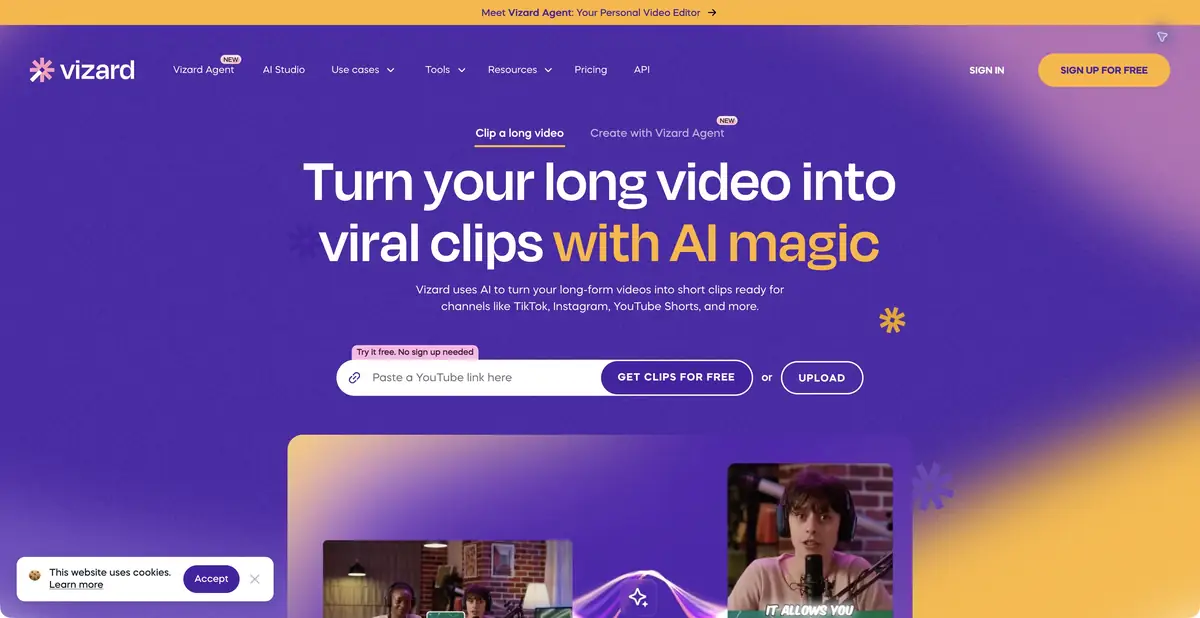
A web platform for turning long recordings into short videos that can be edited further. Clipping is supported by reframing, captions, styling and teamwork; API access follows paid-plan conditions.
From one episode to several materials
Vizard AI analyzes a long video and suggests clips for short formats. Upload your own file or use a supported source. Podcasts, lectures, webinars and interviews are clear use cases because complete answers and explanations can be extracted without new filming.
The input remains a video recording. Outputs include editable short videos, related text and subtitles in available formats. The website also presents a separate Vizard Agent, but its templates should not be assumed to share identical capabilities and conditions with the clipping workflow covered here.
Editing after automatic selection
AI Clipping identifies moments, Auto Reframe adapts their framing, and captions make speech accessible without sound. Styling, background footage and social-post suggestions are useful only after checking the core meaning. The product term viral does not prove a future audience.
Check that conditions and negations remain, participants are labeled correctly and important objects stay visible. An educational video may need a wide, readable screen rather than a close-up face. In a team, decide who approves the content and who handles visual presentation and final export.
Example: a short answer from a lecture
Choose your own recording with clear questions. Start with a passage where the teacher gives a concrete explanation without extensive background. Check the suggested boundaries: viewers should understand the subject at the beginning and receive a complete answer by the end.
Correct caption terminology and compare it with the speech. Watch on a phone, where small labels and the lower frame are particularly vulnerable. If illustrative background footage is added, ensure it does not falsely imply that an event was demonstrated. Then prepare the title and post for the chosen platform.
Free access, storage and API
Vizard has a free tier with limited resources, export quality and retention. The home page offers an initial clip from a link without registration; saving a workspace and extended actions have their own account requirements. This does not promise anonymous, unlimited production.
Creator and Business extend exports and team capabilities. The official quickstart directly ties API access to a paid plan; API jobs share the uploaded-minute allowance and appear in the workspace. Some pricing tables show dynamic values, so exact prices and quotas are not fixed here. Fully local processing is not confirmed; retain the source and result before their storage period expires.
Suitable tasks
- Extract short answers from a lecture
- Prepare podcast clips
- Edit captions and framing as a team
- Create clipping projects through the API
Strengths
- Clipping followed by editing
- Automatic reframing and subtitles
- A team workspace
- API projects appear in the ordinary editor
Limitations
- Free exports and retention are limited
- API access requires a paid plan
- Check captions and clip boundaries against the original
- Clip popularity is not guaranteed
Selection and conditions
- Free access
- Yes
- Trial period
- Not confirmed
- No sign-up required
- Yes
- Russian interface
- Not confirmed
- Local installation
- Not confirmed
- API
- Yes
“Not confirmed” means there is not enough information. The feature may still be available; check the developer’s terms.
- Input formats
- Video
- Result
- Video, Text, Subtitles
Terms
A free tier and paid Creator and Business plans differ in resources, retention, quality, watermarks and collaboration. API access is for paid users. Web platform with a workspace. An initial link-based trial is advertised without registration; check account requirements for saved projects and extended actions.From task to first result
Practical example
- Task
- Extract short answers from a lecture
- What to prepare
- Your own long video lecture with several self-contained answers or explanations.
Task brief or prompt
Suggest short clips, each expressing a complete thought: a question, explanation and clear conclusion. Preserve negations and qualifications. Prepare suitable framing and check the automatically generated subtitles.
Expected result
Several draft clips from the source recording, checked by an editor before publication.
How to check the result
- The beginning of each clip is understandable to a person who has not seen the full recording.
- The edit preserves the statement's meaning and important conditions.
- Subtitles, names, terms and framing are manually checked.
An editorial teaching example of a task brief, not the result of hands-on testing of the service. Check that the required mode is available, that you have rights to the source material and that the intended use of the result is permitted.
Check details
Official sources
This description is based on the developer’s material. Features, prices and availability may change; check the primary source before use.