Summarizes incidents and conversations with applicants, helps to prepare notes on the decision.
Transmission of the incident between shifts
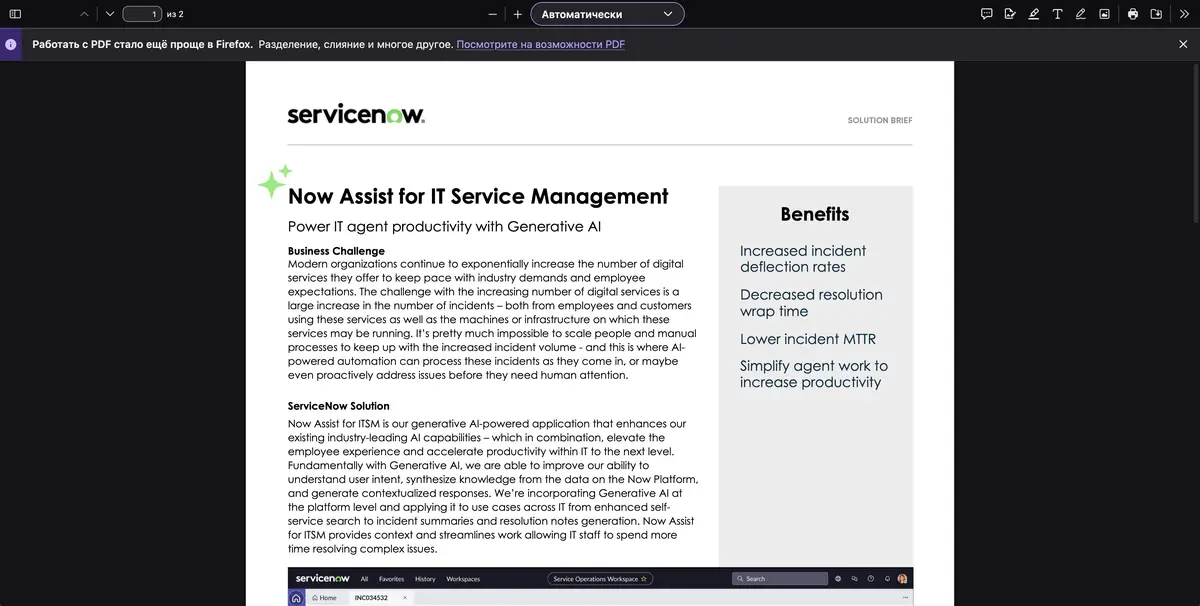
Within a few hours, one application can generate a dozen messages, diagnostic attempts and reassignment records. Now Assist for ITSM offers a summary of the incident and separate opportunities to generalize communication with the applicant and prepare notes on the decision. These actions work in the context of ServiceNow and use the available information of the application. The exact set depends on the version and the skills included.
Summary helps to quickly restore consistency, especially when part of the checks were made by different employees. The history of the application remains a place where you can see what really happened.
Separating the symptom from the eliminated cause
For training check, start an incident with an inaccessible printer. In the first comment, assume a device malfunction, in the next fix the connection recovery after replacing the cable, and leave the cause of the failure unconfirmed. Compare the summary with the chronology. Words about replacing the cable are acceptable, and the final conclusion about the printer itself should be removed.
If the closure involves a check from the applicant, leave this as a separate line. Check if the scheduled call has turned into an already made one.
Role of staff
Administrator determines access to Now Assist skills. Before inclusion in the work queue, check which fields read the skill and where the proposed text gets. The decision note is viewed by an employee who knows the status of the incident. For quality control, it is useful to separately compare the facts, assumptions and steps performed.
Suitable tasks
- Gather a summary for a new shift
- Check the closing note of the incident
Strengths
- Uses ServiceNow record context
- Individual skills for summary and solutions are described
Limitations
- License and skill inclusion required
- Hypotheses in the final text should be checked
Selection and conditions
- Free access
- Not confirmed
- Trial period
- Not confirmed
- No sign-up required
- Not confirmed
- Russian interface
- Not confirmed
- Local installation
- Not confirmed
- API
- Not confirmed
“Not confirmed” means there is not enough information. The feature may still be available; check the developer’s terms.
- Input formats
- Text, Data
- Result
- Text
Terms
The script is checked on a test record ITSM with a suitable role.From task to first result
Practical example
- Task
- Gather a summary for a new shift
- What to prepare
- Allowed set of documents or saved working context with notes about the project.
Task brief or prompt
Find out what decisions on the project are confirmed by available sources. Specify the source of each decision, its date, if known, and unresolved issues. Separate the baseline information from the assumptions.
Expected result
Summary of confirmed decisions with verifiable references or indications to sources.
How to check the result
- Open these documents or context records.
- Make sure that the outdated discussion is not presented as a decision.
An editorial teaching example of a task brief, not the result of hands-on testing of the service. Check that the required mode is available, that you have rights to the source material and that the intended use of the result is permitted.
Check details
Official sources
This description is based on the developer’s material. Features, prices and availability may change; check the primary source before use.