Looking for documents and tasks in the Atlassian workspace, helps to clarify the solution by sources.
Where the team recorded the decision
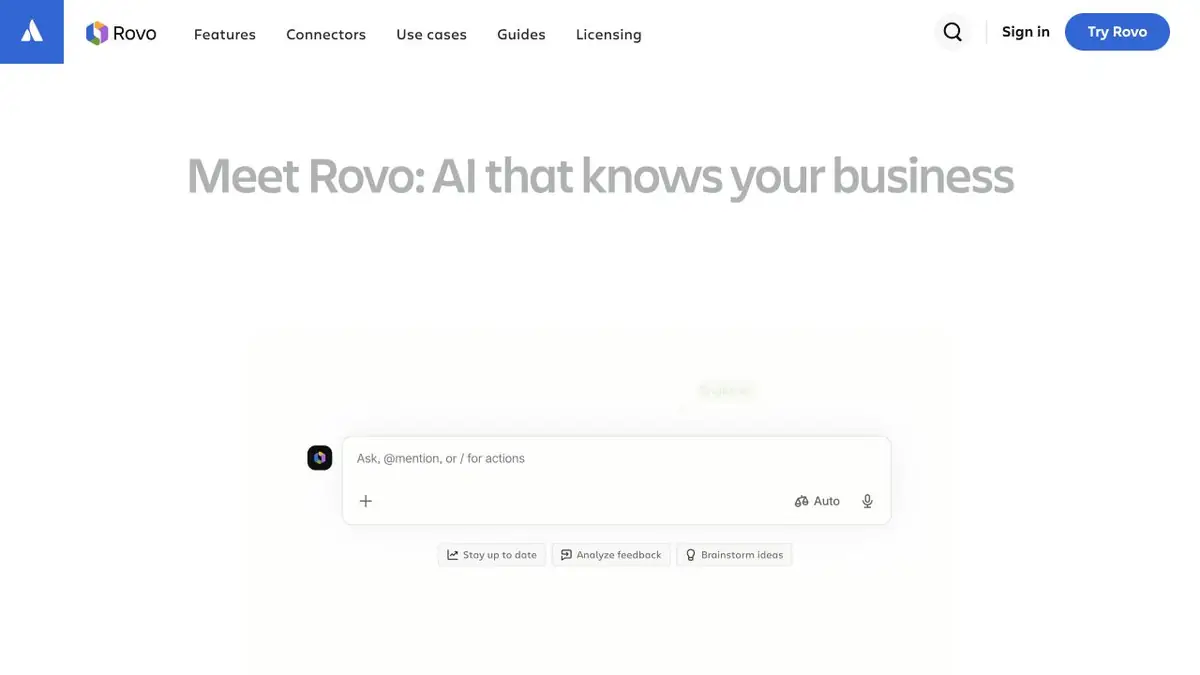
Jira has a "ready" status, but the reason for choosing is visible only in the protocol in Confluence. With Rovo search, you can start with a term, project name, or question. Rovo Chat helps to get an explanation on the information available to the user, and agents set a repeatable way to work with this context. The list of connected systems is determined by the administrator.
This is useful when transferring a project. It is more convenient for a new participant to open several relevant materials than to read a long chain of tasks from the beginning.
Check with the proposed
In the training project, the team first considered two ways of processing applications, and later chose only one. Prepare a draft and a final protocol with similar names. Ask what method is accepted, where it is written and which group of applications the decision applies to.
Open these materials. The comment date may be later than the protocol date, although the comment itself discusses an exception rather than a new rule. If only part of the discussion is available, the useful result shows the limit of the available information. In a personal note, note what material you need to request from the project owner.
Connecting to Atlassian Cloud
Atlassian’s help links the composition of functions and limits with the organization’s products and plans. Check access to Rovo from the administrator, and before connecting a third-party source, specify what data will be available to the team from there. The link to the closed protocol can be left in the personal work list. For a general document, check the rights of the recipients first.
Suitable tasks
- Find a decision on the project
- Gather sources to transfer tasks
Strengths
- Search, chat and agents in one working context
- You can go back to the sources of the answer.
Limitations
- The result depends on the available sources
- Terms of access and limits define the plan
Selection and conditions
- Free access
- Not confirmed
- Trial period
- Not confirmed
- No sign-up required
- Not confirmed
- Russian interface
- Not confirmed
- Local installation
- Not confirmed
- API
- Not confirmed
“Not confirmed” means there is not enough information. The feature may still be available; check the developer’s terms.
- Input formats
- Text, Document
- Result
- Text
Terms
Search and chat can see the user’s content.From task to first result
Practical example
- Task
- Find a decision on the project
- What to prepare
- Allowed set of documents or saved working context with notes about the project.
Task brief or prompt
Find out what decisions on the project are confirmed by available sources. Specify the source of each decision, its date, if known, and unresolved issues. Separate the baseline information from the assumptions.
Expected result
Summary of confirmed decisions with verifiable references or indications to sources.
How to check the result
- Open these documents or context records.
- Make sure that the outdated discussion is not presented as a decision.
An editorial teaching example of a task brief, not the result of hands-on testing of the service. Check that the required mode is available, that you have rights to the source material and that the intended use of the result is permitted.
Check details
Official sources
This description is based on the developer’s material. Features, prices and availability may change; check the primary source before use.