Translates text and files with a choice of style and working terminology in accessible mode.
One phrase in two different materials
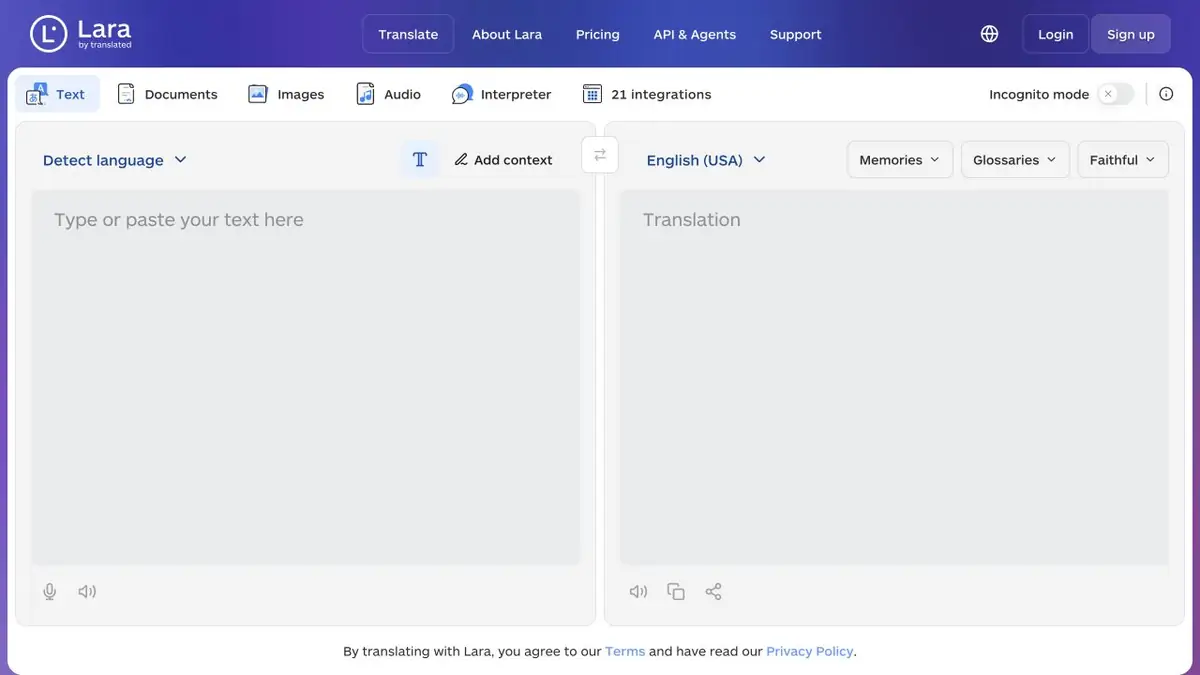
Different versions of the same word may be required to describe the game and instructions to the industrial console. Lara Translate allows you to give context, choose the right style and use working glossaries in supported modes. Translated also provides file translation and integration tools. In the review of documentation, it is useful to immediately check which functions belong to the browser version, and which require an API or other plan.
Start with a context that the translator understands. Specify who will read the text, where it will appear and what words should coincide with other materials.
Compare two translation options
Take a tutorial description of the controller with the terms "lead" and "lead". Add a glossary for the language pair and explain that these words refer to devices. Translate a short section and compare the result with a translation without context. Check that the role of the device has survived and the term has not been imposed where the word is used in another sense.
For the file, pay attention to the titles, lists, tables. It is easier for the editor to check one page before processing the entire manual.
Switching from ModernMT
Translated announced the transition from ModernMT to Lara and describes the transfer of translation memory and glossaries. For integrations, check the migration instruction and the terms of your plan. Save a set of control texts so that after connecting Lara, you can compare the translation of the same terms.
Suitable tasks
- Compare translation with context and without it
- Verify Glossary of Technical Terms
Strengths
- Supports context and glossaries
- There is separate documentation for API and migration
Limitations
- Capabilities depend on mode and plan
- Working terminology is checked by the editor
Selection and conditions
- Free access
- Yes
- Trial period
- Not confirmed
- No sign-up required
- Not confirmed
- Russian interface
- Not confirmed
- Local installation
- Not confirmed
- API
- Yes
“Not confirmed” means there is not enough information. The feature may still be available; check the developer’s terms.
- Input formats
- Text, Document
- Result
- Text, Document
Terms
Select a couple of languages and check if the glossary is available in the mode you are using.From task to first result
Practical example
- Task
- Compare translation with context and without it
- What to prepare
- Your own message and a target language selected in the interface; check names and numbers separately.
Task brief or prompt
Hello! We confirm that we have received your message. We will clarify the completion timeline and contact you once we have checked the details. Thank you for your patience.
Expected result
A translation of the original message into the selected language, with no changed commitments or added promises.
How to check the result
- Check numbers, negations and deadlines.
- For important materials, have a native speaker check specialist terms and tone.
An editorial teaching example of a task brief, not the result of hands-on testing of the service. Check that the required mode is available, that you have rights to the source material and that the intended use of the result is permitted.
Check details
Official sources
- Lara translator in browser
- How Lara Glossaries Work
- Migration ModernMT
- Documentation of Lara API
- Plans of Lara Translate
This description is based on the developer’s material. Features, prices and availability may change; check the primary source before use.