Translates text and supported documents through Azure. There are synchronous and batch modes for documents.
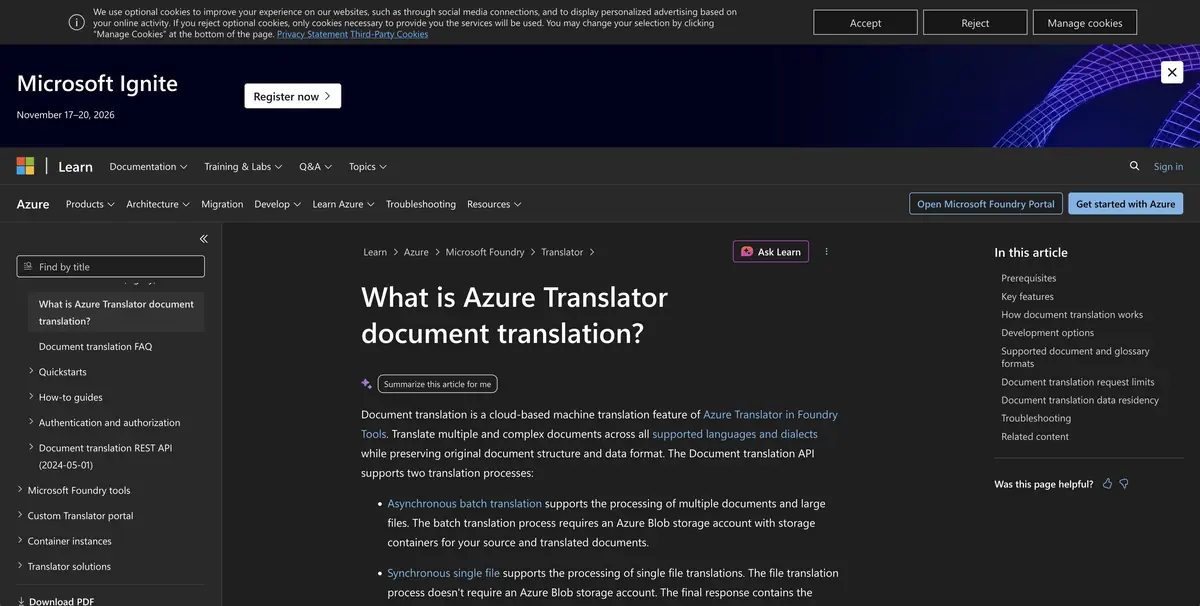
Folder of documents for another language
The team produces the same instruction in several formats. Azure Translator provides an API for text and a separate document translation mode while maintaining the structure of supported formats. Microsoft distinguishes between a synchronous request for an individual document and asynchronous package processing. The package requires source and target storage. Support for formats and languages should be checked before setting up.
Translation of the application interface through a text API and translation of the document with tables require different checks. In this example, the location of partitions and saving the composition of files are important.
Check one version before processing folder
Create a tutorial with a table of details, a product name and a note that applies to only one version. Translate one file and open the result in the source application. Check the headers, row order and parameters in the table. If you use a glossary, check one term with two meanings. A single translation is appropriate only where the term really means the same thing.
When a single check is passed, handle several formats in test containers. Make sure that each file appears in the right place and the original version remains available.
Access, storage and payment
Azure requires permissions for translation and storage. The documentation describes different methods of authorization. When choosing a tariff, consider the type of operation and the size of materials. For updated instructions, write down which source and which version of the glossary were used so that the next processing does not mix the editors.
Suitable tasks
- Translate a set of similar documents
- Check the glossary in technical terms
Strengths
- Documented single and batch modes
- You can configure the terminology
Limitations
- Batch mode requires configuration of storage
- The layout and content of the result should be checked
Selection and conditions
- Free access
- Not confirmed
- Trial period
- Not confirmed
- No sign-up required
- Not confirmed
- Russian interface
- Not confirmed
- Local installation
- Not confirmed
- API
- Yes
“Not confirmed” means there is not enough information. The feature may still be available; check the developer’s terms.
- Input formats
- Text, Document
- Result
- Text, Document
Terms
For a batch task, prepare the Azure resource and authorized storage.From task to first result
Practical example
- Task
- Translate a set of similar documents
- What to prepare
- Your own message and a target language selected in the interface; check names and numbers separately.
Task brief or prompt
Hello! We confirm that we have received your message. We will clarify the completion timeline and contact you once we have checked the details. Thank you for your patience.
Expected result
A translation of the original message into the selected language, with no changed commitments or added promises.
How to check the result
- Check numbers, negations and deadlines.
- For important materials, have a native speaker check specialist terms and tone.
An editorial teaching example of a task brief, not the result of hands-on testing of the service. Check that the required mode is available, that you have rights to the source material and that the intended use of the result is permitted.
Check details
Official sources
This description is based on the developer’s material. Features, prices and availability may change; check the primary source before use.