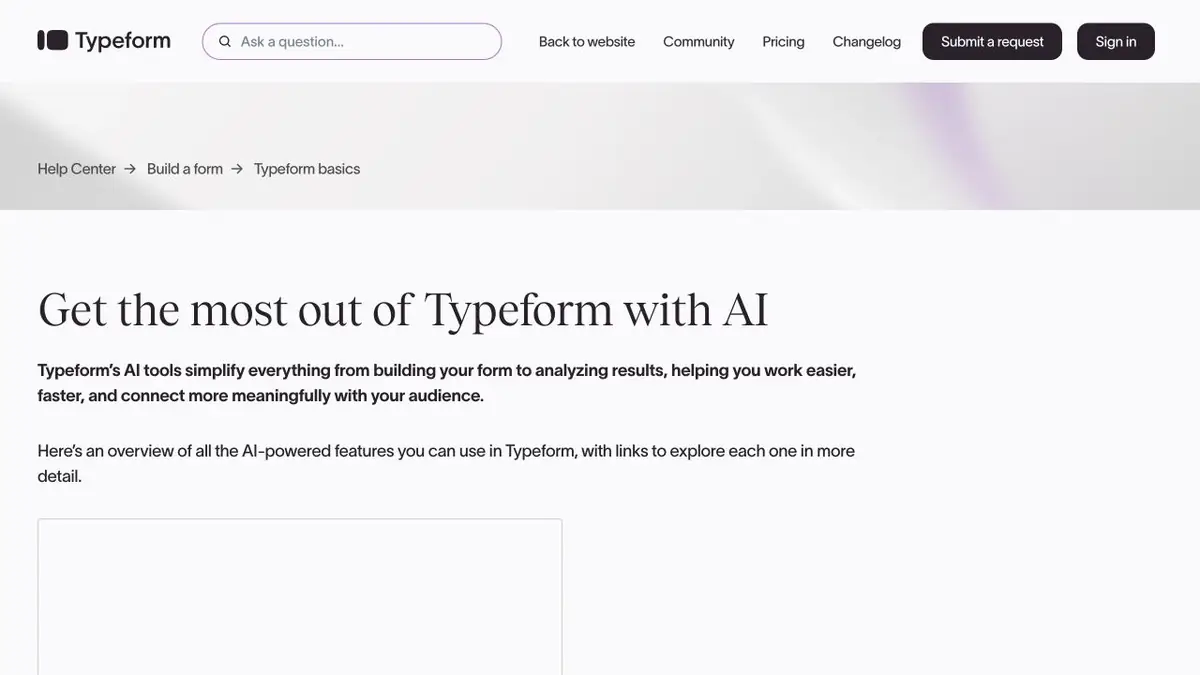
Typeform has the generation of forms and functions for AI to work with responses, including evaluation of applications by criteria.
Translate the conditions into the form criteria
If your team receives product demo requests, decide which answers distinguish an urgent demo booking from general interest or a support request. Draft your questions in Typeform and check whether the form collects the information you need for the next decision. A field for team size cannot tell you how soon someone needs to go live.
A borderline request exposes a weak rule
In this practice example, one person selects an urgent start but leaves the task description blank. Another selects that they are comparing options and explains the process in detail. Set up scoring for supported closed questions and leave comments for staff to review. Compare the scores with staff decisions and add a review path for incomplete submissions. Check whether a support request from an existing customer and a new inquiry with similar answers end up in the same category.
How to prepare the flow to work
Before connecting the action after the form, save several test answers and initial formulations. Check who gets the final category and whether the original can be opened. Change one condition and repeat the run to see if the desired part of the solution changes. At the first stage, use a prompt for an employee if a classification error can send an appeal in the wrong queue. The terms of access to the processing of answers check for the current plan. Do not send data in the text field that is not needed for this qualification.
Suitable tasks
- Share requests for demonstration and support.
- Check the qualification criteria for fictional answers.
Strengths
- Generates the edited form.
- Supports setting criteria for qualifying answers.
Limitations
- The decision depends on the quality of the answers and the formulation of the criteria.
- Response processing functions depend on the plan.
Selection and conditions
- Free access
- Not confirmed
- Trial period
- Not confirmed
- No sign-up required
- Not confirmed
- Russian interface
- Not confirmed
- Local installation
- Not confirmed
- API
- Not confirmed
“Not confirmed” means there is not enough information. The feature may still be available; check the developer’s terms.
- Input formats
- Text, Data
- Result
- Text, Data
Terms
Test the criteria on synthetic answers before connecting the workflow.From task to first result
Practical example
- Task
- Share requests for demonstration and support.
- What to prepare
- Anonymized application table, category directory and test entry without theme.
Task brief or prompt
Set the classification of incoming applications. Save the source text. Use only categories from the directory, and leave the application without a clear theme for verification to the employee.
Expected result
A category or check mark in the test set where the original description can be restored.
How to check the result
- Compare labels with manual markings.
- Re-process one record and check if a take has been created.
An editorial teaching example of a task brief, not the result of hands-on testing of the service. Check that the required mode is available, that you have rights to the source material and that the intended use of the result is permitted.
Check details
Official sources
This description is based on the developer’s material. Features, prices and availability may change; check the primary source before use.