Runs event or schedule action chains in Google Workspace applications.
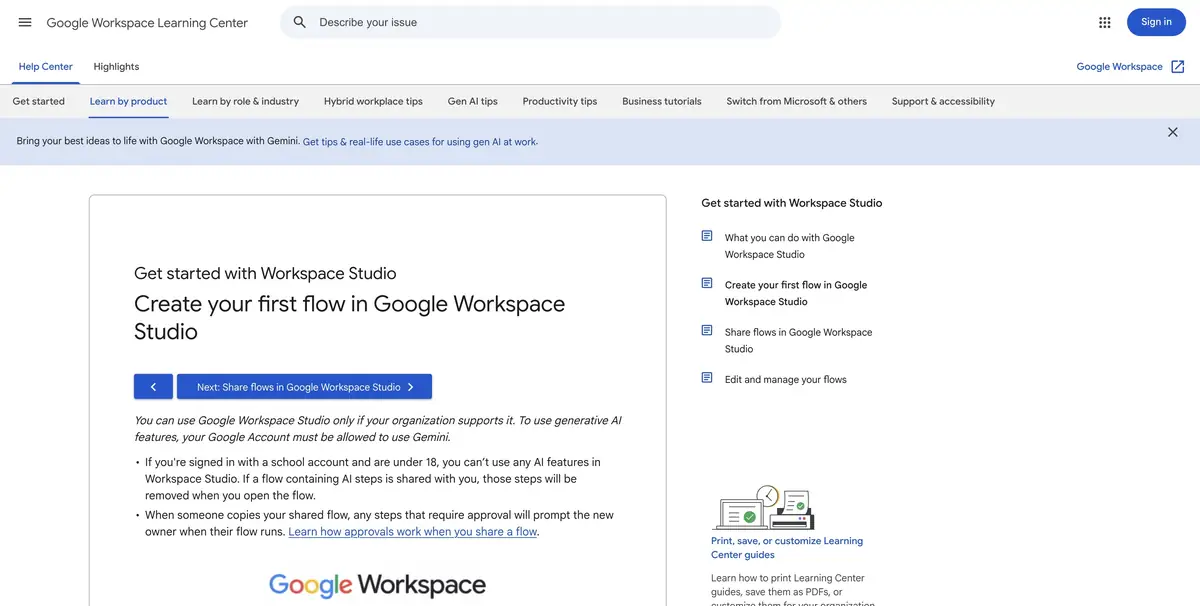
One process for repeated mail
If the letters of one group are regularly analyzed the same way, it is useful to take the conditions into a separate process. Google Workspace Studio links an event or schedule to a sequence of steps. Among the steps are Gemini-based operations. The process can be assembled manually or asked by Studio to offer a draft of the description. The applications and actions available depend on the workspace.
Check every step of the generated process. The name of the action is often shorter than its settings, and an error in choosing a folder or category becomes visible only on a specific letter.
How to check the learning chain
Create a separate postmark for fictional calls to the workshop. Prepare a letter about the repair of the chair and the second with the theme “there is a question”. The launch event should only cover the training group. Ask the AI step to prepare a brief classification and a note about the data shortage. To begin with, direct the result to the selected internal location where it can be removed after a sample.
Then take a letter from a nearby topic. Check that it does not start the chain. If further actions are planned, evaluate and re-process the same record.
What changes when transferring to a colleague
Mail rights and documents of participants in the workspace may vary. Before using the command, check on whose behalf the action is performed and where the information gets. Google describes step testing and start-up viewing. They are convenient to understand at what stage the chain ceased to give the expected result.
Suitable tasks
- Set up a test parse of incoming emails
- Check the process start conditions
Strengths
- Clear separation of event and steps
- Testing available before launch
Limitations
- The set of actions depends on the Workspace settings
- Mistaken selection of recipient requires verification before inclusion
Selection and conditions
- Free access
- Not confirmed
- Trial period
- Not confirmed
- No sign-up required
- Not confirmed
- Russian interface
- Not confirmed
- Local installation
- Not confirmed
- API
- Not confirmed
“Not confirmed” means there is not enough information. The feature may still be available; check the developer’s terms.
- Input formats
- Text, Data
- Result
- Text, Data
Terms
For a sample, configure the workflow on a separate label and test data.From task to first result
Practical example
- Task
- Set up a test parse of incoming emails
- What to prepare
- Anonymized application table, category directory and test entry without theme.
Task brief or prompt
Set the classification of incoming applications. Save the source text. Use only categories from the directory, and leave the application without a clear theme for verification to the employee.
Expected result
A category or check mark in the test set where the original description can be restored.
How to check the result
- Compare labels with manual markings.
- Re-process one record and check if a take has been created.
An editorial teaching example of a task brief, not the result of hands-on testing of the service. Check that the required mode is available, that you have rights to the source material and that the intended use of the result is permitted.
Check details
Official sources
This description is based on the developer’s material. Features, prices and availability may change; check the primary source before use.