It links transcripts and meeting notes with documents, solutions and tasks of the team.
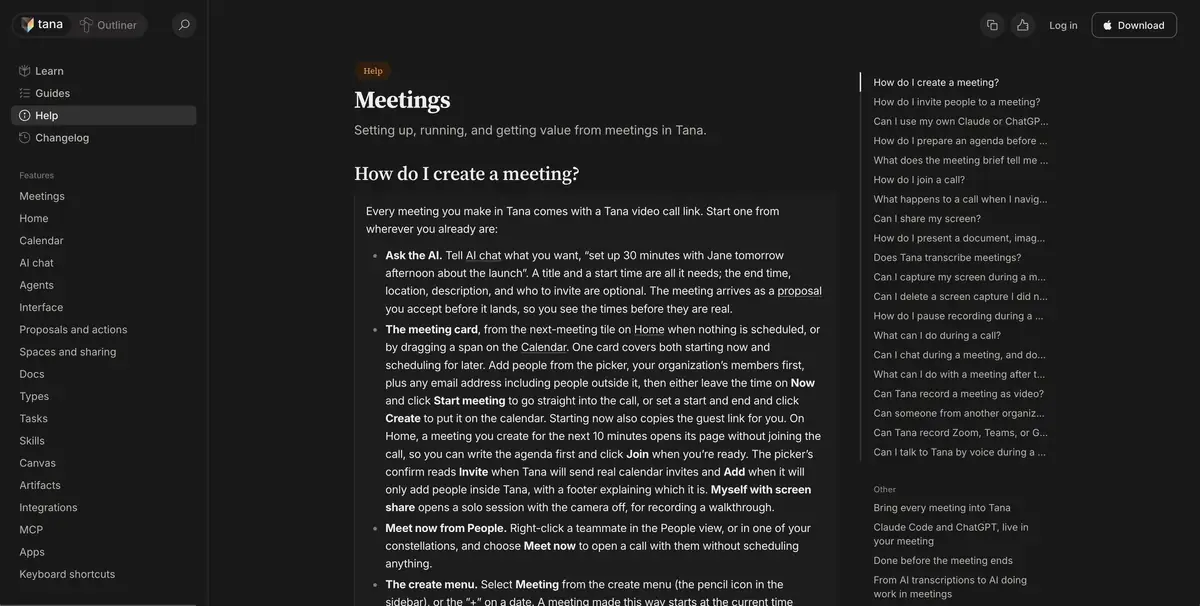
Agenda next to the conversation
Tana helps connect discussion, related documents and tasks. You can attach an existing document to the meeting or prepare a new one so that the team does not have to look for an agenda after the call. In a working environment, Tana AI uses the context of the meeting and offers results, such as notes or tasks. Actions submitted as proposals can be viewed before adoption.
The developer also has Tana Outliner. This is a separate product with a different interface. For this scenario, you need a Tana command environment, which is described by its current help.
Check the proposed tasks
Attach a short agenda about the preparation of the stand to the training meeting. During the conversation, discuss three tasks. For two, clearly appoint participants, leave the third without the performer until the budget is confirmed. After the meeting, compare the proposed tasks with the original conversation. Check that the budget discussion remains an open question.
When the wording is correct, open the sentence in the workspace. Clarify the title, owner and context before confirming the creation of a record. If the task already exists, enter information into it so that the team continues to work in one place.
Preparation of common space
Before calling, make sure that participants are aware of speech processing and have access to the right materials. Tana’s plan affects access to opportunities. For the first experience, one meeting and one final document are enough, which the responsible person will review before the transfer.
Suitable tasks
- Check offers after the meeting
- Add an agenda and link it to the outcome
Strengths
- Documents are available next to the meeting
- Actions can be checked before adoption
Limitations
- Need Tana Command Environment
- Names, orders and rights are checked by the team
Selection and conditions
- Free access
- Not confirmed
- Trial period
- Not confirmed
- No sign-up required
- Not confirmed
- Russian interface
- Not confirmed
- Local installation
- Not confirmed
- API
- Not confirmed
“Not confirmed” means there is not enough information. The feature may still be available; check the developer’s terms.
- Input formats
- Audio, Document, Text
- Result
- Text, Document
Terms
You need access to the meeting record and attached documents in the new Tana.From task to first result
Practical example
- Task
- Check offers after the meeting
- What to prepare
- A recording of an agreed project discussion, checked notes, the current brief and correct client names.
Task brief or prompt
Task: prepare a brief from the selected meeting and attached materials. Separate confirmed goals, constraints, decisions and open questions. Do not assign a deadline or owner without agreement. Preserve a way to check disputed claims against the original conversation.
Expected result
An editable draft of client material based on actual context; choose the document or presentation format in the product.
How to check the result
- Check names, dates and promises against the recording.
- Confirm that the correct client context was used.
- Open the export and correct tables, line breaks and formatting.
- Approve the content and recipients before sharing.
An editorial teaching example of a task brief, not the result of hands-on testing of the service. Check that the required mode is available, that you have rights to the source material and that the intended use of the result is permitted.
Check details
Official sources
This description is based on the developer’s material. Features, prices and availability may change; check the primary source before use.