Uses transcripts and uploaded recordings to summarize meetings, identify decisions and draft recaps.
Prepare results from the finished text
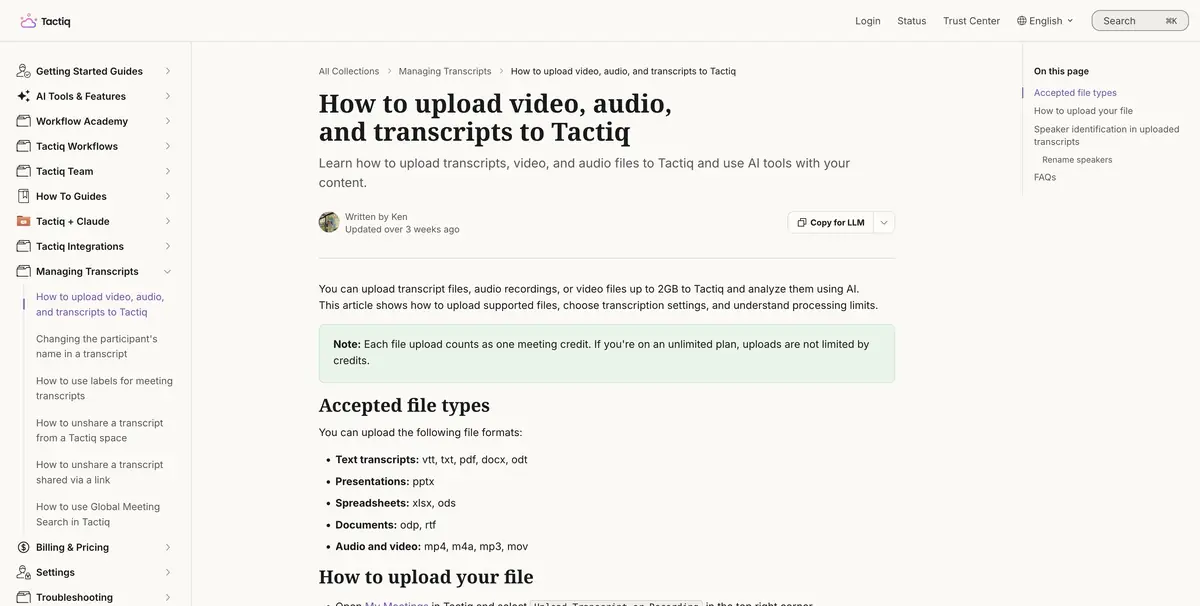
If the meeting transcript is already saved, you can upload it to Tactiq and ask for solutions, next steps, or the basis of the letter. The help describes the import of text, sound and video with restrictions on format and size. For a training sample, a small text is more convenient, in which it is easy to check each line. Tactiq also works with supported video meetings.
Ask for solutions separately from assumptions. This helps to keep the discussions going, where participants have considered several options and put off choosing.
Example with a short protocol
Take a fictional transcript of the supply discussion. Indicate that the engineers have agreed to check the completeness, but the supplier has not yet named a date. Ask Tactiq to bring the list of actions and questions to the next call. The list should remain full. Write down the delivery date as an open question if it is not in the replicas.
Verify the spelling of names, numbers and pairs "action and responsible". If the text is composed of automatic subtitles, sometimes two speakers fall into one replica. Return to the original entry if it is available and available to participants.
Accounting for transactions
Tactiq documents AI credits separately from transcript uploads. Check which actions use credits and what limits apply to your plan. Before sharing the recap, remove private details and restrict links to people who are allowed to open the source materials.
Suitable tasks
- Find decisions in a meeting transcript
- Prepare questions for the next meeting
Strengths
- You can start with a ready-made transcript
- There are separate operations of analysis of the meeting text
Limitations
- Functions and credits depend on the plan
- Recognised names and deadlines require verification
Selection and conditions
- Free access
- Yes
- Trial period
- Not confirmed
- No sign-up required
- Not confirmed
- Russian interface
- Not confirmed
- Local installation
- Not confirmed
- API
- Not confirmed
“Not confirmed” means there is not enough information. The feature may still be available; check the developer’s terms.
- Input formats
- Audio, Video, Text
- Result
- Text
Terms
A short, agreed-upon transcript is suitable for verification. Consider the credits.From task to first result
Practical example
- Task
- Find decisions in a meeting transcript
- What to prepare
- A recording of an agreed project discussion, checked notes, the current brief and correct client names.
Task brief or prompt
Task: prepare a brief from the selected meeting and attached materials. Separate confirmed goals, constraints, decisions and open questions. Do not assign a deadline or owner without agreement. Preserve a way to check disputed claims against the original conversation.
Expected result
An editable draft of client material based on actual context; choose the document or presentation format in the product.
How to check the result
- Check names, dates and promises against the recording.
- Confirm that the correct client context was used.
- Open the export and correct tables, line breaks and formatting.
- Approve the content and recipients before sharing.
An editorial teaching example of a task brief, not the result of hands-on testing of the service. Check that the required mode is available, that you have rights to the source material and that the intended use of the result is permitted.
Check details
Official sources
This description is based on the developer’s material. Features, prices and availability may change; check the primary source before use.