The engine runs a model on configured hardware and serves requests from multiple clients. The server implements a subset of OpenAI API interfaces.
First one route
Imagine a service that processes queued requests once an hour. For a prototype, start with one supported model and the endpoint your application uses. vLLM starts an HTTP server, so you can test the model with your existing test client. Send a short request and record the expected response shape. If the client needs function calling, verify it explicitly. A plain text response does not establish that tool calls work.
Why one quick answer says little
The load in the queue comes unevenly. Submit a few short requests along with one long and compare the time before the response starts and the full processing time. Record the size of entrances and exits. So you can see whether the expectation is related to reading a large context or to the generation itself. If the settings are taken from the model files, check this to avoid taking the change of parameters as a difference of engines.
Deployment constraints
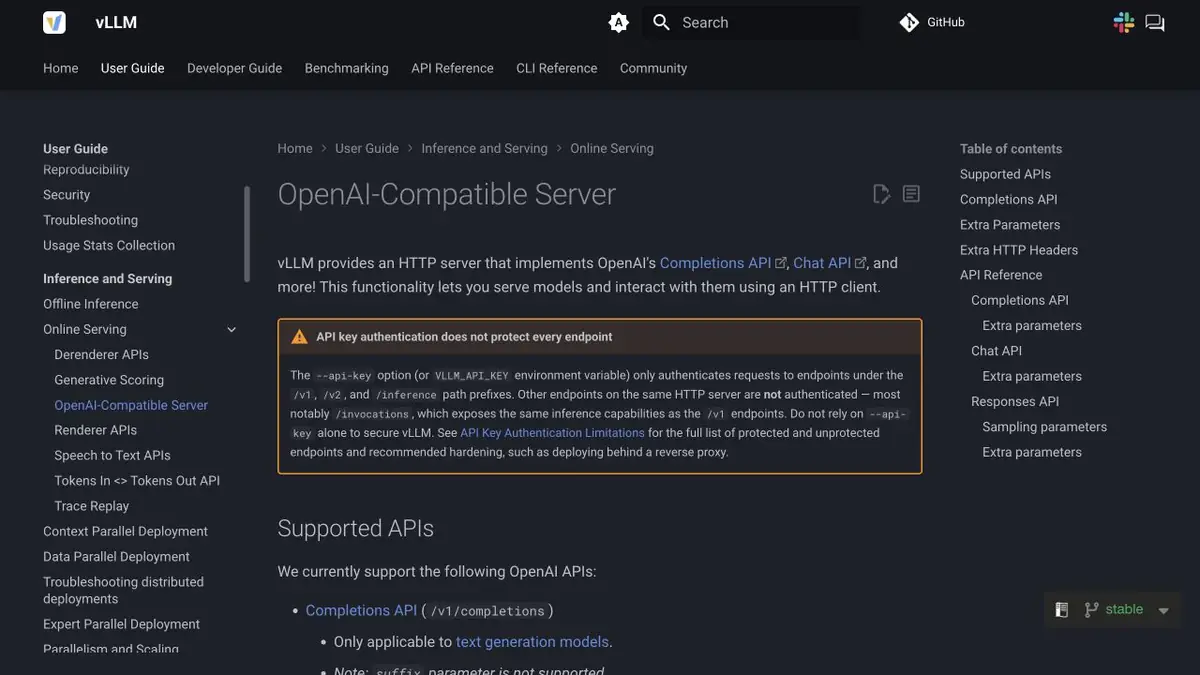
Check the model and weight format against the vLLM documentation, then test an input that exceeds the context limit. Keep the test server private. The documentation explains where the built-in access key applies. Set up network protection and access rules before using real data, even if the application can already send requests and read streamed responses. Also verify that restarting returns the server to its expected initial state.
Suitable tasks
- Connect an existing client to your model
- Measure delay with multiple simultaneous requests
Strengths
- Supports batch processing of incoming requests
- There is server documentation and model compatibility
Limitations
- API compatibility depends on the endpoint and the model
- Deployment requires monitoring memory and controlling network access
Selection and conditions
- Free access
- Yes
- Trial period
- Not confirmed
- No sign-up required
- Not confirmed
- Russian interface
- Not confirmed
- Local installation
- Yes
- API
- Yes
“Not confirmed” means there is not enough information. The feature may still be available; check the developer’s terms.
- Input formats
- Text, Code
- Result
- Text, Data
Terms
The open-source engine has no subscription of its own. Consider the model license and compute costs separately. API compatibility depends on the endpoint and the model.From task to first result
Practical example
- Task
- Connect an existing client to your model
- What to prepare
- Supported model, test server and a small set of short and long requests.
Task brief or prompt
Run the model on a test server. Compare responses and wait times for a single query and for a group of simultaneous calls.
Expected result
Table of delays, errors and startup settings with saved inputs.
How to check the result
- Check the generation settings and the version of the weights before comparing.
- Check the long request and repeat after the error without access from the open network.
An editorial teaching example of a task brief, not the result of hands-on testing of the service. Check that the required mode is available, that you have rights to the source material and that the intended use of the result is permitted.
Check details
Official sources
This description is based on the developer’s material. Features, prices and availability may change; check the primary source before use.