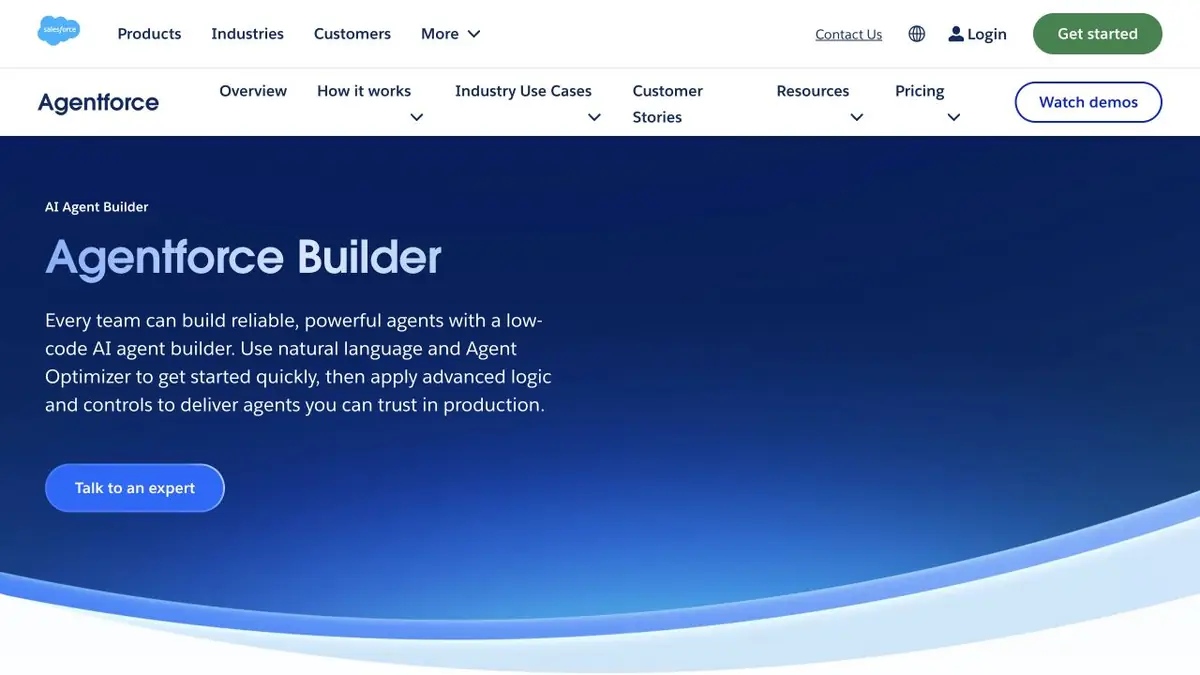
Allows you to configure a Salesforce agent with sources, instructions, and CRM actions.
Responses to published instructions
Support stores the order of replacement of parts in the knowledge base Salesforce. When the client asks about a faulty kit, the agent needs to find an article for the desired category, clarify the condition and give a clear answer. Agentforce allows you to ask the agent for tasks, instructions and a set of permissible actions. For a support agent, Salesforce describes connecting a knowledge base as a source of information.
Separate information and operations. The agent can explain the procedure by article, and changing the record in CRM requires separate permission and verification.
Testing the boundary of authority
Make two training calls. In the first question concerns the standard replacement, in the second the buyer simultaneously asks to change the address in the already sent order. Give the agent only an approved article and access to test data. Check what rule he applies, what clarifications he sets and when he sends the request to the employee. The normal response does not require the right to change the order.
Useful check with the old edition of the article. If it is still available in the test database, specify how to choose an active source before opening the agent to customers.
How to choose access
Agentforce runs in Salesforce. Billing depends on where the agent runs and which operations it can perform. Consult the current Salesforce pricing table for your configuration. If you add new actions, test again using the agent's permissions and confirm that complex requests are routed to a person.
Suitable tasks
- Check the agent's response to the support article
- Limit Agent Actions in CRM
Strengths
- You can separate instructions and actions
- Salesforce documents knowledge connection
Limitations
- You need to set up rights in Salesforce
- Payment depends on the scenario and scope of actions
Selection and conditions
- Free access
- Not confirmed
- Trial period
- Not confirmed
- No sign-up required
- Not confirmed
- Russian interface
- Not confirmed
- Local installation
- Not confirmed
- API
- Not confirmed
“Not confirmed” means there is not enough information. The feature may still be available; check the developer’s terms.
- Input formats
- Text, Document
- Result
- Text
Terms
Check permissions and sources in the test organization before clients apply.From task to first result
Practical example
- Task
- Check the agent's response to the support article
- What to prepare
- Authorized test article about the return of the order. The text indicates the deadline for ordinary purchases and a separate exception.
Task brief or prompt
Prepare a reference answer for your regular purchase. Then, in a test conversation, describe the case that is not in the reference and check the transmission of the request to the person.
Expected result
A draft answer from the instruction and an understandable continuation for the treatment that the employee requires.
How to check the result
- Find the rule and exception in the article.
- Make sure that the answer does not promise to return funds or change the order without authority.
An editorial teaching example of a task brief, not the result of hands-on testing of the service. Check that the required mode is available, that you have rights to the source material and that the intended use of the result is permitted.
Check details
Official sources
This description is based on the developer’s material. Features, prices and availability may change; check the primary source before use.