

Copilot helps to discuss tasks and prepare materials in the Microsoft ecosystem. User chat and features in Microsoft 365 have different access conditions.
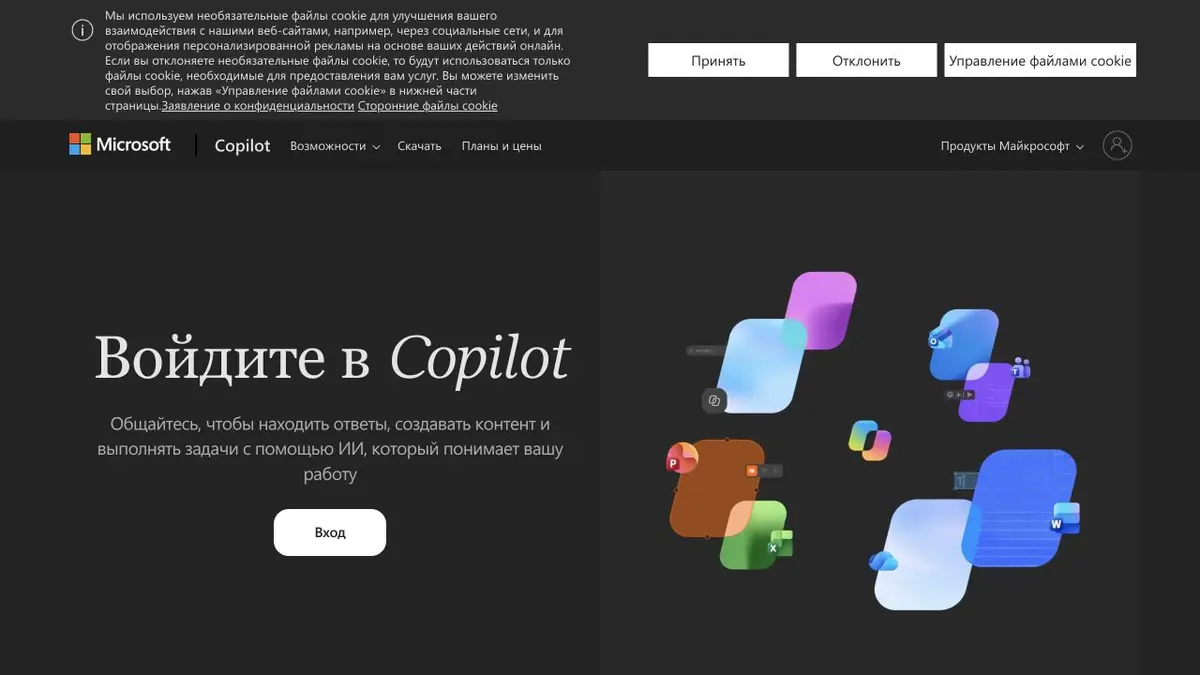
Copilot Chat and Microsoft 365 Apps
Microsoft Copilot is Microsoft’s AI assistant for questions, drafts and work with material. There is a standalone Copilot chat as well as features within Microsoft 365. Before choosing, decide whether you need a chat or particular work in Word, Excel, PowerPoint and Outlook.
What you can do with work materials
Microsoft 365’s official description shows drafting from notes, data analysis, presentation creation and email summaries. These tools help when source material is already part of the user’s workflow. Access depends on the subscription, app, account type and current feature rollout.
Tell Copilot what deliverable you need and which files it may use. For a commercial proposal, provide approved specifications and prohibit new promises. For a spreadsheet task, identify columns and request an explanation of the calculation before using its conclusion in a report.
A short presentation: from notes to review
Begin with a plan for a few slides: problem, data, solution and next step. Provide only necessary notes and ask to distinguish confirmed numbers from wording still open for discussion. After structuring the presentation, check chart labels and consistency with the source document.
Automatic design produces a draft faster, but the substantive work remains: remove repetition, reduce small text and choose a clear visual focus. Before presenting externally, review the entire presentation yourself, including hidden notes and the sources of numbers.
Account, limits and access to files
Do not confuse Microsoft Copilot with GitHub Copilot: they are separate products for different uses. A paid subscription does not remove every limit, and personal-account features may differ from corporate ones. Before connecting work data, check administrator policies and file-access permissions.
Suitable tasks
- Drafts of documents
- Preparation of presentations
- Explanation of tables
- Summaries of conversations and materials
Strengths
- Integration with Microsoft 365 applications
- Working with familiar document formats
- Official support and instructions
Limitations
- Access varies by subscription and account type
- Calculations and conclusions should be checked
- Not to be confused with GitHub Copilot
Check details
Official sources
This description is based on the developer’s material. Features, prices and availability may change; check the primary source before use.


