

OpenAI’s general-purpose AI assistant for questions, content creation and data tasks. Tools and usage allowances depend on the plan and account settings.
What ChatGPT can do
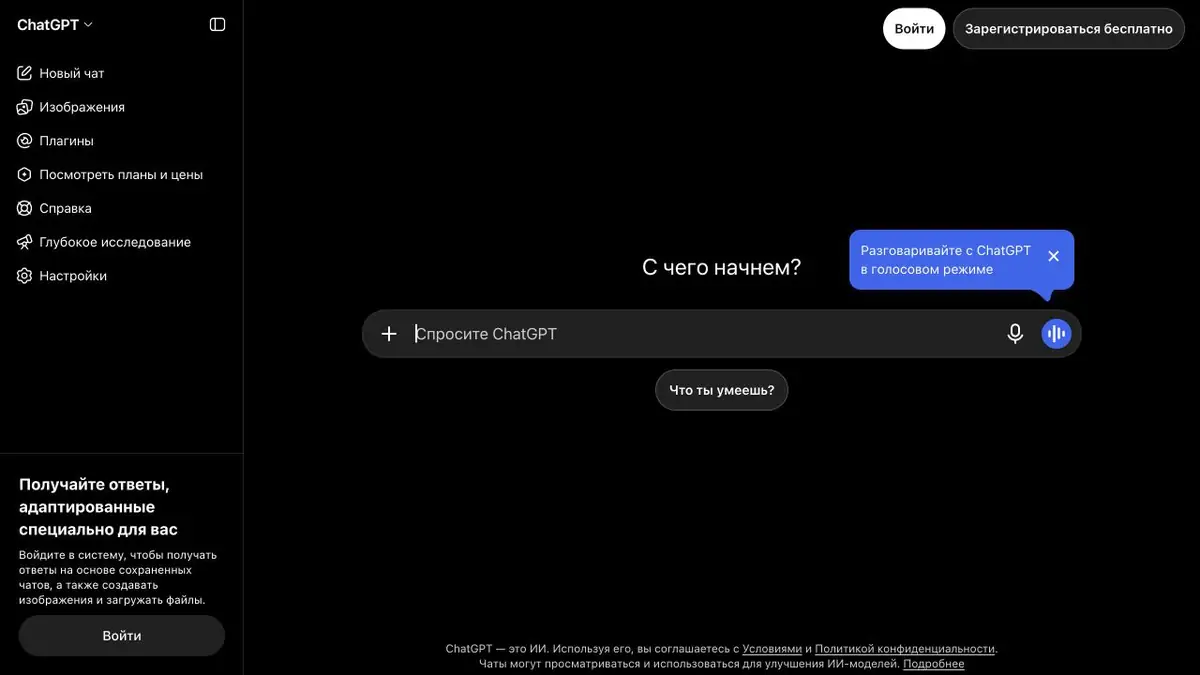
ChatGPT combines an AI conversation with tools for specific tasks. In a single conversation, you can develop an idea, analyse an uploaded document, request a web search and prepare a draft. OpenAI provides Codex for technical work, while ChatGPT Work is designed to create and edit work materials.
Immediately indicate what you want to get: an explanation of the topic, a table, a presentation structure or a code change. Pass the source data and specify how you will check the result.
Text and research
The assistant suits editorial tasks: shortening a letter, restructuring an article, comparing arguments or finding a weak point in a plan. Providing facts and the intended audience is better than asking it to write “something expert”.
Search and research features help when current information matters. Open answer links: a source may support only part of the conclusion, and a price or service condition may have changed since publication.
Files and work tasks
Documents and spreadsheets let you discuss your own material instead of describing it manually. For example, ask for differences between two text versions or an explanation of report columns. File-analysis and creation tools depend on the plan and current limits.
Start with a small, clear task and check its result against the source data. For a longer project, define in advance which decisions the assistant may propose independently and which it must leave to a person.
An example of a clear task brief
Suppose you have notes for a product page. Provide them with constraints: add no new specifications, preserve numbers and organise the text into a description, use cases and answers to questions. Ask for a separate list of gaps in the source information. This produces a verifiable draft, not convincing fiction.
After the first version, you do not need to rewrite the entire prompt. You can refine one paragraph, change the tone or ask which claims are supported by the uploaded material. For the final text, compare the specifications with the original and remove unsupported promises. This is especially important for commercial pages, where even a small inaccuracy changes the meaning.
What to Consider Before Starting
ChatGPT can make mistakes in facts, calculations and file interpretation. Review is especially important when the result affects money, access permissions or public promises.
A consumer subscription and API usage are separate access methods. OpenAI describes regional availability, payment methods, limits and data-handling rules; check those for your account.
Creating and editing images
In ChatGPT, you can generate images from a text description and edit uploaded pictures. For example, you might prepare an illustration for a post, change one detail or create a transparent background. Check the mode’s terms and limits in the official help pages: an image needs the same careful review as a text answer.
Suitable tasks
- Editing and structuring texts
- Analysis of documents and tables
- Finding information and checking sources
- Help with coding and learning
- Creating and editing images from descriptions
Strengths
- A wide range of tasks in one interface
- Work with uploaded materials
- Official apps and comprehensive documentation
Limitations
- Factual errors are possible
- Limits and tools vary by plan
- Availability depends on country and account
Check details
Official sources
This description is based on the developer’s material. Features, prices and availability may change; check the primary source before use.


