

Gemini is Google’s AI assistant for dialogue and working with different types of data. It combines text tasks, research and creative tools available within a specific account.
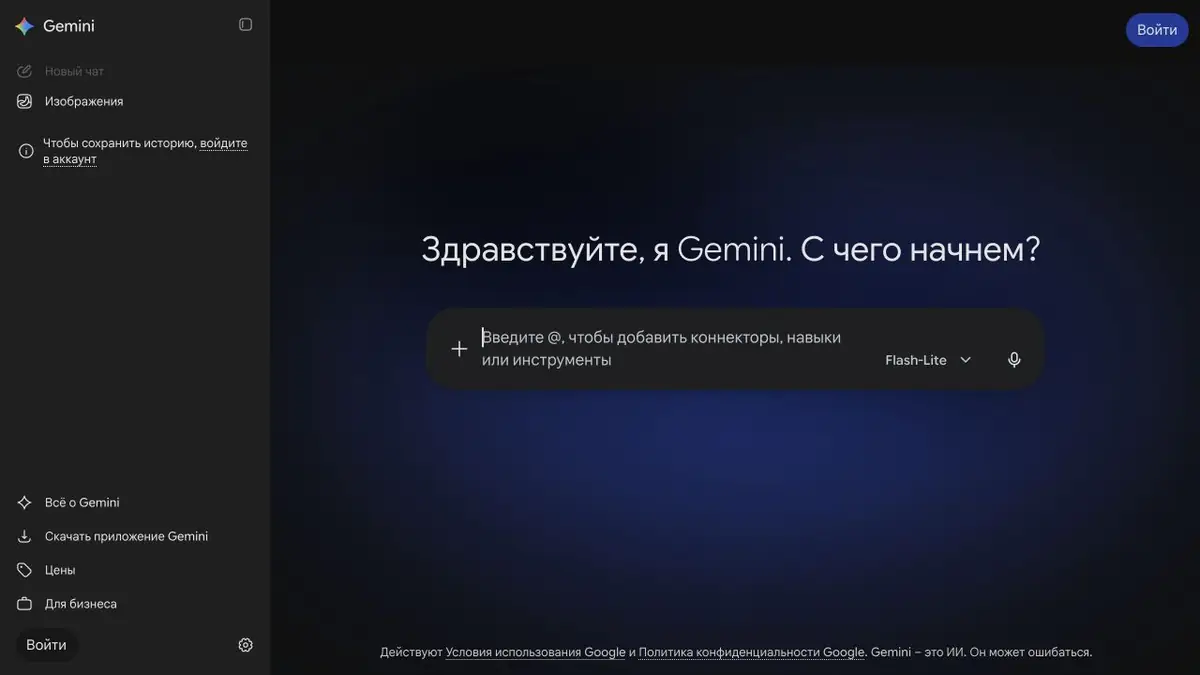
The Gemini app and model family
The name Gemini refers to both the Google model family and the application for users. This card is about the application: you can ask questions, discuss files, look for ideas and work with materials through it. There is a separate Gemini API for embedding models into your own product.
Distinguish access methods from the outset. App subscriptions, developer quotas and enterprise-account features may differ. A capability in model documentation is not necessarily available in your interface.
Research and working with source materials
Gemini has tools for researching topics, drafting text and processing uploaded material. For a study or work task, it can help to request a plan and a list of missing information before moving on to a coherent result.
If freshness matters, check the sources used and the dates of the documents themselves. An assistant can combine explanations but may omit a caveat or move a number into the wrong context.
Images, voice and related products
Multimodality means working with more than written text. The official Gemini range includes voice interaction and image-creation tools; features depend on region, plan and device.
Nano Banana and Veo have separate directory entries: they are specialised image and video model names. Do not assume that every similarly named website is an official Google product. Follow links provided by the developer.
How to get started without unnecessary complexity
For a first attempt, choose a task with a clear way to check the result: explaining a table, suggesting a note’s structure or reviewing your draft. Specify the response format and what must not be changed.
Google has free access and subscriptions with advanced features. Before connecting working data, check account settings and terms of use: personal and corporate modes may imply different information processing.
Suitable tasks
- Text outlines and drafts
- Analyzing files and learning materials
- Research across multiple sources
- Discussing ideas by voice
Strengths
- Multimodal interface
- Connection to Google products
- Separate platform and documentation for API
Limitations
- Functions vary by country and plan
- Facts and references need to be verified
- An app subscription is separate from API quotas
Check details
Official sources
This description is based on the developer’s material. Features, prices and availability may change; check the primary source before use.


