The teacher uploads materials or enters a topic, selects the assessment settings and edits the result in Wayground.
Prepare one material for verification
If the test is devoted to one rule, download the corresponding section, not a collection for the whole semester. In the source, it is desirable to clearly separate the definition, example and exceptions. In the Wayground editor, select Assessment or Quiz, then specify a document, text, or other supported source. When generating from a file, consider the volume of text and the quality of recognition. When generating from the page, make sure that the material is available without logging in.
In the mode with reading material during the answer, select tasks for which the student really should turn to the original passage. Simple questions to learn the term is better to take separately.
Checking the key on a training example
Take a fictional summary of uniform motion with two examples and a table of units. First, look at which units appeared in the draft, and then recalculate the tasks yourself. If the system has added an incorrect translation of minutes into seconds, change the question and key before publishing. Check the response options in case two of them differ only in the form of a record of the same value.
How to give a task to the class
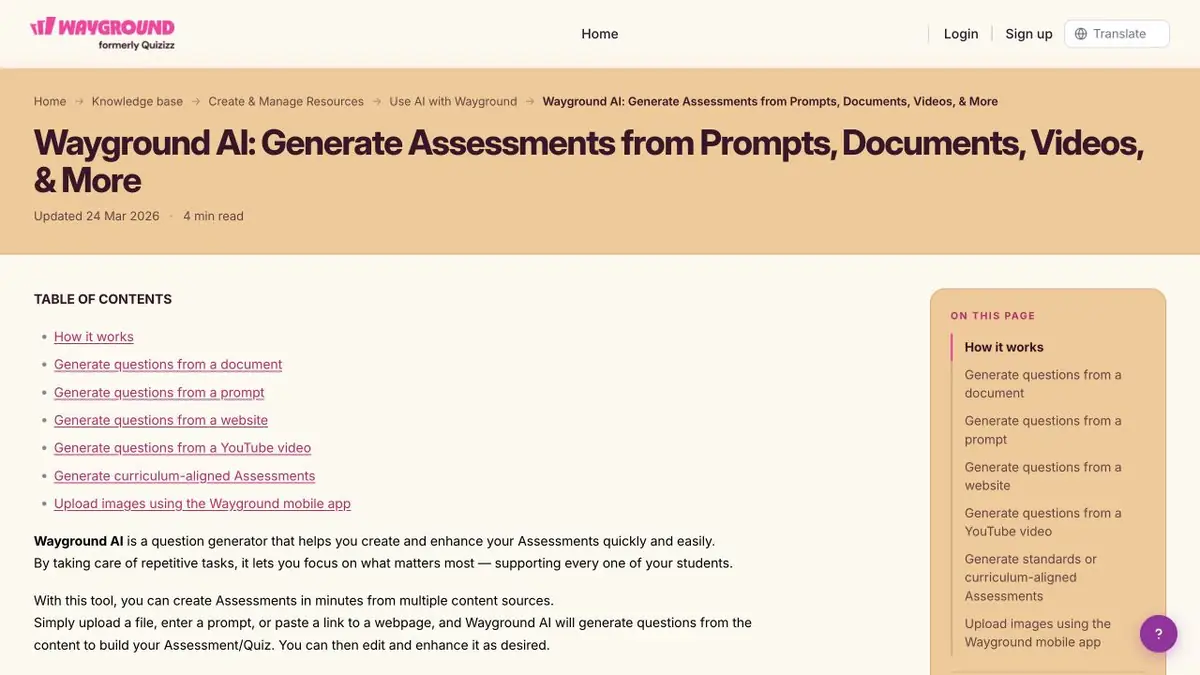
In the editor, you can change the wording, types of questions and media. Check the visibility of the task and the settings of the selected mode before assigning it to the class. For a more accurate diagnosis, leave a short question with an explanation. The correct answer is sometimes difficult to understand whether the student applied the rule or guessed.
Suitable tasks
- Prepare questions for one section of the textbook.
- Collect a task to understand the passage.
Strengths
- Select language, class and number of questions when generating.
- The draft can be fully edited before being issued.
Limitations
- The generator may be mistaken in wording and keys.
- A long document may be partially processed.
Selection and conditions
- Free access
- Not confirmed
- Trial period
- Not confirmed
- No sign-up required
- Not confirmed
- Russian interface
- Not confirmed
- Local installation
- Not confirmed
- API
- Not confirmed
“Not confirmed” means there is not enough information. The feature may still be available; check the developer’s terms.
- Input formats
- Text, Document
- Result
- Text
Terms
Check the rights to the training material and check the key in the editor.From task to first result
Practical example
- Task
- Prepare questions for one section of the textbook.
- What to prepare
- Own summary of two pages with definitions and one disassembled example.
Task brief or prompt
Prepare a test for definitions and their application. Check the answers with the summary. If the rule depends on the condition, move this condition to the question.
Expected result
Questions with the key to self-repetition.
How to check the result
- Answer without prompts, then open the key.
- Verify the wording and the key to the original summary.
An editorial teaching example of a task brief, not the result of hands-on testing of the service. Check that the required mode is available, that you have rights to the source material and that the intended use of the result is permitted.
Check details
Official sources
This description is based on the developer’s material. Features, prices and availability may change; check the primary source before use.