Kahoot Generator! creates a draft of the game by source and selected format. The leader can check and change the questions.
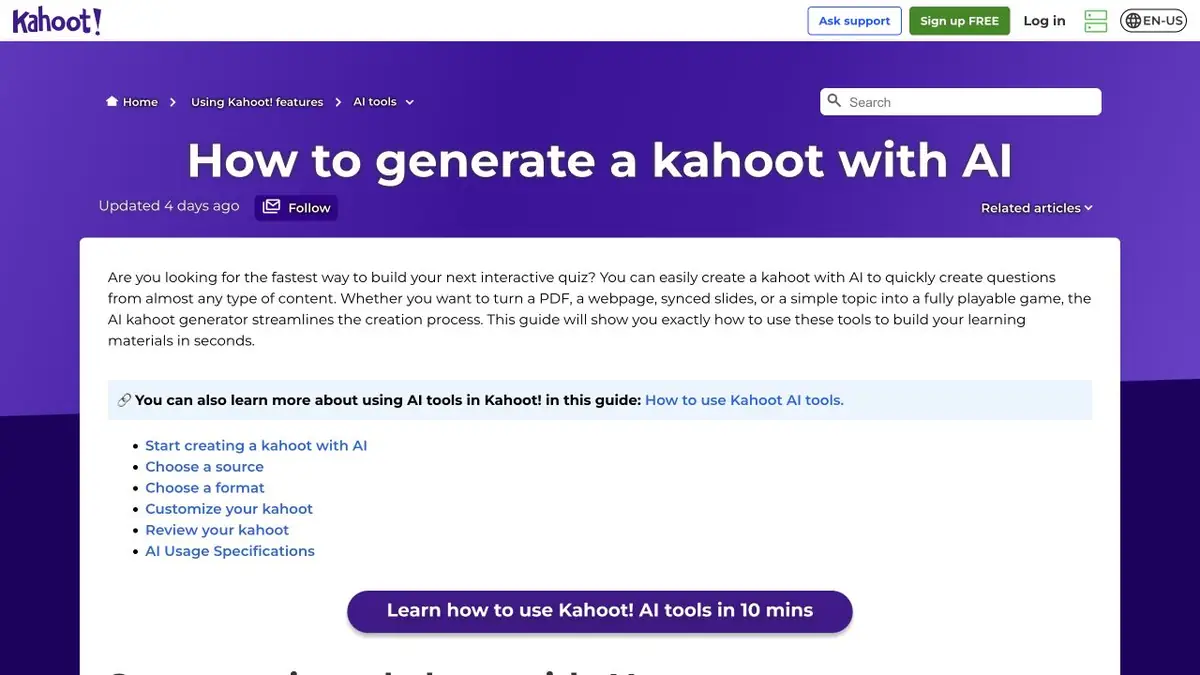
Format sets the rhythm of the game
When you need to refresh the terms before class, a short quiz is suitable. If the audience is not yet familiar with the topic, explanations are also needed. In the Kahoot generator! The source and format are selected separately. You can start with the text of the topic or take the allowed document, then choose the appropriate type of lesson from those available in the account. The format affects the ratio of questions and slides. After generating, check if this order supports your goal.
Questions about the training manual
For a fictional instrument inspection course, take a short instruction where two similar modes differ in purpose. Ask for a draft of the game on the memo and open all questions. If the model used an unconfirmed mode name, correct it. Go through the quiz, specifically choosing the wrong option, and see if you can understand the error by explanation. For long sentences, allow time to read. Divide the question into two if you lose meaning on a small screen.
Rehearsal with the participant's device
Check how the game looks from the side of the host and participant. If you first need to read the table or diagram, put it on a separate slide. It is useful to give one colleague to pass the draft without further explanation. His questions will show where the instructions are not clear enough. After the test, check the publication settings and rights to the material. Keep the source and version of the verified key.
Suitable tasks
- Make a short game on the training memo.
- Prepare a lesson with explanations and verification of knowledge.
Strengths
- Offers different structures of interactive classes.
- Questions can be completed one at a time in the editor.
Limitations
- Formats depend on subscription and account type.
- The generator may be wrong in the key or wording.
Selection and conditions
- Free access
- Not confirmed
- Trial period
- Not confirmed
- No sign-up required
- Not confirmed
- Russian interface
- Not confirmed
- Local installation
- Not confirmed
- API
- Not confirmed
“Not confirmed” means there is not enough information. The feature may still be available; check the developer’s terms.
- Input formats
- Text, Document
- Result
- Text
Terms
Read the questions and conduct one trial run by the participant.From task to first result
Practical example
- Task
- Make a short game on the training memo.
- What to prepare
- Own summary of two pages with definitions and one disassembled example.
Task brief or prompt
Prepare a test for definitions and their application. Check the answers with the summary. If the rule depends on the condition, move this condition to the question.
Expected result
Questions with the key to self-repetition.
How to check the result
- Answer without prompts, then open the key.
- Verify the wording and the key to the original summary.
An editorial teaching example of a task brief, not the result of hands-on testing of the service. Check that the required mode is available, that you have rights to the source material and that the intended use of the result is permitted.
Check details
Official sources
This description is based on the developer’s material. Features, prices and availability may change; check the primary source before use.