Creates notes, cards and questions from the materials of the selected course.
A short check on one note
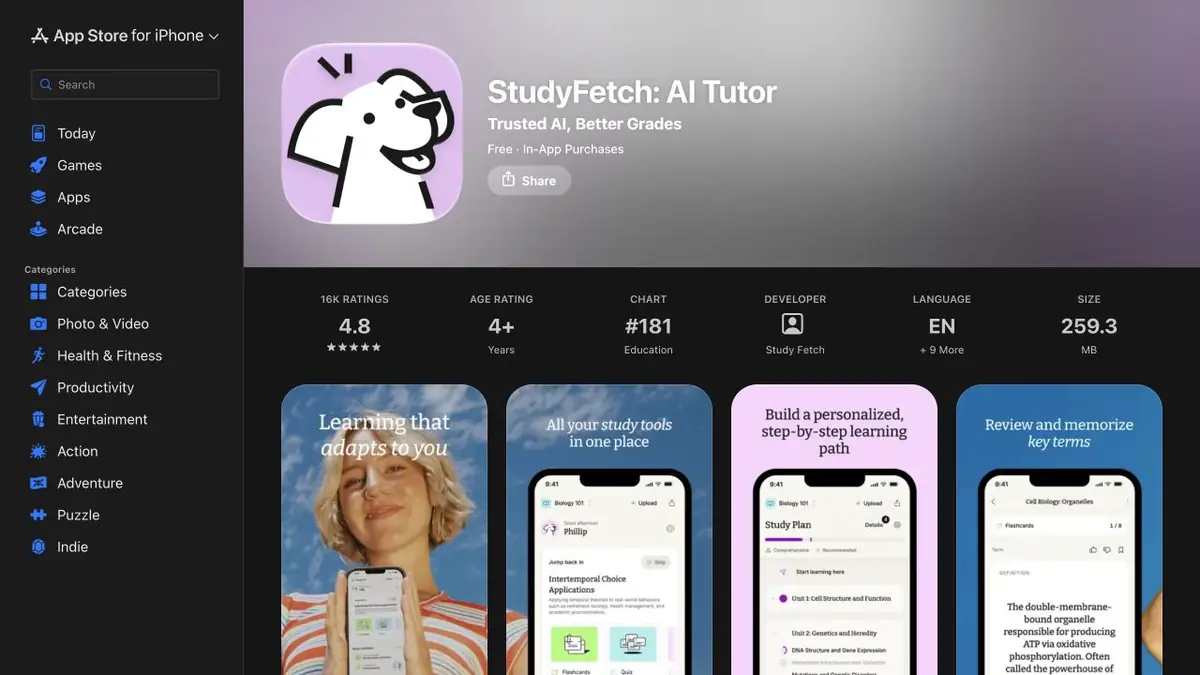
After a lecture, try recalling the main ideas without hints. StudyFetch can generate notes, flashcards and questions from uploaded materials. The developer describes study sets and the Sparky tutor. Start with one course and one source. If a set contains several chapters, it may place definitions from different topics next to each other.
For the first sample, take your own summary with clear headings. Separately note examples and cases where the rule has an exception.
Check the key before repeating
Take two pages on food chains for a tutorial example. Ask to prepare questions about the roles of organisms and about one specific example from the summary. Answer without prompts, then check each item on the source. If the key requires information that is not in the text, change the card or remove it from the training set.
It is useful to distinguish the recognition of the answer from the understanding. After the card, ask to explain the same principle in the second example and check it yourself. In an error record, keep the fix next to the question so as not to repeat the wrong option.
Access to material and restrictions
Before uploading, check whether the notes may be shared with the service. StudyFetch offers several study modes, and access can depend on your account. Use your course requirements as the reference for exam preparation. Treat generated questions as a way to check your understanding of a particular topic.
Suitable tasks
- Prepare questions from your own resume
- Check the training cards by source
Strengths
- There are cards and tests from training materials
- Convenient to work within one course
Limitations
- Answer keys need to be checked.
- Terms of access depend on the account
Selection and conditions
- Free access
- Not confirmed
- Trial period
- Not confirmed
- No sign-up required
- Not confirmed
- Russian interface
- Not confirmed
- Local installation
- Not confirmed
- API
- Not confirmed
“Not confirmed” means there is not enough information. The feature may still be available; check the developer’s terms.
- Input formats
- Text, Document
- Result
- Text
Terms
Upload one chapter and check the questions and answer key against the source.From task to first result
Practical example
- Task
- Prepare questions from your own resume
- What to prepare
- Own summary of two pages with definitions and one disassembled example.
Task brief or prompt
Prepare a test for definitions and their application. Check the answers with the summary. If the rule depends on the condition, move this condition to the question.
Expected result
Questions with the key to self-repetition.
How to check the result
- Answer without prompts, then open the key.
- Verify the wording and the key to the original summary.
An editorial teaching example of a task brief, not the result of hands-on testing of the service. Check that the required mode is available, that you have rights to the source material and that the intended use of the result is permitted.
Check details
Official sources
This description is based on the developer’s material. Features, prices and availability may change; check the primary source before use.