Question Builder in Wooclap prepares questions on a topic, text, document, link or supported entry.
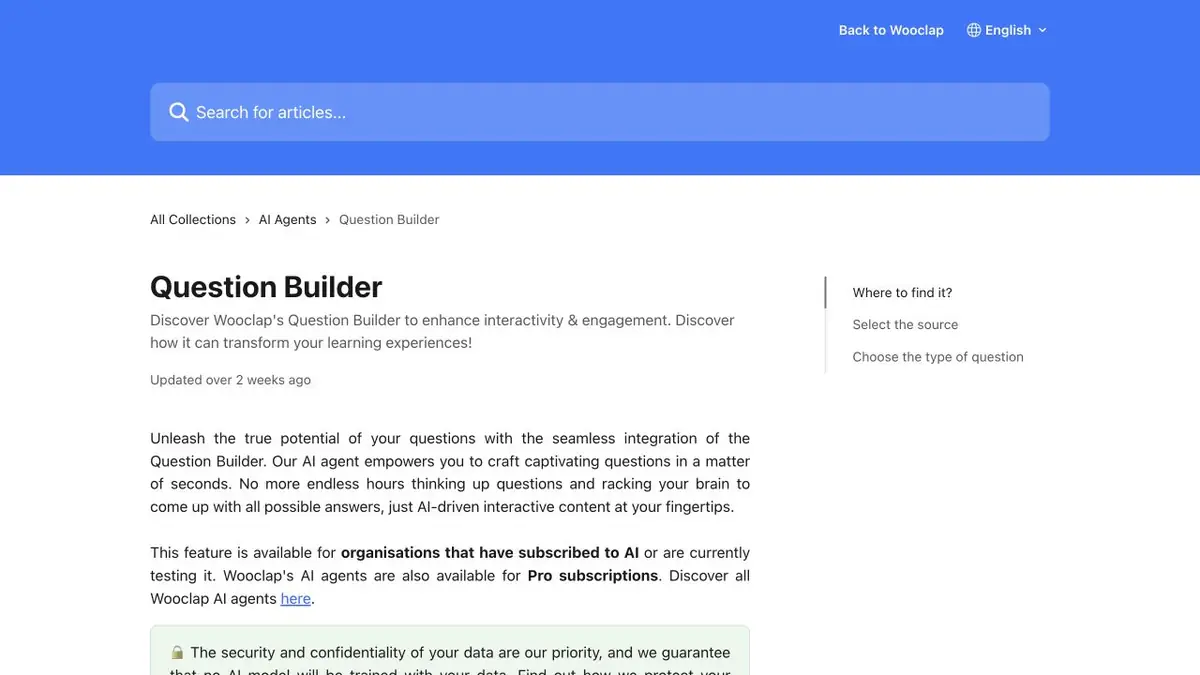
Choose the source for the desired explanation
In Question Builder, you can take the finished material and create questions for the event. If accurate terminology is important, start with a proven text. If the basis of the lesson is written in voice, use the allowed recording and make sure that all essential conditions are spoken aloud. For the uploaded video, Wooclap specifies sound track processing. The expression shown only on the slide may not get into the question. Add it to the text or transfer the desired document separately.
Check questions for comparison
In the educational explanation, four methods of processing materials are described. Select a matching mode and see if you can link each term to one exact description. Two almost identical descriptions will make the answer controversial. If this is an intentional difference, add a feature to the wording that the student will be able to breed them. For an open question, specify which answers can be counted. Leave one test question for an explanation to hear the student's logic.
Before the event opens
Check that the selected question type is available in your account. Open the task from the participant’s side and check the visibility of long signatures. If the question is built on voice, find a supporting fragment of the recording. Names, numbers and words with a similar sound are better checked separately. Change the options directly in the event if they diverge from the source. Clarify the order of questions before showing in the audience.
Suitable tasks
- Ask questions about the explanation.
- Prepare pairs of concepts for comparison.
Strengths
- Accepts several types of sources.
- Offers different formats of interactive questions.
Limitations
- It uses a sound track for video.
- The content of the pages on the link is processed as text.
Selection and conditions
- Free access
- Not confirmed
- Trial period
- Not confirmed
- No sign-up required
- Not confirmed
- Russian interface
- Not confirmed
- Local installation
- Not confirmed
- API
- Not confirmed
“Not confirmed” means there is not enough information. The feature may still be available; check the developer’s terms.
- Input formats
- Document, Text, Audio, Video, URL
- Result
- Text
Terms
For material with visual details, prepare a separate text source.From task to first result
Practical example
- Task
- Ask questions about the explanation.
- What to prepare
- Own summary of two pages with definitions and one disassembled example.
Task brief or prompt
Prepare a test for definitions and their application. Check the answers with the summary. If the rule depends on the condition, move this condition to the question.
Expected result
Questions with the key to self-repetition.
How to check the result
- Answer without prompts, then open the key.
- Verify the wording and the key to the original summary.
An editorial teaching example of a task brief, not the result of hands-on testing of the service. Check that the required mode is available, that you have rights to the source material and that the intended use of the result is permitted.
Check details
Official sources
This description is based on the developer’s material. Features, prices and availability may change; check the primary source before use.