Photopea handles PSD files, layers and masks in your browser.
Work with the document, not just with the result
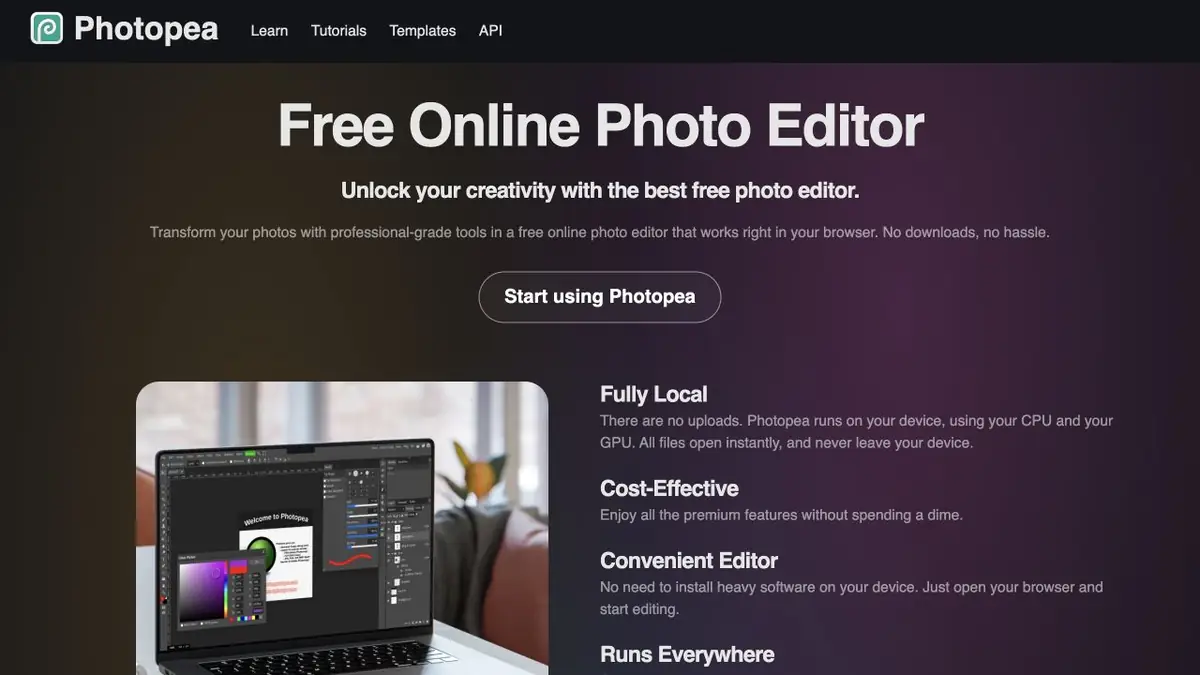
Photopea is useful when you need to retain the layers, masks and dimensions of an existing design. It opens and saves PSD files, supports raster and vector graphics, and includes familiar selection and adjustment tools. AI edits can therefore become part of an existing document, followed by manual work on individual elements.
The official product page lists background removal and replacing part of an image from a text description among its AI features. Instead of generating the entire image again, you first select an area and define the change, then check how the new detail fits the rest of the picture. Complex text and exact geometry still need manual control.
Example for a product image
Suppose a workshop has its own photograph of a cup and a product listing layout. Open the photo as a separate layer, select part of the background and describe a simple light surface. Inspect the handle, rim and contact shadow after processing. The cup and its decoration must remain recognizable so the image represents the actual product.
Keep the editable document separate from the exported image. You can then change a caption, restore an area from the original or compare design options. Save each version on a separate layer so you can compare the edits without losing the original.
Local editor and external generation
Photopea reports that the usual editor work is done on the device. However, this cannot be automatically transferred to every AI function. The API documentation explicitly names third-party services that can perform Magic Replace and background removal. For sensitive photography, it is important to understand which tool is chosen and where the material is transferred.
The Photopea API lets you configure startup, open files, run scripts and embed the editor in another application. It controls the editor; it does not promise independent local execution of neural network weights. The external service retains its own restrictions when connected this way. Check the connection settings before use.
Suitable tasks
- Prepare an image with layers for further processing
- Replace selected photo area by description
Strengths
- Support PSD, layers and masks
- Documented editor embedding
Limitations
- Generative features may use external services
- Ordinary editing performance depends on your device
Selection and conditions
- Free access
- Yes
- Trial period
- Not confirmed
- No sign-up required
- Yes
- Russian interface
- Not confirmed
- Local installation
- Not confirmed
- API
- Yes
“Not confirmed” means there is not enough information. The feature may still be available; check the developer’s terms.
- Input formats
- Image, Text
- Result
- Image
Terms
The editor is free and works in the browser. Third-party services can be used for AI actions; the API is designed to configure and embed Photopea.From task to first result
Practical example
- Task
- Prepare an image with layers for further processing
- What to prepare
- Your own photo of an object with a clear outline, which you have the right to edit.
Task brief or prompt
Replace the background with a light studio surface. Preserve the product’s shape, color, label and proportions; add a soft, natural shadow. Do not invent accessories or alter the product itself.
Expected result
A product photo with a new background, ready to be compared with the original.
How to check the result
- Compare the product’s outline and labeling with the original image.
- Zoom in to check reflections, the shadow and mask edges.
An editorial teaching example of a task brief, not the result of hands-on testing of the service. Check that the required mode is available, that you have rights to the source material and that the intended use of the result is permitted.
Check details
Official sources
This description is based on the developer’s material. Features, prices and availability may change; check the primary source before use.