

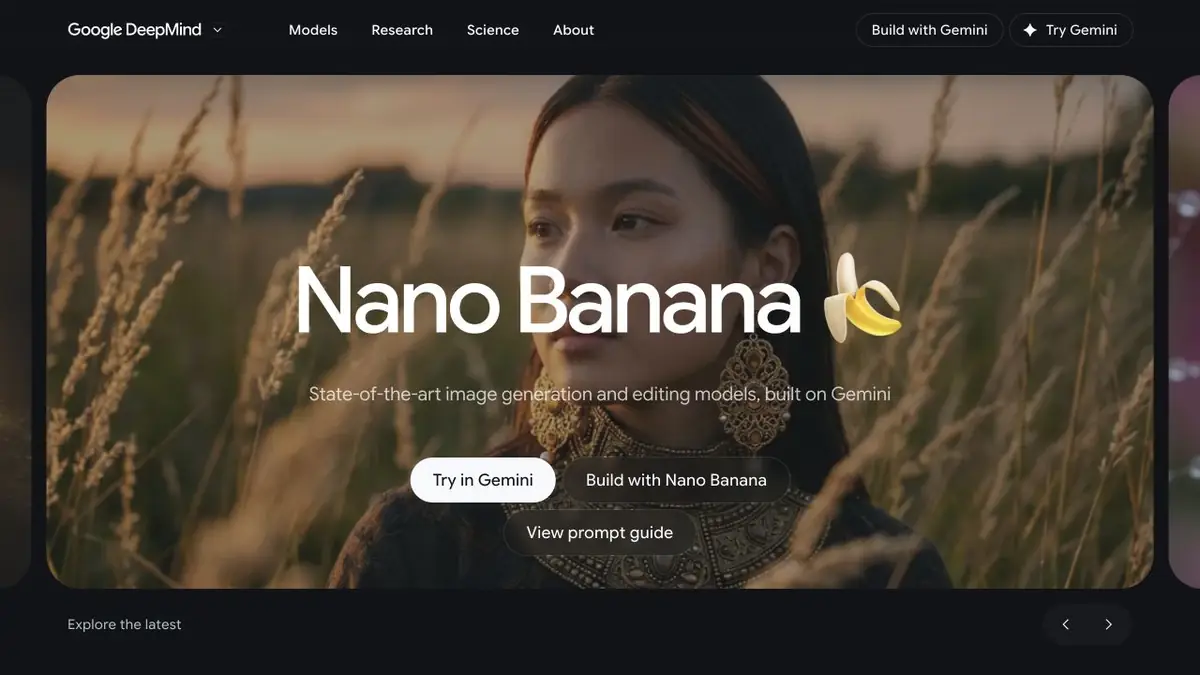
Nano Banana is a family of Google models for creating and editing images. You can use them through official Google products and programmatic interfaces that support the selected model.
What is Nano Banana?
This is an image-model name within the Gemini family, not an independent subscription website. Google DeepMind provides the official description and Google AI for Developers the documentation. Similarly named third-party pages may have very different terms.
The model creates images from descriptions and edits existing pictures. Instead of preparing a complex mask, describe the task: replace the surroundings, refine an object’s material or rework the composition. Inspect the result carefully nonetheless.
Edits based on the original photograph
The main practical use case is working with a reference. Upload an image, identify the part to change and list separately what must remain. For example: replace the background, preserve the packaging’s shape and keep the lettering and object proportions unchanged.
Do not put ten unrelated changes in the first prompt. Short “one edit, then review” cycles reveal when a detail disappears or an object changes. This is a workflow recommendation, not a guarantee that every pixel will be preserved.
Illustrations and visual materials
Nano Banana suits illustration sketches, advertising-scene variations and images based on several references. Models within the family have different settings, so check resolution, aspect ratio and cost for your particular access method.
The text in the picture, small markings and geometry require a separate check. If the image explains the real product, compare the details with the original photo: visual persuasiveness itself does not confirm accuracy.
Example: image of a product for publication
Choose a photograph with a clearly visible object and few obstructions. First decide whether you need a new background or a fully staged scene. For a background replacement, describe the surroundings and lighting, then explicitly prohibit changes to the product itself.
Inspect contact shadows, reflections and edges. Zoom in on lettering and small elements separately: a model may preserve the silhouette while redrawing markings. If those details matter to a sale, compare with the original before publishing.
Check the product’s details before moving to the next edit. Otherwise, you may retain altered lettering or incorrect packaging along with a successful background.
Official access and restrictions
For manual work, use supported Google products; for integration, API documentation. Not all features and free quotas are the same in the application, AI Studio and cloud platform.
Take into account regional restrictions, rules for uploading other people's photos and labeling AI content. You can not promise unconditional commercial use of any result: the rights to the sources and conditions of the selected product remain important.
Suitable tasks
- Replacing the background in a product photograph
- Image edits guided by instructions
- Illustrations from references
- Visual concept options
Strengths
- Generation and editing in one family
- A conversational approach to edits
- Official API and prompting guidance
Limitations
- Small details can change
- Parameters depend on the selected model
- Access and quotas differ between Google products
Check details
Official sources
This description is based on the developer’s material. Features, prices and availability may change; check the primary source before use.


