

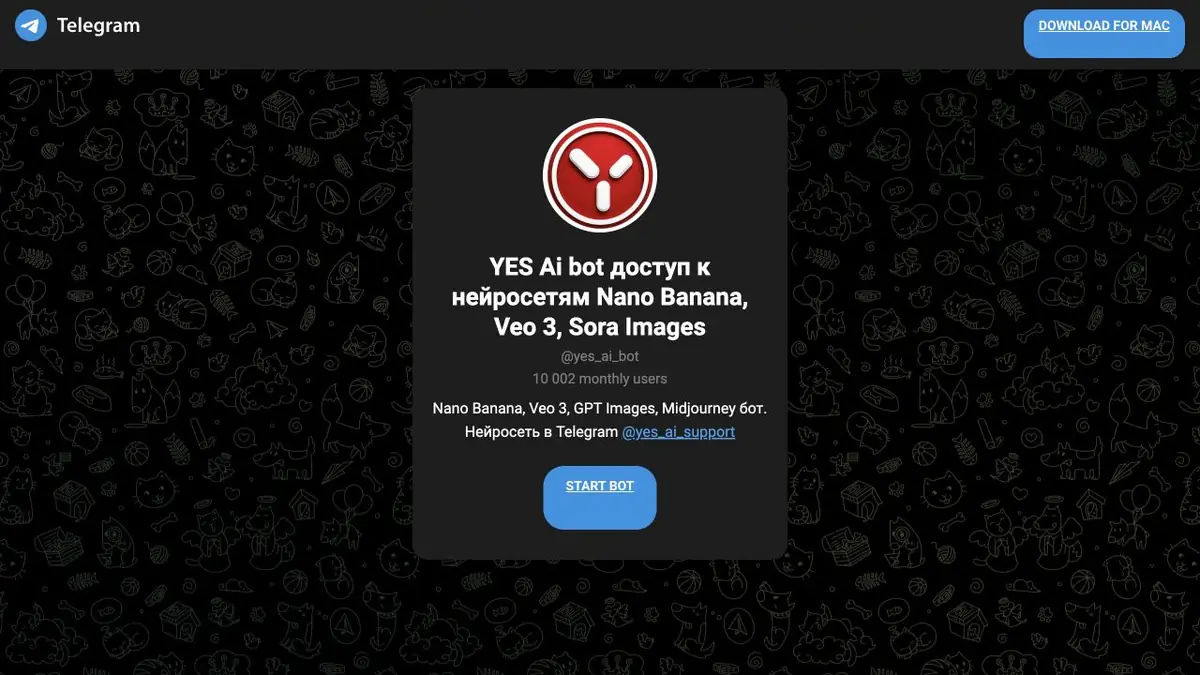
The Telegram bot @yes_ai_bot brings third-party AI models into a familiar conversation. Send a prompt, document or photograph, choose a model and receive the result in the messenger; payment terms depend on the operation.
First the message, then the tool
If the original photo is already in Telegram, sending it to a bot is easier than saving it to a computer for one edit. Yes AI Bot follows that workflow: prompts and material arrive as messages, while buttons select the model and settings. The bot is available at @yes_ai_bot. It provides access to third-party AI models rather than a model developed by YesAI.
The public page of the bot lists Nano Banana, Veo, GPT Images and Midjourney. The project instructions also describe ChatGPT, Kling AI, Stable Diffusion and SDXL. In one chat, you can switch between text, images and video without installing generators on your own computer. Telegram, Internet and a suitable mode of operation are needed.
ChatGPT conversations, documents and voice
You can send the bot more than text. The ChatGPT instructions describe handling photographs and documents: PDF, office files, spreadsheets, CSV and plain TXT. Attach your material and explain the task, such as finding contradictions, explaining a table or preparing a short summary. If you do not specify a task, the bot may offer suggested actions for the attachment.
The advantage is practical: you can analyse a document sent by a colleague in the same messenger. Upload other people’s personal data and confidential work material only with permission, and check the answer against the original.
The Yes AI Bot documentation also describes voice commands for ChatGPT and Stable Diffusion, including in Russian. You can use them to request or continue a dialogue with the context. This is not a promise of voice mode for each connected model: before work, check the capabilities of the selected tool.
Edit a photo, then animate it
Nano Banana has instructions for uploading one or more references and choosing aspect ratios, styles and resolution. Through the bot, you can change individual scene elements, prepare visual variations and use your own photograph as the source. The upscaling instructions describe buttons for increasing resolution to 2K and 4K. Inspect small details separately after processing: generative editing can change things you wanted to preserve.
You can send a finished image to animation. The official instructions show this workflow: Nano Banana → “Animate image” button → Kling. Kling’s instructions cover image-based generation, text descriptions, start or end frames and extending supported clips. Available options and price depend on the model and settings.
Balance and plans appear alongside the conversation
The /balance command opens balance controls, while /tariffs selects packages and internal coins. The bot documents payment through Telegram Stars. Do not convert prices to rubles using old examples: the cost of Stars and purchase terms depend on the platform and region.
Do not assume every feature belongs to one subscription. The project offers paid operations, packages and conditional free access. Its official free-access topic specifies four active invited users and enough points or coins for at least one generation. Invited-user activity is assessed over the previous seven days.
VIP unlimited offers have boundaries too: they cover particular models and operations, require compliance with rules and exclude the API. Extra actions may cost separately, while anti-abuse measures can temporarily disable free generation. Check the price list and selected mode’s terms before a large image series.
You can continue to work on the YesAI website
The bot has a linked web version at yesai.su. If you already have a balance in the Telegram bot, link it to your web profile by signing in through Telegram and confirming email under the project’s instructions. The balance then becomes shared. This helps when short requests come from your phone while a long document is analysed in a browser.
The YesAI forum helps explain controls and choose task-specific settings through step-by-step guides, source images and prompt examples. The bot’s public page lists support as @yes_ai_support. Start with a small, verifiable task to assess both output quality and actual costs.
Suitable tasks
- Edit a photograph without leaving Telegram
- Ask ChatGPT a question about a document or table
- Send a voice prompt in a supported mode
- Create an image, then animate it
- Share your balance with the YesAI website after linking your profiles
Strengths
- Prompts, attachments and results in a familiar Telegram conversation
- Switching between text and visual models using buttons
- Support for documents, photos and documented voice commands
- Photo editing, upscaling and animation workflows
- Linking balance to the web version and detailed instructions on the forum
Limitations
- Telegram is required; availability also depends on the messaging platform
- Parameters and advanced operations differ between models
- Free offers and unlimited VIP plans come with conditions
- Facts, processed documents and images need checking
Check details
Official sources
- Yes AI Bot official page on Telegram
- Working with documents and images through ChatGPT in the bot
- Voice commands in Yes AI Bot
- Nano Banana: settings, styles and references in the Telegram bot
- Upscaling in Nano Banana through Telegram
- Example of transition from Nano Banana to Kling
- Kling features and generation controls in the bot
- Balance and payment via Telegram Stars
- Terms of free access
- Terms for unlimited VIP generation
- Linking a Telegram profile to the web version
This description is based on the developer’s material. Features, prices and availability may change; check the primary source before use.


