ON1 Photo RAW combines photo archive, non-destructive processing, effects and composition on layers. The set of advanced tools depends on the edition and the installed version.
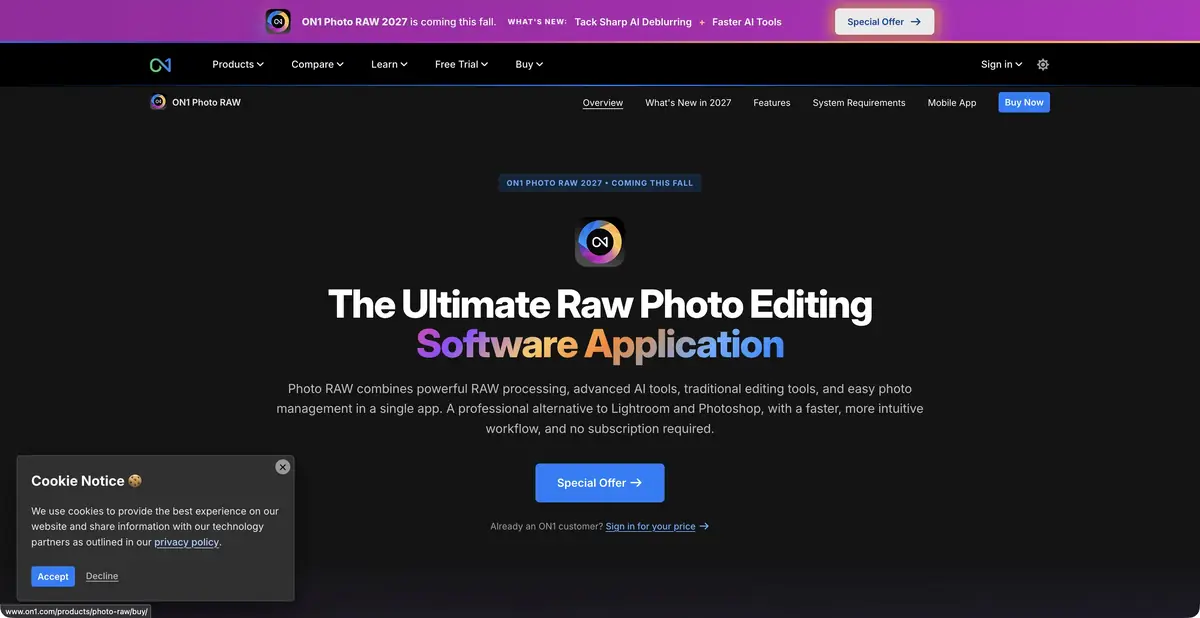
Photo archive and compositing without switching between programs
ON1 Photo RAW covers a broad photographic workflow: finding photos, developing source files, applying effects, refining local areas and saving the result. Layers support compositing, while AI masks help separate the subject from the background. It is best considered a desktop workspace in which automation works alongside standard controls for light, color and detail.
Start with your own RAW file and the usual task. Check how the program reads the source of the camera, shows the directory and saves changes. The list of AI functions by itself does not answer the question of whether it is convenient for you to return to the previous version and transfer settings between shots.
Automatic selection needs to be monitored
The product materials describe Super Select AI, the selection of the object and background, means of noise suppression and sharpening. The mask limits the change to a specific area. After automatic selection, turn on its display and look at the small details, and then evaluate the correction itself. The bright contour around the branches is often associated with a processing boundary rather than a lack of overall sharpness.
ON1 also offers creative and generative operations. Some of the features on the current site relate to the announced update. Before buying, find the desired function in the description of the installed version: the advertising promise of the next release can not be considered an affordable tool for today's project.
Scenario: to prepare the shooting of a walk
Select shots with people against the background of trees, several wide shots and one picture in insufficient light. First, bring the exposure and white balance to a calm appearance. Next, highlight the person and lighten your face a bit while maintaining the natural difference between light and shadow. On a dark frame, separately evaluate the noise suppression.
Do not apply one degree of reinforcement to the whole series: hair, foliage and smooth skies require different checks. Save a few trials JPEG in the final size. Open them next to the original versions and evaluate the skin, halos, clothing contours and background color. In a complex case, reducing the automatic effect is more useful than adding the next filter.
Different editions and payment methods
The official website distinguishes between Photo RAW and MAX. The extended edition adds certain functions and compatibility of plugins with other editors; the composition needs to be checked against the current table. There is a purchase version and subscription offers. The perpetual release license does not usually include all future major updates to the program.
There is a trial period that is reasonable to spend on the full path from opening the file to exporting. System requirements, cloud operations, number of installations and plugins are checked separately. Installing on a computer does not serve as evidence of the locality of each generative tool, especially if a particular edition uses cloud rendering.
Suitable tasks
- Organize and display a photo archive
- Treat the object and background with different settings
- Combine photo processing and composition on layers
Strengths
- RAW, layers and effects in one application
- AI masks and detailing tools
- Purchase version and trial access
Limitations
- MAX and standard edition are different
- Announcements of the following issues require a separate check
- Cloud operations are not equal to local processing
Selection and conditions
- Free access
- Not confirmed
- Trial period
- Yes
- No sign-up required
- Not confirmed
- Russian interface
- Not confirmed
- Local installation
- Not confirmed
- API
- Not confirmed
“Not confirmed” means there is not enough information. The feature may still be available; check the developer’s terms.
- Input formats
- Image, RAW file
- Result
- Image
Terms
Test access confirmed. Standard and MAX have different composition; the site contains announcements of the next release. Fully local execution of all AI operations and public API are not confirmed.From task to first result
Practical example
- Task
- Organize and display a photo archive
- What to prepare
- Several own RAW or photos of one shooting, including complex shadows and thin edges of the object.
Task brief or prompt
Working task in the photo editor: to align the exposure and white balance, to moderate the noise, to highlight the object with a mask for a separate correction. Preserve the natural texture and color. This is a sequence of actions with settings, not a promise of textual management of each application.
Expected result
A processed photo with a saved original and a verified local correction.
How to check the result
- Examine the skin, tissue, hair and makeup boundaries at the same scale.
- Check the supported format, final size and availability of cloud operations.
An editorial teaching example of a task brief, not the result of hands-on testing of the service. Check that the required mode is available, that you have rights to the source material and that the intended use of the result is permitted.
Check details
Official sources
This description is based on the developer’s material. Features, prices and availability may change; check the primary source before use.