The model produces numerical representations of texts. Searching and displaying the source fragments implements an application that compares the resulting vectors.
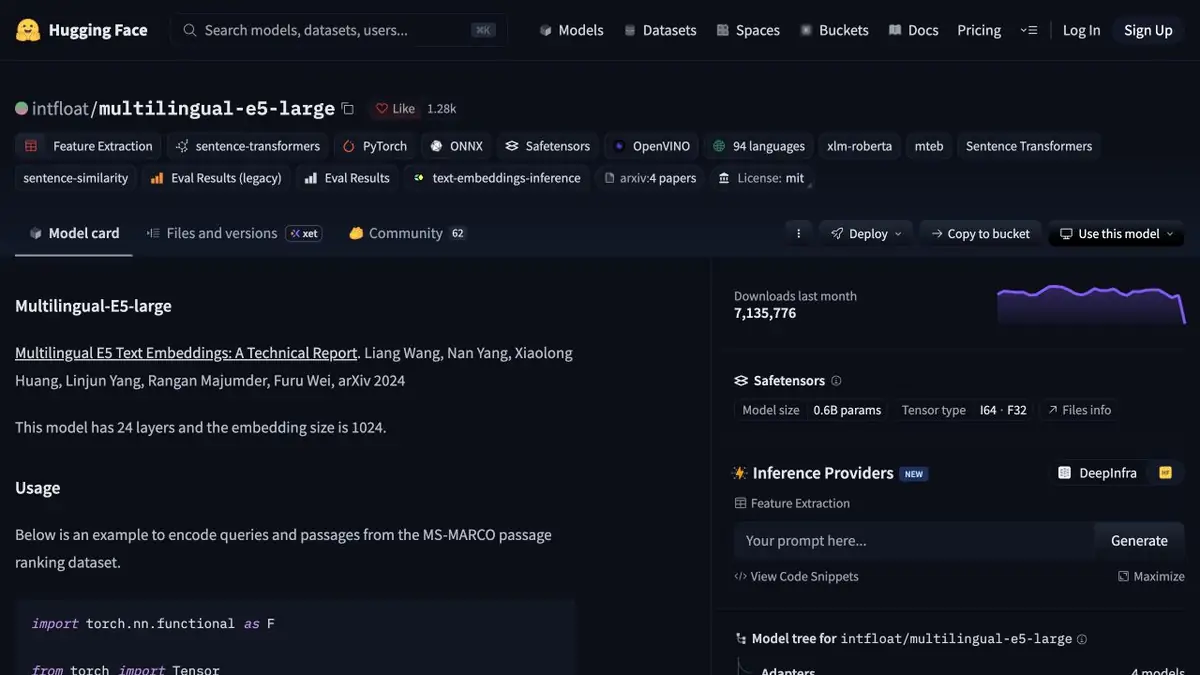
Find a document, even if the language is different
Take the Russian-language question about the replacement period and two short fragments of the English certificate. One describes the replacement, the second return of the goods. Multilingual E5 translates them into vectors that the application compares. The model leaves a response to the source directory or the next component. It is useful for the user to show the original paragraph along with the search result so that he can check whether the rule applies to the right case.
Entries must be coded the same when repeated
The model card gives query and passage prefixes for retrieval. Apply them to their respective inputs and use one weight version for query and index embeddings. Splitting a long document by size alone can put a rule and its exception in different passages. Try splitting into meaningful sections and save the location of each paragraph. This makes the full source passage easy to open from a result.
Add similar examples that do not fit
Check the denial request and the case where the terms differ between categories of goods. A similar result may sound convincing, although it belongs to a different category. Compare the quality on several language pairs that are really needed. When changing weights, adjust the index and repeat the same set of questions. Do not mix vectors of different models in the same search space, even if their dimensions coincide. Separately, analyze the cases where the desired paragraph is in the database, but the search put a different rule above.
Suitable tasks
- Find a piece of help in another language
- Compare short and long snippets when searching
Strengths
- Supports text vectorization in different languages
- The card shows examples through Transformers and Sentence Transformers
Limitations
- Quality depends on language, passage length, and how documents are split
- A similar passage can describe a different condition
Selection and conditions
- Free access
- Yes
- Trial period
- Not confirmed
- No sign-up required
- Not confirmed
- Russian interface
- Not confirmed
- Local installation
- Yes
- API
- Not confirmed
“Not confirmed” means there is not enough information. The feature may still be available; check the developer’s terms.
- Input formats
- Text
- Result
- Embedding
Terms
The weights are published under the license on the model card. Arrange indexing, compute, and hosting separately. Quality depends on language, passage length, and how documents are split.From task to first result
Practical example
- Task
- Find a piece of help in another language
- What to prepare
- Two short texts of your own and several search questions in one language.
Task brief or prompt
Application task: obtain embeddings for texts and queries, keep each vector linked to its source passage and compare similarity. Show the source for a retrieved passage; the embedding model itself does not write an answer.
Expected result
Numerical representations and verifiable retrieval of similar passages, if the application implements search.
How to check the result
- Check that the result corresponds to the source text.
- Compare vectors from the same model with matching dimensions; test negations and cross language search separately.
An editorial teaching example of a task brief, not the result of hands-on testing of the service. Check that the required mode is available, that you have rights to the source material and that the intended use of the result is permitted.
Check details
Official sources
This description is based on the developer’s material. Features, prices and availability may change; check the primary source before use.