Amazon Titan includes embedding and image models in Bedrock.
Different models under one family name
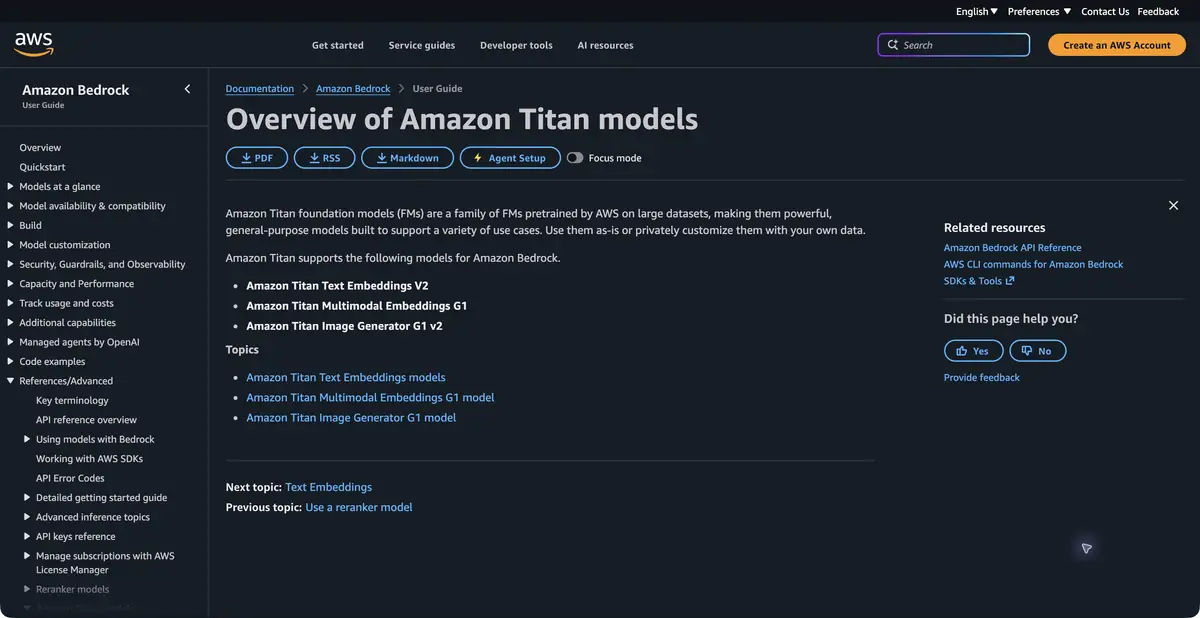
Amazon Titan is a family of AWS models available through Amazon Bedrock. The current overview lists text embeddings, multimodal embeddings and image generation. These do not form a single chat with identical capabilities. Choose a model for the input and required result, then check its ID and availability in your environment.
An embedding model turns text into numbers representing semantic features. It does not answer the user or search a database itself. Other application components compare vectors and retrieve relevant passages. This distinction matters when planning a search across internal instructions or reference material.
A small knowledge base search example
For a practice check, take a few of your own service descriptions and questions in one language. Create embeddings for passages and questions with the same model, then compare them in the application. Keep each numerical representation linked to its source text; otherwise you cannot check whether a close match makes sense.
Try a question containing a negation and two similar descriptions with different conditions. The nearest vector is not necessarily the correct business answer. A complete search needs passage selection, access checks and your own quality assessment. The documentation also warns about cross language query limits: similar topics in different languages may not match equally well.
What to store with the index
Keep the model ID, vector dimensions and text splitting rule alongside the vectors. If you change one of these settings, old and new entries may no longer be comparable. Decide how to update the index before loading the complete document set.
Also keep each passage’s source and revision. Otherwise a semantically relevant match may return a condition withdrawn from an older instruction. Relevance over time and user permissions belong to the search application; the embedding model does not decide which document a person may see.
Access and technical limits
Bedrock offers programmatic model calls, but the final application response is not the only operation that can cost money. Document indexing, repeated calls and model choice also affect the budget. Before processing a large archive, determine which passages need indexing and how to update them when sources change.
Models differ in input limits, output dimensions and invocation methods. Do not mix vectors from different models or dimensions indiscriminately in one database. Image generation requires different input and evaluation. A search example does not establish image quality, and an image example does not establish search reliability.
Suitable tasks
- Build semantic search over your texts
- Generate embeddings for data processing
- Connect image models via Bedrock
Strengths
- Documented AWS Model Family
- Integration with Amazon Bedrock infrastructure
Limitations
- Embeddings alone do not produce a complete answer
- Limits vary by model, region and invocation method
Selection and conditions
- Free access
- Not confirmed
- Trial period
- Not confirmed
- No sign-up required
- Not confirmed
- Russian interface
- Not confirmed
- Local installation
- Not confirmed
- API
- Yes
“Not confirmed” means there is not enough information. The feature may still be available; check the developer’s terms.
- Input formats
- Text, Image
- Result
- Embedding, Image
Terms
Model access in Bedrock is required. Embeddings, image models and execution modes differ; calls and infrastructure have separate costs, and cross language retrieval needs testing.From task to first result
Practical example
- Task
- Build semantic search over your texts
- What to prepare
- Two short texts of your own and several search questions in one language.
Task brief or prompt
Application task: obtain embeddings for texts and queries, keep each vector linked to its source passage and compare similarity. Show the source for a retrieved passage; the embedding model itself does not write an answer.
Expected result
Numerical representations and verifiable retrieval of similar passages, if the application implements search.
How to check the result
- Check that the result corresponds to the source text.
- Compare vectors from the same model with matching dimensions; test negations and cross language search separately.
An editorial teaching example of a task brief, not the result of hands-on testing of the service. Check that the required mode is available, that you have rights to the source material and that the intended use of the result is permitted.
Check details
Official sources
This description is based on the developer’s material. Features, prices and availability may change; check the primary source before use.