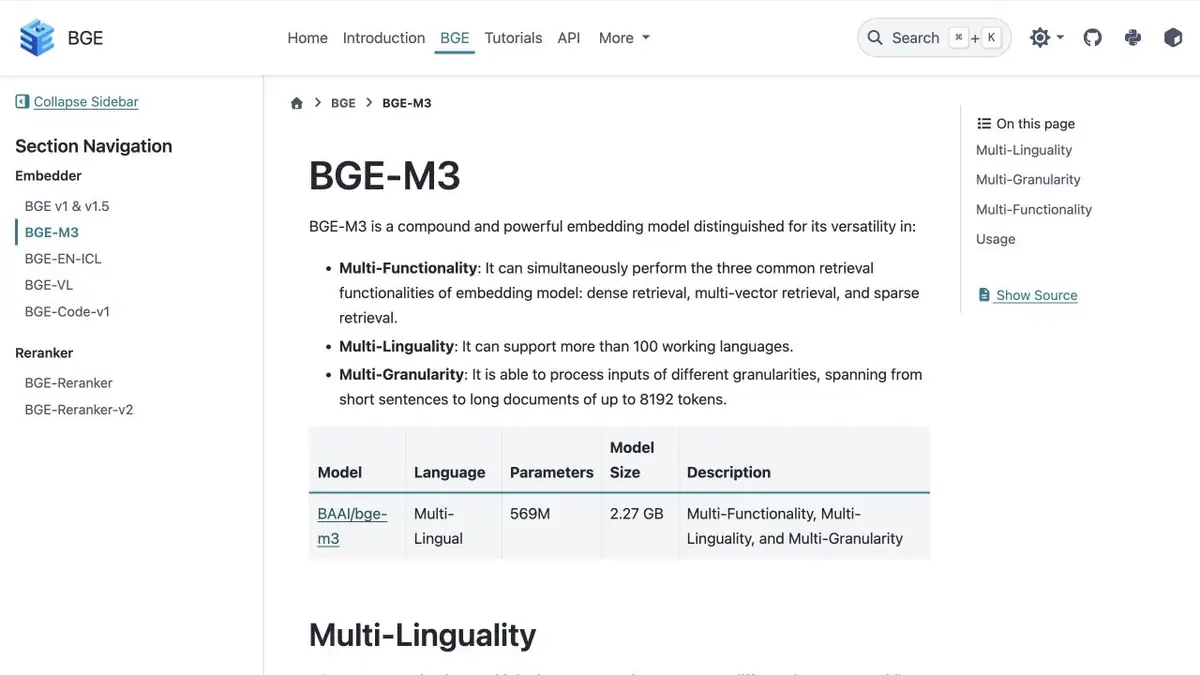
BGE M3 builds numerical representations of text for dense, sparse and multi-vector search. Comparison and selection of documents are implemented in the application.
Different requests require different checks
In a parts catalog, adjacent part numbers may differ by a single character. A buyer may also describe the part in words that do not match its title. BGE M3 supplies several representations. Compare dense, sparse, and multi-vector retrieval. Because index settings also affect the order, use the same document set for the first comparison.
Small body with a known result
Collect several impersonal cards where similar products have different numbers and characteristics. Prepare requests for the exact number, with a typo and for the intended purpose. Add two questions in another language only if such a search is really needed. For each question, specify the appropriate document in advance. Compare positions and see when mixing scores helps, and when displaces a card with an exact number.
What will remain of the application
The model creates representations, and the result for the user is an issue built on top of them. Keep each vector linked to the document and its version. If you change the way you slice text or model settings, restart the control requests. When combining modes, keep a separate assessment of each mode. So it is easier to explain the error and choose settings based on memory, response time and the practical importance of accurate matching. Separately check the queries for which there is no answer in the index.
Suitable tasks
- Compare the semantic issuance and search for accurate designations
- Check the search between languages on your case
Strengths
- One release supports three types of text presentation
- The official card gives examples of obtaining and comparing results
Limitations
- Developers choose the retrieval mode and how results are combined
- Quality can differ across language pairs
Selection and conditions
- Free access
- Yes
- Trial period
- Not confirmed
- No sign-up required
- Not confirmed
- Russian interface
- Not confirmed
- Local installation
- Yes
- API
- Not confirmed
“Not confirmed” means there is not enough information. The feature may still be available; check the developer’s terms.
- Input formats
- Text
- Result
- Embedding
Terms
The developer specifies the terms for model weights. Index storage and model execution require your own resources or paid infrastructure. Developers choose the retrieval mode and how results are combined.From task to first result
Practical example
- Task
- Compare the semantic issuance and search for accurate designations
- What to prepare
- Two short texts of your own and several search questions in one language.
Task brief or prompt
Application task: obtain embeddings for texts and queries, keep each vector linked to its source passage and compare similarity. Show the source for a retrieved passage; the embedding model itself does not write an answer.
Expected result
Numerical representations and verifiable retrieval of similar passages, if the application implements search.
How to check the result
- Check that the result corresponds to the source text.
- Compare vectors from the same model with matching dimensions; test negations and cross language search separately.
An editorial teaching example of a task brief, not the result of hands-on testing of the service. Check that the required mode is available, that you have rights to the source material and that the intended use of the result is permitted.
Check details
Official sources
This description is based on the developer’s material. Features, prices and availability may change; check the primary source before use.