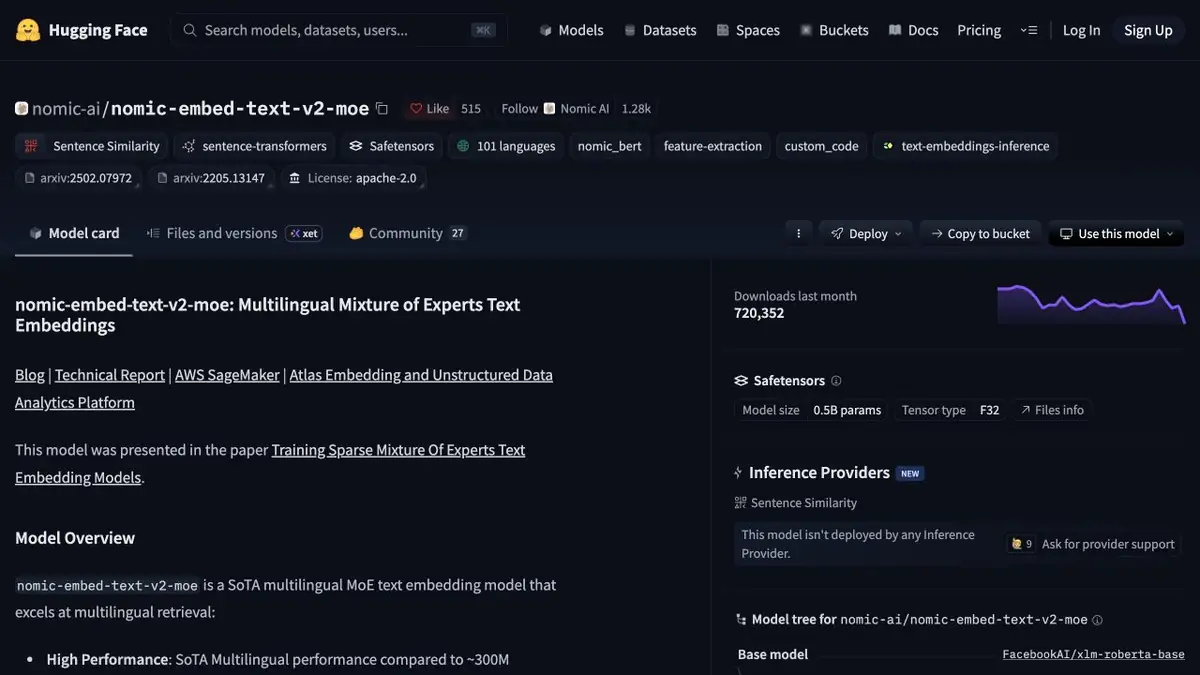
Nomic Embed weights allow you to get numerical representations of text. In the described variants, you can reduce the dimension of the vector and check the effect on your search.
Why try a smaller vector?
A sample note catalog may need a smaller index. Some Nomic Embed variants can produce lower-dimensional vectors. First record the base model and passage set. Build two index versions and use the same questions for each. Lower dimensions affect storage and can reorder neighboring results, which matters when users only see the first few entries.
Do not change the text in the middle.
The cards indicate how to distinguish the role of the search query and the role of the document. Use these rules when you first load and update the index. If the mode or dimension changes, store the indexes separately. It is better to divide the long guide into fragments in advance and associate each vector with the original paragraph. Otherwise, even the right match is difficult to verify.
Comparison of similar questions
Take a few pairs of queries that differ in one condition. For example, one question refers to the draft rules, the other to the current version. Check if similar but outdated text has displaced the desired fragment. Measure the size of the finished index and repeat the check on new requests. If the reduction in dimension significantly spoils the first results, write down specific cases and decide what is more important for this database. Separately check the border case with a long request and a short response from the source. Make sure the link leads to the right paragraph.
Suitable tasks
- Compare output of full and reduced vector
- Check search for your notes and documents
Strengths
- A number of options have a documented dimension setting
- Nomic cards show separation of requests and documents
Limitations
- Reducing vector dimensions can change result rankings
- The allowed text length depends on the selected version
Selection and conditions
- Free access
- Yes
- Trial period
- Not confirmed
- No sign-up required
- Not confirmed
- Russian interface
- Not confirmed
- Local installation
- Yes
- API
- Not confirmed
“Not confirmed” means there is not enough information. The feature may still be available; check the developer’s terms.
- Input formats
- Text
- Result
- Embedding
Terms
The weight licenses are listed on the model cards. Hosting the model and storing the index cost different amounts depending on the environment. Reducing vector dimensions can change result rankings.From task to first result
Practical example
- Task
- Compare output of full and reduced vector
- What to prepare
- Two short texts of your own and several search questions in one language.
Task brief or prompt
Application task: obtain embeddings for texts and queries, keep each vector linked to its source passage and compare similarity. Show the source for a retrieved passage; the embedding model itself does not write an answer.
Expected result
Numerical representations and verifiable retrieval of similar passages, if the application implements search.
How to check the result
- Check that the result corresponds to the source text.
- Compare vectors from the same model with matching dimensions; test negations and cross language search separately.
An editorial teaching example of a task brief, not the result of hands-on testing of the service. Check that the required mode is available, that you have rights to the source material and that the intended use of the result is permitted.
Check details
Official sources
This description is based on the developer’s material. Features, prices and availability may change; check the primary source before use.