Uses store help and connected order information to handle requests.
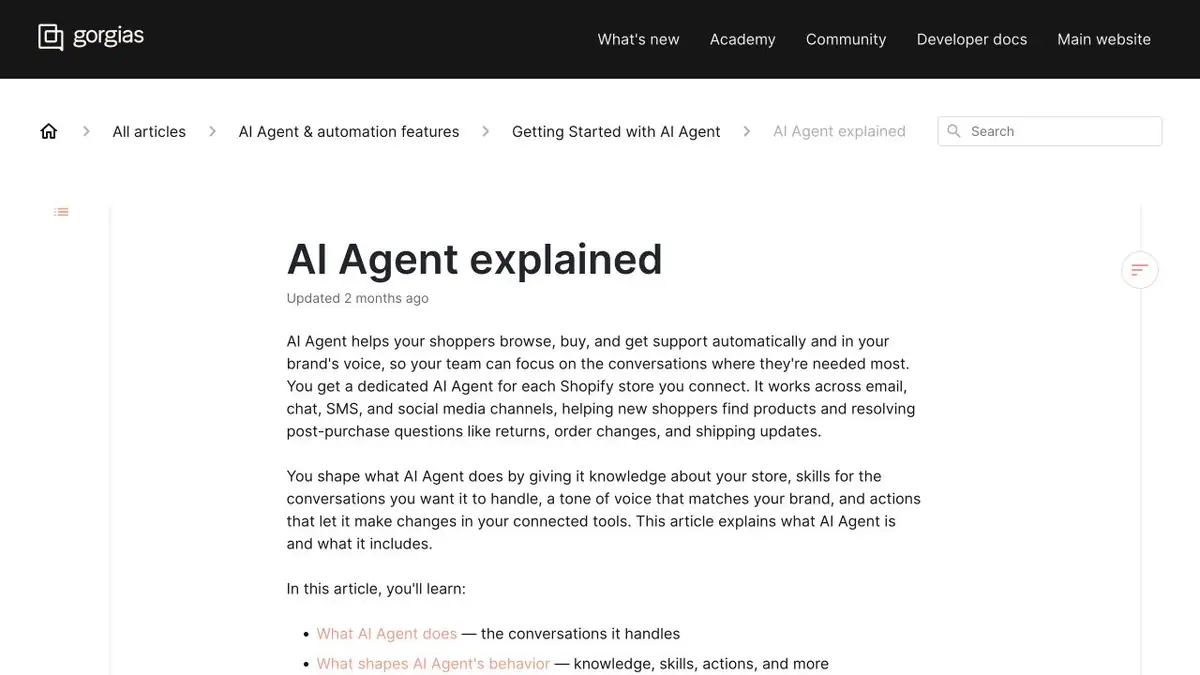
Request for delivery in the context of the store
The buyer sees the notification of shipment, but does not find the tracking number. Gorgias AI Agent can rely on connected store information and support materials if configured. The product also describes the instructions and individual actions. This allows you to limit the first setting to a reference answer, and add operations only where the store is able to check them.
Immediately determine what information the agent can report in the selected channel. A single order number alone may not be enough to reveal the details of the delivery.
Scenario with order without tracking number
In the test store, create an order with the departure number and the second one that is still being collected. Ask one question for each. The answer for the second should not promise delivery at a specific time or substitute the number of someone else's parcel. Then ask to change the address after the transfer of the order to the carrier and see which rule worked.
If the operation is not allowed, check where the request goes and whether the employee sees the right context. Compare this with the conditions that the store already publishes for buyers.
From test access to working run
The Gorgias help describes the preparation of sources and the transition to working channels. The composition of actions depends on connections and settings. Before starting, check which requests are accounted for in the payment. When changing a store procedure, double-check the exceptions, because an error often occurs at the boundary of two similar rules.
Suitable tasks
- Verify answers for two test orders
- Limit store operations for agent
Strengths
- Questions related to the store data
- There is a separate setting for operations
Limitations
- Requires connection and up-to-date help
- Orders should be tested separately
Selection and conditions
- Free access
- Not confirmed
- Trial period
- Not confirmed
- No sign-up required
- Not confirmed
- Russian interface
- Not confirmed
- Local installation
- Not confirmed
- API
- Not confirmed
“Not confirmed” means there is not enough information. The feature may still be available; check the developer’s terms.
- Input formats
- Document, Text, Data
- Result
- Text
Terms
Start with the help mode on the test order. Limit access to operations.From task to first result
Practical example
- Task
- Verify answers for two test orders
- What to prepare
- Authorized test article about the return of the order. The text indicates the deadline for ordinary purchases and a separate exception.
Task brief or prompt
Prepare a reference answer for your regular purchase. Then, in a test conversation, describe the case that is not in the reference and check the transmission of the request to the person.
Expected result
A draft answer from the instruction and an understandable continuation for the treatment that the employee requires.
How to check the result
- Find the rule and exception in the article.
- Make sure that the answer does not promise to return funds or change the order without authority.
An editorial teaching example of a task brief, not the result of hands-on testing of the service. Check that the required mode is available, that you have rights to the source material and that the intended use of the result is permitted.
Check details
Official sources
This description is based on the developer’s material. Features, prices and availability may change; check the primary source before use.