

Wondershare video editor with a conventional timeline and AI tools for images, sound and text. Useful for editing your own footage when credit and export conditions are considered.
From files to an edited video
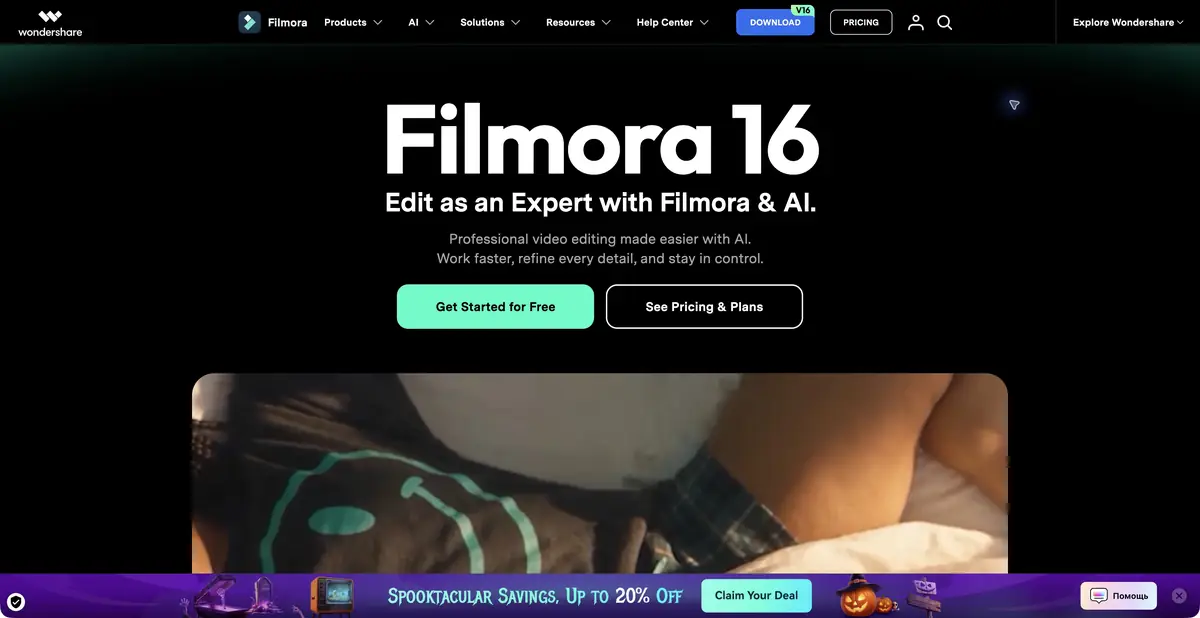
Filmora combines conventional editing with AI features: arrange clips on a timeline, add music, transitions and titles, and process individual elements. The application is available on desktop and mobile platforms. Check the specific version before installation; one product name does not imply identical interfaces and modes on a phone and a computer.
Inputs include video, images, audio and text. The official page lists automatic captions, transcript-based editing, object removal, speech processing and generative modes. The main practical output is an exported video; retain the project to replace shots and correct text later.
AI at different stages of editing
Speech to Text and text-based editing are useful for spoken content. Audio processing, noise reduction and vocal separation serve other purposes and need separate listening checks. Try object removal or video extension on a short section where you can easily compare the source and result.
Filmora also integrates generative tools, including third-party models. Their presence does not make Wondershare the developer of every model. AI operations use credits, with charges depending on the feature and number of requests. Treat the editor purchase, resource subscriptions and AI balance as separate access conditions.
Example: instructions for a small shop
Prepare your own shots of order packing, a wide view of the table and a recorded explanation. Arrange the actions in sequence, remove unnecessary pauses and add short step labels. For automatic captions, select the correct language first, then check product names and every number.
If background noise obscures speech, compare several processing strengths at the same volume. Excessive cleanup can make a voice sound unnatural. Export a short section before investing time in the full edit: this reveals the watermark, available resolution and actual file-saving process.
The free version and additional costs
Wondershare allows basic editing tools to be used free without an expiry date, but exports carry a watermark. A paid plan removes it. This does not confirm free access to every generative operation: the official documentation explains the separate paid AI credits.
Assets and AI materials may have different commercial-use terms; check the label on each item. A general programming API for the editor is not established here. Assess Filmora against your own workflow: whether it offers enough manual control, whether the project transfers between the devices you need and whether your plan produces a clean final file.
Suitable tasks
- Edit an educational or product video
- Add and correct automatic captions
- Process speech and noise
- Apply an AI operation to a selected section
Strengths
- A conventional timeline with manual editing
- Video, sound and titles in one project
- Multiple supported platforms
- Try the editing workflow in the free version first
Limitations
- Free exports have a watermark
- AI credits have separate payment rules
- Modes vary by device and version
- Asset licenses need separate checks
Selection and conditions
- Free access
- Yes
- Trial period
- Yes
- No sign-up required
- Not confirmed
- Russian interface
- Not confirmed
- Local installation
- Not confirmed
- API
- Not confirmed
“Not confirmed” means there is not enough information. The feature may still be available; check the developer’s terms.
- Input formats
- Video, Audio, Image, Text
- Result
- Video, Audio
Terms
Basic free use produces watermarked exports; paid plans are available. AI features consume separate credits under Wondershare rules. Official Wondershare desktop and mobile applications. Activation terms and features depend on platform and plan.From task to first result
Practical example
- Task
- Edit an educational or product video
- What to prepare
- A short instructional script and your own videos, photographs and voiceover demonstrating the action.
Task brief or prompt
Assemble instructions with sequential steps, clear captions and pauses to inspect details. Do not add unverified product properties. If a required shot is missing, flag the gap instead of inventing a demonstration.
Expected result
A rough edit of an instructional video. Available generation operations, formats and export options depend on the service and plan.
How to check the result
- The order of shots matches the actual sequence of actions.
- Captions are readable on a phone and do not obscure important details.
- Speech, music, subtitles and rights to each source material are verified.
- Check the watermark, resolution, storage and export format before paying or publishing.
An editorial teaching example of a task brief, not the result of hands-on testing of the service. Check that the required mode is available, that you have rights to the source material and that the intended use of the result is permitted.
Check details
Official sources
This description is based on the developer’s material. Features, prices and availability may change; check the primary source before use.


