A full Adobe video editor where AI helps find material, edit through transcripts and process images and sound. A project with source media remains the foundation.
The editing project remains central
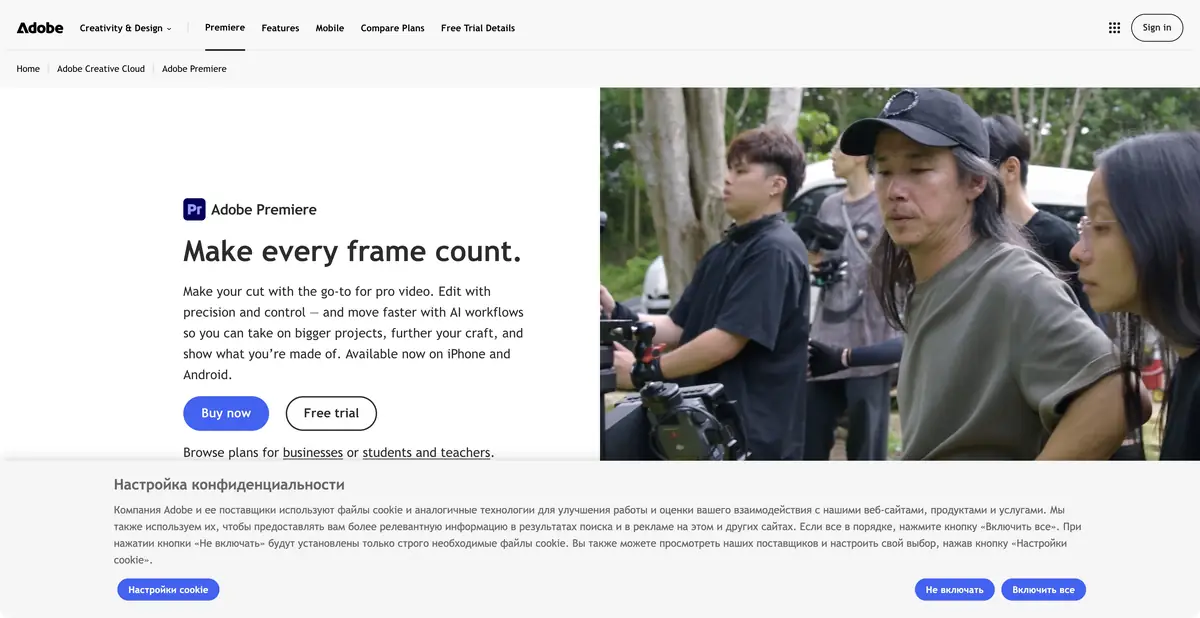
Adobe Premiere, previously known as Premiere Pro, is a conventional video editor with AI features. It provides tracks, clips, transitions, color tools, titles and sound. Its neural tools shorten individual operations within that process. This card covers Adobe's editing application, rather than the separate Firefly generator already listed in the catalog.
You need your own video, photographs, audio recordings and a clear editing task. The result is an edited video; keep the project together with its source media. AI does not remove the need to consider codecs, computer performance, file organization and the accuracy of the final export.
Building a story through its transcript
Text-Based Editing links recognized speech to timecodes: selecting and rearranging text changes the corresponding sections of the sequence. This is useful for interviews and conversational programs. The official documentation explains that the mode works with spoken dialogue; captions should be generated from the final edited sequence.
Media Intelligence finds source footage from descriptions of its content. Enhance Speech processes dialogue, while Generative Extend adds a short section to the beginning or end of a suitable clip. The latter requires an internet connection because it uses a cloud model. Check source-media requirements and generative-credit charges separately.
Example: shorten an interview for a website
Import the recording, check the transcript and mark complete answers. Assemble a short version using the text, then watch the entire timeline. The person's position, background or intonation may change between adjacent sentences, so assess each edit both visually and by listening.
A cutaway from your own footage may be enough to bridge an edit. If you use Generative Extend, inspect the generated frames and sound especially carefully. Once the content is approved, add captions and check names, numbers, synchronization and legibility at the selected frame size.
Subscriptions and automation limits
Desktop Premiere offers a trial and paid subscriptions, either separately or as part of an Adobe bundle. Generative resources vary by plan. A free mobile offer does not establish the terms of the desktop version, and different Creative Cloud bundles have different conditions.
Plugins, related Adobe applications and shared review tools extend the production process. This card does not confirm a general public API covering every AI feature. Before paying, check the complete path of one project: import, processing, corrections and final export. Editing decisions, music rights and the accuracy of the material remain the author's responsibility.
Suitable tasks
- Edit an interview through its transcript
- Find shots by their content
- Process dialogue and prepare captions
- Extend a suitable clip to bridge an edit
Strengths
- A complete editing workflow with manual control
- Transcript-based edits linked to the timeline
- An established Adobe ecosystem
- Detailed documentation for individual AI operations
Limitations
- Learning a full video editor takes time
- Generative Extend requires internet access and suitable source media
- Credits and subscription contents differ
- Transcripts and edit points need checking
Selection and conditions
- Free access
- Not confirmed
- Trial period
- Yes
- No sign-up required
- Not confirmed
- Russian interface
- Yes
- Local installation
- Not confirmed
- API
- Not confirmed
“Not confirmed” means there is not enough information. The feature may still be available; check the developer’s terms.
- Input formats
- Video, Audio, Image, Text
- Result
- Video, Audio
Terms
Desktop editing has a free trial and paid subscriptions. Generative credits depend on the plan. Desktop application requiring an Adobe ID and a compatible computer. Mobile-version conditions are checked separately.From task to first result
Practical example
- Task
- Edit an interview through its transcript
- What to prepare
- A short instructional script and your own videos, photographs and voiceover demonstrating the action.
Task brief or prompt
Assemble instructions with sequential steps, clear captions and pauses to inspect details. Do not add unverified product properties. If a required shot is missing, flag the gap instead of inventing a demonstration.
Expected result
A rough edit of an instructional video. Available generation operations, formats and export options depend on the service and plan.
How to check the result
- The order of shots matches the actual sequence of actions.
- Captions are readable on a phone and do not obscure important details.
- Speech, music, subtitles and rights to each source material are verified.
- Check the watermark, resolution, storage and export format before paying or publishing.
An editorial teaching example of a task brief, not the result of hands-on testing of the service. Check that the required mode is available, that you have rights to the source material and that the intended use of the result is permitted.
Check details
Official sources
- Official Adobe Premiere
- Plans and trial access
- Text-Based Editing limitations
- Generative Extend and cloud processing
This description is based on the developer’s material. Features, prices and availability may change; check the primary source before use.