Apple video editor for working with existing footage. AI helps select objects, recognize speech and analyze edits, while video, color and sound remain manually editable.
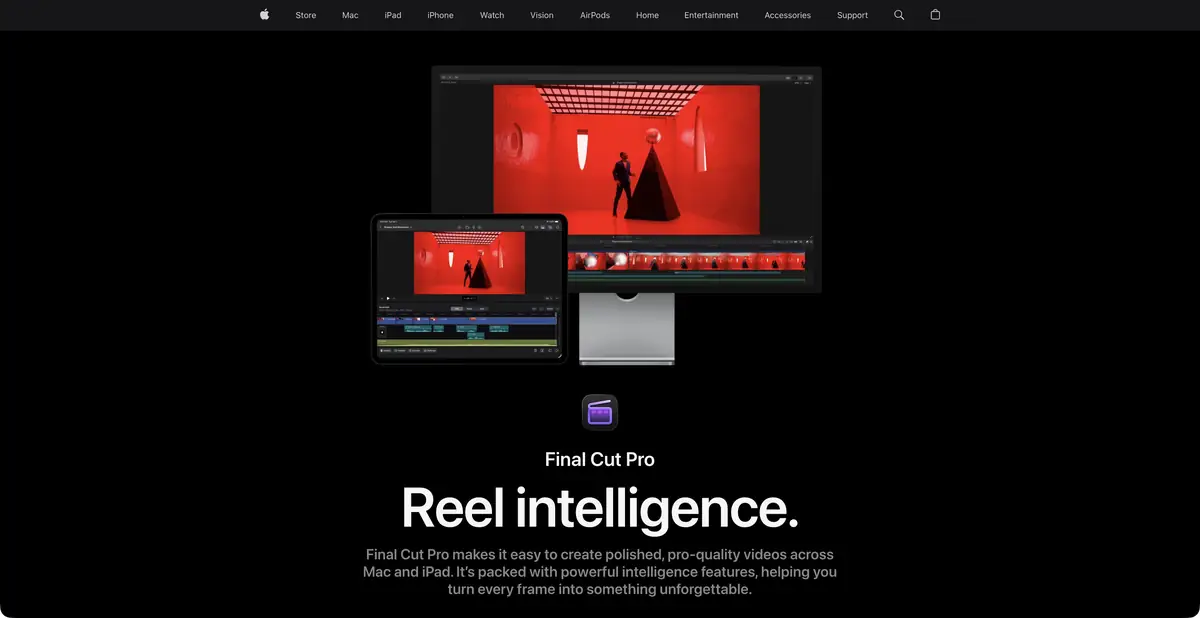
An editor for footage you already have
Final Cut Pro is useful when you already have footage and want control over editing. Magnetic Timeline helps rearrange and shorten clips while preserving relationships between project elements. The application handles images, sound, effects and titles. It is Apple's standalone video editor with AI tools, rather than a promise to produce a complete film from one text instruction.
The main inputs are video, audio and graphics. The required outputs are a checked video and a saved project for further changes. Mac and iPad capabilities, device requirements and individual features differ; the application name alone does not establish an identical toolset on every Apple device.
What AI masks and captions do
Magnetic Mask selects a person, object or shape and tracks the area as it moves. Use the mask to replace a background or restrict an effect. Auto Mask recognizes individual scene elements for processing; inspect complex edges throughout the selected shot.
Generate Captions analyzes speech and places captions on the timeline. Apple describes this as on-device processing. The current Mac guide specifies Apple silicon and American English, so support for Russian captions cannot be assumed. Edit Detection also uses local AI to identify edit points within an existing video.
Example: a video about a workshop
Use a wide shot of the room, close-ups of a tool and a short explanation from the craftsperson. Assemble the actions in order, then balance sound and color. If you need to brighten the person separately, try the mask on a section with moving hands and hair, then check its edges during normal playback.
Use automatic captions only after confirming support for the source language. For a Russian interview, arrange a checked transcript and a suitable caption workflow. Watch the export on the intended screen: an abrupt cut, tiny text or a misspelled name matters more in the finished video than an impressive feature demonstration.
Access and compatibility
Apple offers Final Cut Pro as a separate purchase and through Apple Creator Studio; the official page includes a trial offer. Compare premium-content terms and versions for different devices separately. Exact prices are not fixed here.
Local AI operations are useful on compatible hardware, but do not establish that every connected service and application feature works offline. A public generation API is not confirmed for this card. Before choosing, check your Mac or iPad, the codecs you need and project exchange with the rest of your team.
Suitable tasks
- Edit footage on Mac or iPad
- Mask an object to apply an effect
- Generate captions for supported speech
- Find edit points in an existing video
Strengths
- Editing, color and audio in one application
- AI masks linked to manually controlled effects
- Some AI operations run on the device
- Detailed Apple guides
Limitations
- Requires supported Apple devices
- Generate Captions on Mac has the documented restrictions
- Mac and iPad feature sets differ
- Mask edges and captions need checking
Selection and conditions
- Free access
- Not confirmed
- Trial period
- Yes
- No sign-up required
- Not confirmed
- Russian interface
- Not confirmed
- Local installation
- Yes
- API
- Not confirmed
“Not confirmed” means there is not enough information. The feature may still be available; check the developer’s terms.
- Input formats
- Video, Audio, Image, Text
- Result
- Video, Audio
Terms
Available as a separate purchase or through Apple Creator Studio with a trial offer. Premium content and device conditions differ. Application for supported Mac and iPad devices. Purchases or subscriptions use an Apple account; check system requirements for the chosen version.From task to first result
Practical example
- Task
- Edit footage on Mac or iPad
- What to prepare
- A short instructional script and your own videos, photographs and voiceover demonstrating the action.
Task brief or prompt
Assemble instructions with sequential steps, clear captions and pauses to inspect details. Do not add unverified product properties. If a required shot is missing, flag the gap instead of inventing a demonstration.
Expected result
A rough edit of an instructional video. Available generation operations, formats and export options depend on the service and plan.
How to check the result
- The order of shots matches the actual sequence of actions.
- Captions are readable on a phone and do not obscure important details.
- Speech, music, subtitles and rights to each source material are verified.
- Check the watermark, resolution, storage and export format before paying or publishing.
An editorial teaching example of a task brief, not the result of hands-on testing of the service. Check that the required mode is available, that you have rights to the source material and that the intended use of the result is permitted.
Check details
Official sources
- Official Final Cut Pro and purchase options
- Magnetic Mask in the Apple guide
- Generate Captions requirements on Mac
- Local AI features in Apple Creator Studio
This description is based on the developer’s material. Features, prices and availability may change; check the primary source before use.