Dzine combines generation, editing and scene work on a creative canvas.
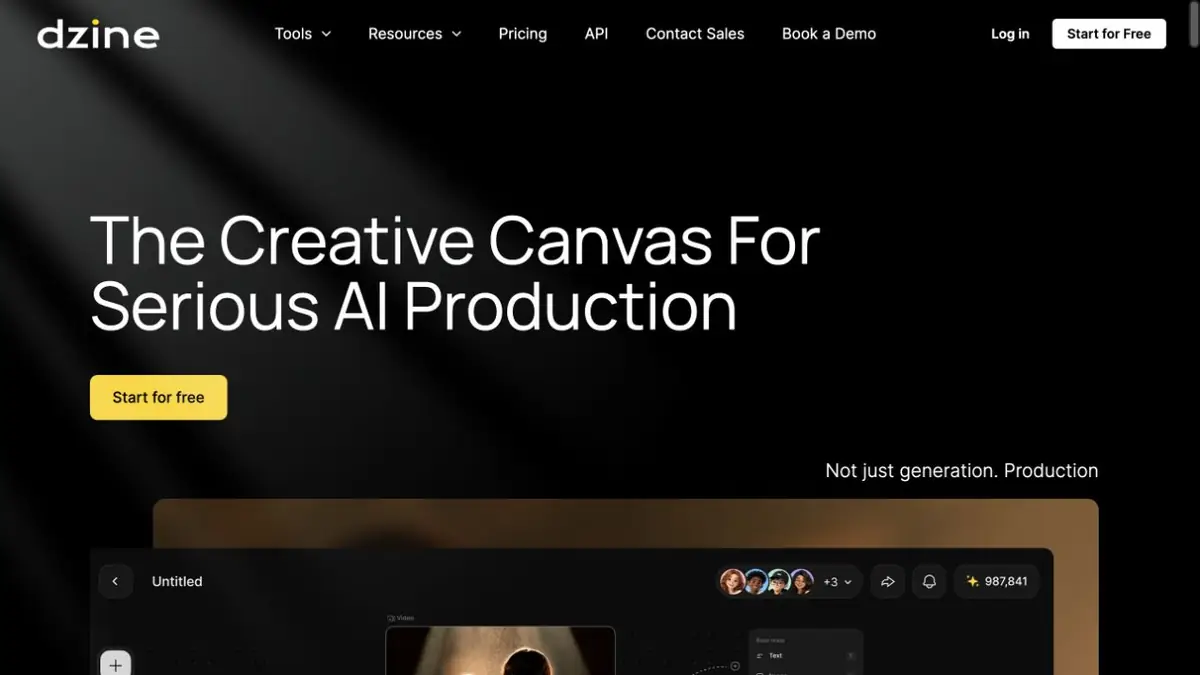
Project on one canvas
Dzine organizes visual material around a shared project. The official page shows an asset library, script analysis, and image and video nodes. Rather than keeping unrelated generations in separate places, you can store references and return to individual scenes in one workspace. This suits a small campaign, storyboard or image sequence.
The service uses different models and lists them in its interface and plans. A shared subscription does not give every tool the same capabilities. Check reference support, video length and cost in the selected mode. Dzine should not be described as the developer of every underlying model it offers.
How to keep the overall composition
For a learning project, suppose you need a series of table-lamp images in one room. Add your own references and keep the housing material, lighting direction and camera position fixed. Start with one shot. Once checked, use it for the next scene, changing just one parameter, such as distance to the object.
Compare variants side by side: lamp shape, part count and color should not change accidentally. For video, inspect transitions between key states. A shared canvas helps organize the work but does not guarantee that a character or object stays unchanged throughout the series.
Where an editor is needed
The generation should be combined with available image correction tools. An error in a small area is sometimes easier to highlight and replace than to completely repeat the scene. For text, logos and exact sizes, use a separate check: a beautiful frame can inaccurately reproduce a product or a branded element.
Credits and integrations
The pricing page lists credit plans and model availability. For regular work, check the cost of your chosen mode and concurrent-task limits as well as the total credit allowance. Dzine also publishes an API. Review its terms, authentication and supported actions separately; the browser editor does not prove that every workflow is available through an integration.
Suitable tasks
- Organize project visuals on a canvas
- Prepare consistent scenes using references
Strengths
- Common canvas, library of materials and scenes
- Images and videos are part of the same process
Limitations
- Models differ in features and credit costs
- Scene consistency needs manual checks
Selection and conditions
- Free access
- Not confirmed
- Trial period
- Not confirmed
- No sign-up required
- Not confirmed
- Russian interface
- Not confirmed
- Local installation
- Not confirmed
- API
- Yes
“Not confirmed” means there is not enough information. The feature may still be available; check the developer’s terms.
- Input formats
- Text, Image, Video
- Result
- Image, Video
Terms
Dzine uses credit plans with different models and modes. Its browser editor requires an account; check API, trial and team-workspace terms separately.From task to first result
Practical example
- Task
- Organize project visuals on a canvas
- What to prepare
- A short description of the intended illustration and the chosen aspect ratio.
Task brief or prompt
Editorial illustration: a small workshop, a notebook and a green desk lamp on a table, soft daylight, a simple composition and space on the left for a headline. No lettering, logos or watermarks.
Expected result
An illustration with a clear composition and space for text; this is a brief, not a published generated result.
How to check the result
- Check object geometry and any unintended lettering.
- Check the dimensions, license and commercial-use terms for the selected mode.
An editorial teaching example of a task brief, not the result of hands-on testing of the service. Check that the required mode is available, that you have rights to the source material and that the intended use of the result is permitted.
Check details
Official sources
This description is based on the developer’s material. Features, prices and availability may change; check the primary source before use.