

Animate 3D turns your own video footage into character animation data. It uses camera footage instead of a special suit, and the resulting motion is checked and refined in a 3D workflow.
Do not draw each pose manually
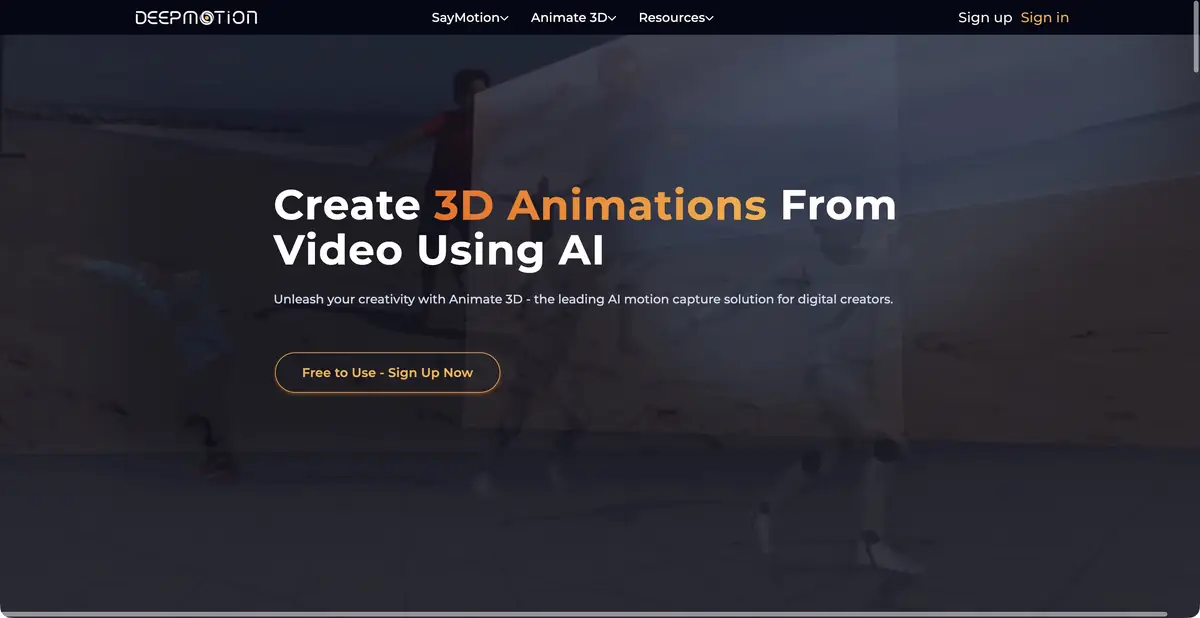
Draft animations of walking, gestures or exercise often need clear source footage showing a person moving in real time. DeepMotion Animate 3D extracts motion from ordinary video and transfers it to a character. It offers body tracking and, in suitable modes, face, hand and multi-person tracking. It is not a measurement system promising accuracy for medical or sports conclusions.
What to upload and what to download
Official help lists MP4, MOV and AVI as input video formats. Animation outputs include FBX, BVH, GLB and video previews; specific options depend on the character and plan. You can use the service's characters or upload a suitable model of your own.
Settings include foot locking, smoothing, slow-motion handling and other adjustments. Choose them for the specific scene. For example, if feet slide, first check the source footage and floor contact, then adjust the relevant mode instead of increasing every setting at once.
Example: motion for a character in a training scene
Record a short clip yourself: a person takes a few steps, stops and waves. Legs and arms should be clearly visible. For the first test, choose a simple background and one action, without a dense crowd or abrupt cuts. Agree use of the recording with the participant in advance.
After processing, inspect the feet and pelvis first, then torso rotation and the hand. The overall pose may look convincing while the hand jumps when the face is occluded. Comparing with the original helps distinguish a tracking error from an unusual movement by the performer.
Finally, import the file into your project and check the skeleton and scale match. Successful movement on a standard character does not yet confirm that the same file works correctly with the proportions of your hero.
Where does automatic capture end
If a body part is obscured, outside the frame or hard to distinguish, the system must reconstruct motion from incomplete data. Complex choreography and precise environmental contact may require frame-by-frame correction. DeepMotion offers pose-editing tools; available settings depend on the mode.
The company offers an API and separate technical-integration solutions. Discuss and configure this access separately from a regular web subscription. It automates processing but does not resolve participant consent or rights to the original recording.
Free access and commercial license
Freemium lets you try the service with limited credits and duration. It is intended for personal non-commercial use. Paid plans change limits, priority, character features and license terms; extra free credits alone do not turn a non-commercial plan into a commercial one.
For a work project, check the license and export format first, then perform a test import. Do not keep the only copy of the source video in a cloud account, and clarify team material storage rules in advance.
Suitable tasks
- Prepare a rough character animation from video
- Transfer a gesture or walk to a digital skeleton
- Check the staging of an animated scene
- Embed motion processing into your own technical process
Strengths
- Ordinary video recording instead of a capture suit
- Export animation data to common formats
- Foot settings and motion correction
- Individual API solutions are available
Limitations
- Occlusion and frame boundaries impair motion reconstruction
- Skeletal compatibility and scale should be checked when importing
- Freemium does not give a commercial license
Selection and conditions
- Free access
- Yes
- Trial period
- Not confirmed
- No sign-up required
- No
- Russian interface
- Not confirmed
- Local installation
- Not confirmed
- API
- Yes
“Not confirmed” means there is not enough information. The feature may still be available; check the developer’s terms.
- Input formats
- Video, 3D model
- Result
- 3D animation, Video
Terms
Freemium is for personal non-commercial use, with restrictions. Commercial licensing and advanced settings depend on the paid plan.From task to first result
Practical example
- Task
- Prepare a rough character animation from video
- What to prepare
- Your own video of a person taking a few steps, stopping and raising an arm. Their entire body stays in frame.
Task brief or prompt
Extract body motion from this video and transfer it to an available character. Check the stopping motion, foot placement and arm raise. Choose an animation format supported in your account for further processing.
Expected result
Rough character animation based on captured motion; corrections and retargeting may be needed for the final shot.
How to check the result
- Check foot sliding, hand positions, body orientation and joint jitter.
- Inspect sections with occlusion and limbs moving outside the frame.
- Check the import of the animation and the skeleton's match to the target character.
An editorial teaching example of a task brief, not the result of hands-on testing of the service. Check that the required mode is available, that you have rights to the source material and that the intended use of the result is permitted.
Check details
Official sources
This description is based on the developer’s material. Features, prices and availability may change; check the primary source before use.
