

Flow Studio, formerly Wonder Studio, connects conventional video footage with computer graphics. The service extracts motion and scene elements so animators can continue working in their own 3D tools.
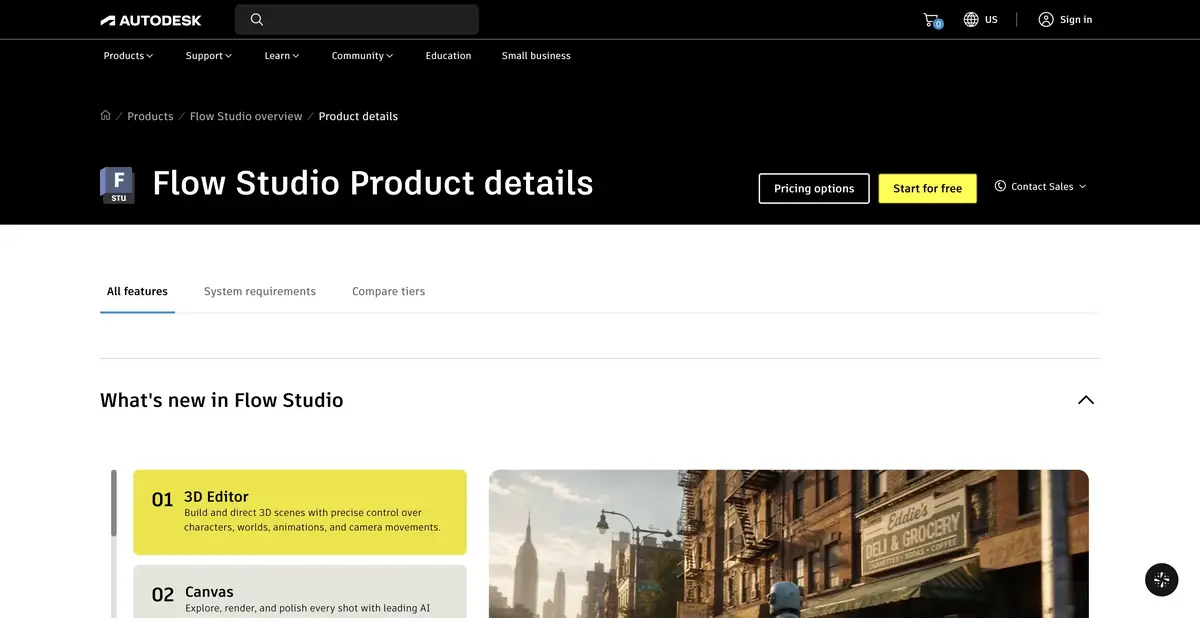
Footage becomes the source for a computer-generated scene
It’s easier to capture an actor’s movement than to animate him manually from scratch. Flow Studio analyzes the video, transfers the performance to a digital character and helps get editable scene elements. The platform also has a three-dimensional object generation and a scene editor. The former name Wonder Studio refers to the same product: to create a separate card for it and consider it a new service would be wrong.
What can be obtained after processing
For live-action footage, described features include motion capture, camera tracking, clean plates, masks and character passes. The exact set depends on the plan and mode. Unlike a simple finished video, elements can be transferred into a further production workflow where an artist can refine the result.
The official table lists scene export for Maya and Blender, with Unreal Engine and USD available at appropriate tiers. It supports stock and custom characters, alignment settings and different levels of control. Check source-video and model requirements before filming; otherwise you may need to correct both motion and unsuitable material preparation.
Example: a digital character in a filmed room
Suppose you want to show a robot approaching a table and picking up an object. First film your own short scene with a human performer whose consent to use their likeness has been obtained. Make the hands and object contact clearly visible, with movement simple enough for a first pass.
After processing, check the feet on the floor, hand positions, occlusion by objects and the shadow. If the character touches a table, evaluate the contact point in particular rather than just the overall replacement effect. One successful frame does not guarantee equal accuracy throughout the clip.
Next, export the available elements and open the scene in the target program. Check character scale, camera coordinates and motion consistency. A hand's faulty contact with a table is best caught before lighting and final rendering.
Object generation and editor capabilities
Wonder Tools lets you create 3D starting assets from text or images, work on textures and prepare characters. The new scene editor lets you combine objects and refine visual staging. Additional models within the platform do not make it a list of third-party chats: the core product is a controlled 3D and video workflow.
Cloud automation still requires compositing and animation skills. Small movements, complex occlusion, fine details and mismatched lighting may need manual correction after export.
Account, plans and restrictions
Access is provided through Autodesk. Free and paid tiers use credits and have different limits for video, storage, characters and outputs. Check your essential requirement before paying, such as exporting a specific pass or scene format.
The official requirements describe a cloud-based browser workflow and explicitly warn that mobile browsers are not yet optimized. For a work project, use a supported environment, retain the original footage and check the terms for processing your team's materials.
Suitable tasks
- Transfer motion from footage to a digital character
- Prepare editable CG scene elements
- Get a starting point for further compositing
- Build a visual scene concept with 3D objects
Strengths
- Motion capture without a suit or markers
- Editable elements for further production
- Export to professional 3D workflows
- Object generation and scene management in one product
Limitations
- Contact, occlusions and lighting require manual checks
- The set of exported elements depends on the plan
- Mobile browser not officially optimized
Selection and conditions
- Free access
- Yes
- Trial period
- Not confirmed
- No sign-up required
- Not confirmed
- Russian interface
- Not confirmed
- Local installation
- Not confirmed
- API
- Not confirmed
“Not confirmed” means there is not enough information. The feature may still be available; check the developer’s terms.
- Input formats
- Video, Image, Text, 3D model
- Result
- Video, 3D scene, 3D animation, 3D model
Terms
Free and paid levels vary in credits, duration, characters, and exports. Mobile browsers are not optimized.From task to first result
Practical example
- Task
- Transfer motion from footage to a digital character
- What to prepare
- Your own video of a person taking a few steps, stopping and raising an arm. Their entire body stays in frame.
Task brief or prompt
Extract body motion from this video and transfer it to an available character. Check the stopping motion, foot placement and arm raise. Choose an animation format supported in your account for further processing.
Expected result
Rough character animation based on captured motion; corrections and retargeting may be needed for the final shot.
How to check the result
- Check foot sliding, hand positions, body orientation and joint jitter.
- Inspect sections with occlusion and limbs moving outside the frame.
- Check the import of the animation and the skeleton's match to the target character.
An editorial teaching example of a task brief, not the result of hands-on testing of the service. Check that the required mode is available, that you have rights to the source material and that the intended use of the result is permitted.
Check details
Official sources
- Features of Flow Studio
- Product plans and purpose
- Renaming and logging in via Autodesk
- 3D Editor and Canvas
This description is based on the developer’s material. Features, prices and availability may change; check the primary source before use.
