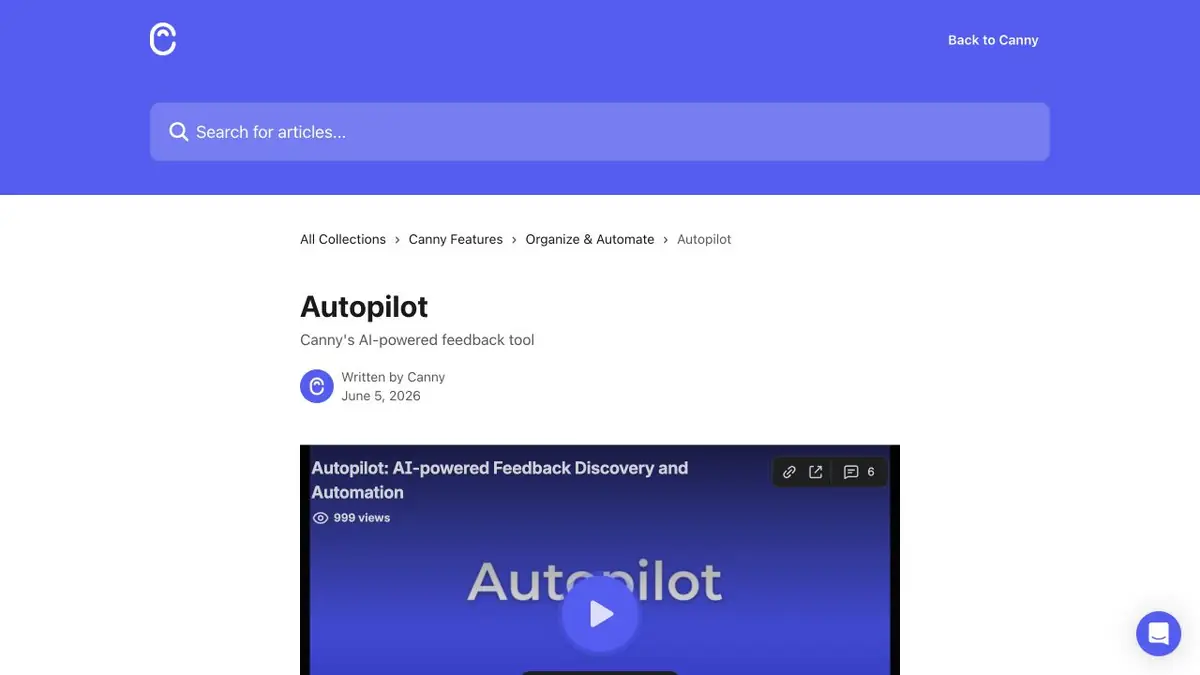
Autopilot detects requests from connected sources and helps to match them with existing Canny records.
When two requests are similar only by words
Canny Autopilot has the tools to identify feedback in messages and work with matches. In the first trial run, it is better to take one source and a small set of cases. Read the entry after processing and open the original message. If the client complains about an error and the system has created a request for a new feature, change the wording and category. Similar words can describe different problems, so it is useful to check the expected action of the user.
Training example of unloading
One customer requests a spreadsheet export format and another reports that the existing export button stopped working. Check whether the system groups the two messages under one topic. The first is a feature request and the second needs a bug investigation. Look for a link to the original message. If someone posts the same request in two channels, verify it before counting two independent requests. Keep both sources if each adds useful context.
Checking the process before automation
Decide who is responsible for merging and publishing posts. Before connecting a high-volume source, review a trial set by hand and compare your decisions with Autopilot suggestions. If a message contains private information, check access rules before importing it from another service. Decide which cases to process automatically and which to review manually. Keep a few verified examples to retest after changing settings.
Suitable tasks
- Prepare records on customer requests.
- Find similar requests and check where the merger is wrong.
Strengths
- Supports the identification of feedback from connected sources.
- It helps to work with existing records.
Limitations
- A similar wording may hide different requests.
- Integrations and modes depend on the workspace.
Selection and conditions
- Free access
- Not confirmed
- Trial period
- Not confirmed
- No sign-up required
- Not confirmed
- Russian interface
- Not confirmed
- Local installation
- Not confirmed
- API
- Not confirmed
“Not confirmed” means there is not enough information. The feature may still be available; check the developer’s terms.
- Input formats
- Text, Document
- Result
- Text
Terms
Check the source of each request before merging the records.From task to first result
Practical example
- Task
- Prepare records on customer requests.
- What to prepare
- Anonymized support notes and fictional interviews about one product change.
Task brief or prompt
Group comments on problems. Save the original snippet for each topic. Do not consider multiple reports of a single case to be multiple independent requests.
Expected result
Feedback topics that can be checked from the original messages.
How to check the result
- Separate the request for a new function from the error message.
- Open the original snippets for each topic.
An editorial teaching example of a task brief, not the result of hands-on testing of the service. Check that the required mode is available, that you have rights to the source material and that the intended use of the result is permitted.
Check details
Official sources
This description is based on the developer’s material. Features, prices and availability may change; check the primary source before use.