Answers questions about available Box files and helps extract working information from them.
Clear documents on the spot
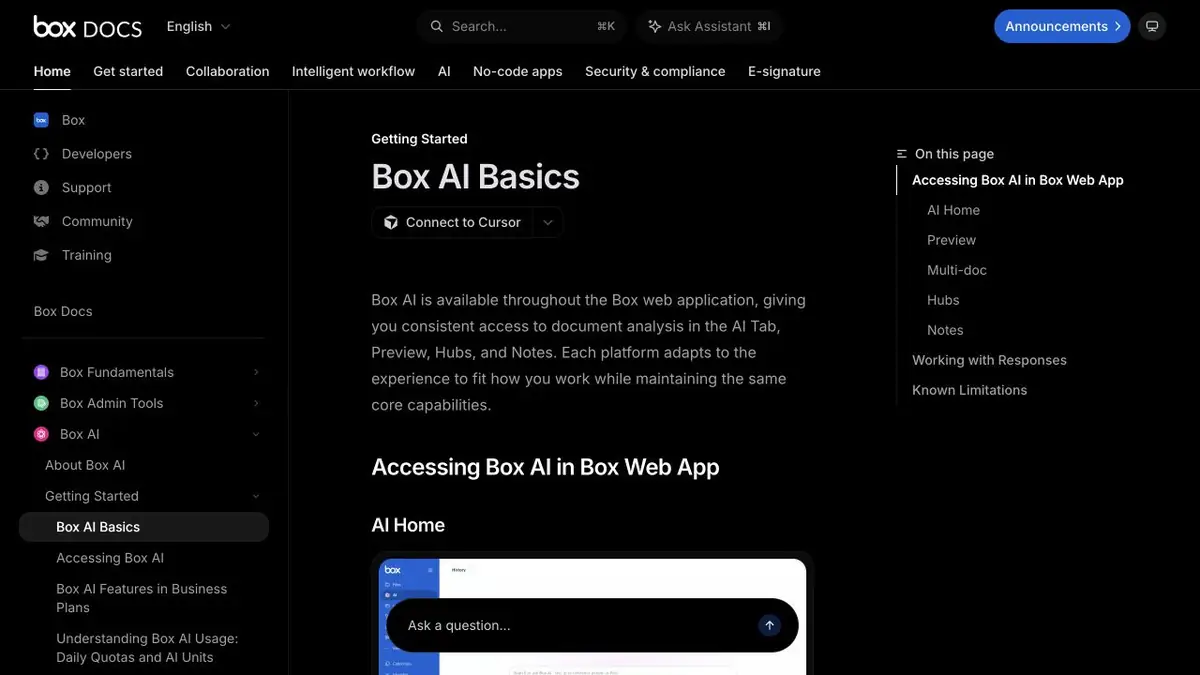
In the common folder there are two instructions for issuing equipment. The first and second have the same headlines, but the employee changed the conditions step by step. Box AI allows you to ask a question about the available document and get a summary without transferring the text to a separate service. The work options are listed in the help, including file analysis in browsing and working with Box Hubs materials.
If you need to compare files, check the support for such a mode from your plan. In one document, it is enough to start with the question of a specific section.
Comparison with control exception
Make two training editions of the instructions. In one period of return five working days, and in another leave five days only for a certain category of devices. Ask for the difference and specify which file the condition is described in. Open both places yourself. From a short summary, the word “workers” or the name of the category easily disappears, although it is this that affects the action of the employee.
If the file contains a scan, check if analysis of its text is available. Sometimes it is more convenient to take an approved editable version and repeat the question.
Rights and Editorials
Box allows the administrator to manage access to AI. Before using the general selection, make sure that the answers are built on the right materials, and check the rights of the recipient of the result. For the service report, leave a link to the source and write down the date of publication separately.
Suitable tasks
- Compare conditions in two instructions
- Extract data from the working file
Strengths
- The question can be asked when working with the document
- Multiple entry points inside the Box are supported
Limitations
- Comparison depends on the mode and plan
- For complex layout requires a reconciliation
Selection and conditions
- Free access
- Not confirmed
- Trial period
- Not confirmed
- No sign-up required
- Not confirmed
- Russian interface
- Not confirmed
- Local installation
- Not confirmed
- API
- Yes
“Not confirmed” means there is not enough information. The feature may still be available; check the developer’s terms.
- Input formats
- Document, Text
- Result
- Text
Terms
A multi-file option requires a suitable Box AI mode.From task to first result
Practical example
- Task
- Compare conditions in two instructions
- What to prepare
- Two of your own documents describing delivery deadlines, with personal data removed in advance.
Task brief or prompt
Compare the delivery terms in the two attached texts. List differences in deadlines, exceptions and passages where information is insufficient. For each conclusion, provide a quotation and the source document’s name. Do not fill in missing information.
Expected result
A table of discrepancies with quotations that can be checked against the source documents.
How to check the result
- Find each quotation in the original document.
- Check the exceptions and do not treat the answer as a legal opinion.
An editorial teaching example of a task brief, not the result of hands-on testing of the service. Check that the required mode is available, that you have rights to the source material and that the intended use of the result is permitted.
Check details
Official sources
- Features of Box AI
- Overview of working places with Box AI
- Instructions for working with files
- Access to Box AI API
This description is based on the developer’s material. Features, prices and availability may change; check the primary source before use.