

AI features within the Notion workspace. They help find information, rework material and complete tasks using context from pages, databases and connected tools.
Most useful where your materials already live
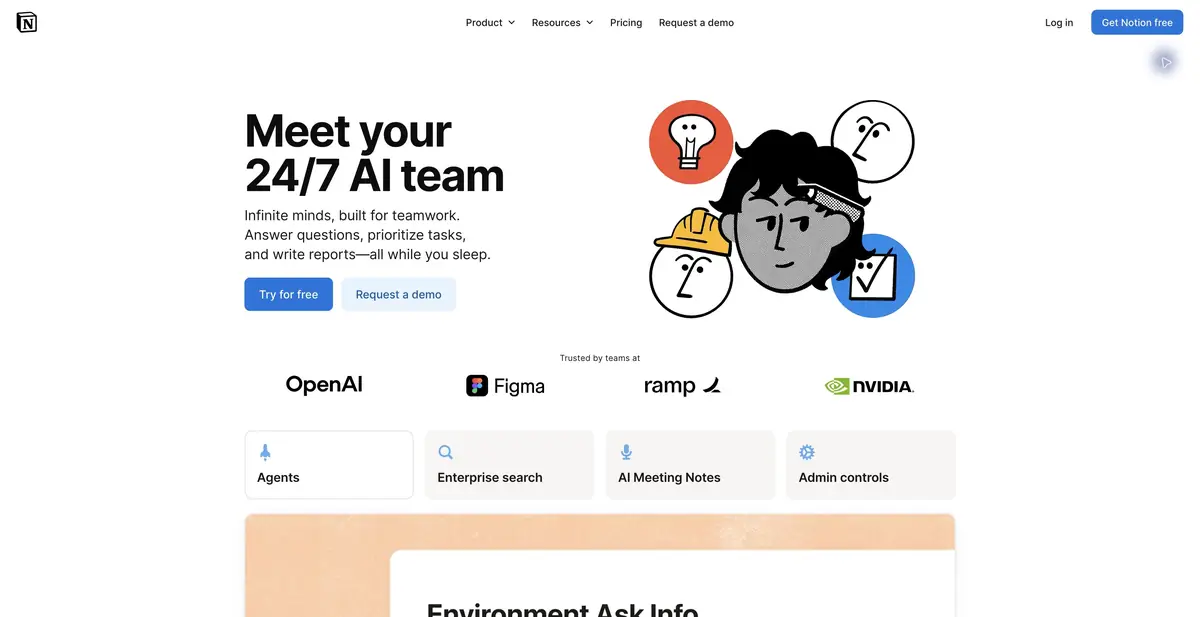
Notion AI works with workspace material: pages, discussions and project data. You can search it, prepare meeting notes and assign tasks to an agent. Separate configurable agents support recurring work. More accurate source documents make answers based on them more useful.
Organize the knowledge first
If a workspace contains three conflicting instructions, AI may confidently cite an outdated one. Mark current documents, assign owners and separate the archive. For important decisions, retain a source link rather than just a final summary.
Connections to other tools broaden context, but do not automatically fix permissions or source-data quality. Before widespread use, verify that employees receive answers only from material they are permitted to see.
Work task: prepare a project status update
Name the project and request completed tasks, blockers and team questions. Explicitly prohibit turning wishes in notes into approved decisions. Open key sources afterwards and check deadlines and owners.
If the team likes the status-report format, assign its preparation to a configurable agent. Specify the trigger, which materials it may use and when it must stop. Review early results before enabling automatic delivery to other systems.
Editing pages and databases
An agent can help create and revise work material within the available features. Start with a copy of a page or a limited set of records, then inspect the result. In a database, preserve relationships and field meanings: an attractive summary must not break existing record-keeping.
For meeting notes, agree in advance on recording and participant access. A text summary may omit a caveat or identify a commitment incorrectly.
How billing works
Core AI features and trial allowances depend on the Notion plan. Custom Agents use separate credits under the current terms. The public API for ordinary pages is not a universal API for every Notion AI feature. Before adopting it, check data handling, connected providers and workspace administration settings.
Suitable tasks
- Search team knowledge
- Project statuses
- Notion documents and databases
- Recurring tasks with agents
Strengths
- Working within an existing workspace
- Search with sources
- Agents and team integrations
Limitations
- Outdated pages distort the answer
- Check usage rights for the source materials
- Custom Agents consume a separate credit allowance
Check details
Official sources
This description is based on the developer’s material. Features, prices and availability may change; check the primary source before use.


