Glean combines enterprise search, assistants and agents connected to workplace systems.
Find a decision and its source
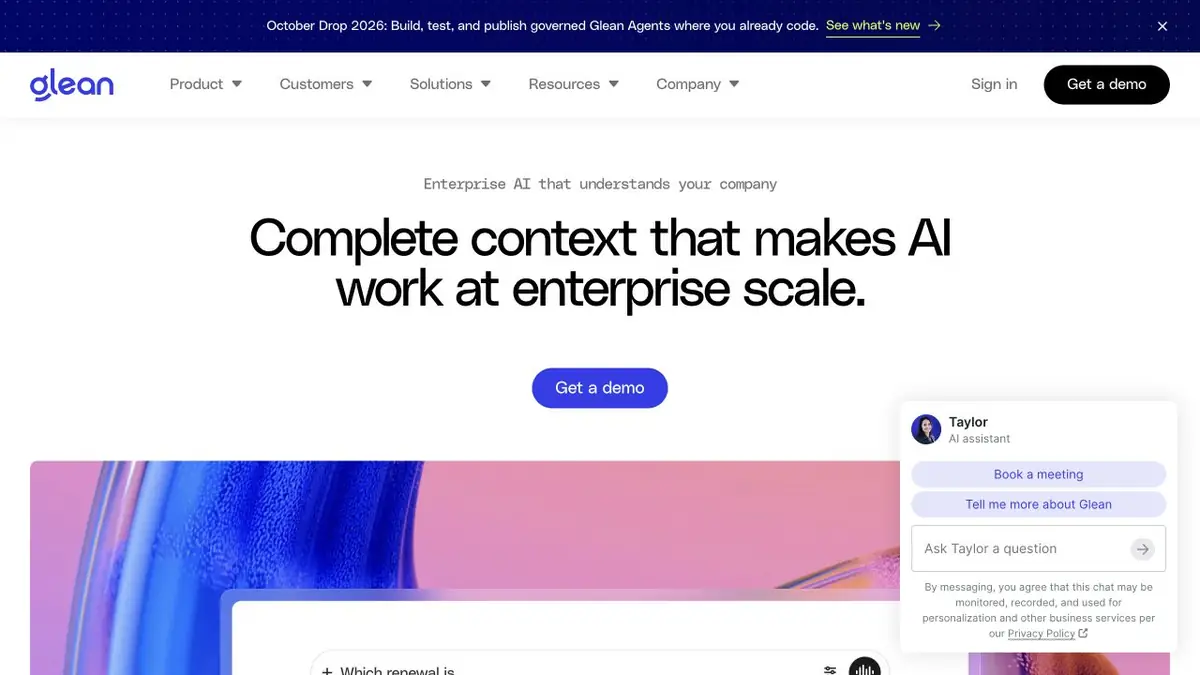
Glean connects to workplace systems and helps search the available context. Enterprise search, the assistant and agents form a connected product. It is useful when a decision is somewhere in documents and discussions but the employee does not know where to look.
The answer depends on connections and permissions. Two employees can get different results because they have access to different sources. The absence of a document in the response does not prove that such a solution does not exist.
Check the project summary
For a practice task, select an approved set of project materials and ask which decisions are supported by sources. Open the links in the answer. Compare discussion with final decisions carefully: polished wording can hide the difference between a proposal and an agreed action.
Check the source document's date and owner. If a deadline has changed, an old message may remain in the system. Without a clear updating procedure, an automatic summary may confidently repeat outdated context.
When preparing a response for someone else, consider their access to the source data too. Information visible in your personal search is not necessarily intended for a shared channel or an external recipient.
Check access limits first
Start implementation with a workspace whose document ownership is clear. Test the same question with employees who have different permissions. Identical wording must not bypass source restrictions. After revoking access, check whether the affected material stops appearing in answers.
What does corporate implementation include
The official site describes connectors, access controls, developer tools and an API. Glean provides its own knowledge workflow without presenting third-party language models as its own base model. Choose integrations and settings for the organization's infrastructure.
Discuss access and commercial terms for the team. Before rollout, test one workspace for index completeness, source-link quality, permissions and deleted-document handling. The product is useful when found information can be checked and kept current.
Suitable tasks
- Find a confirmed project decision
- Summarize workplace sources
- Check the corporate assistant's response
Strengths
- Search is related to work systems
- Sources and permissions are taken into account
Limitations
- Depends on an up-to-date index
- Requires corporate setup
Selection and conditions
- Free access
- Not confirmed
- Trial period
- Not confirmed
- No sign-up required
- Not confirmed
- Russian interface
- Not confirmed
- Local installation
- Not confirmed
- API
- Yes
“Not confirmed” means there is not enough information. The feature may still be available; check the developer’s terms.
- Input formats
- Text, Document
- Result
- Text
Terms
The assistant uses connected workplace systems and employee permissions. Deployment and pricing are agreed with the organization; check source links and answer freshness.From task to first result
Practical example
- Task
- Find a confirmed project decision
- What to prepare
- Allowed set of documents or saved working context with notes about the project.
Task brief or prompt
Find out what decisions on the project are confirmed by available sources. Specify the source of each decision, its date, if known, and unresolved issues. Separate the baseline information from the assumptions.
Expected result
Summary of confirmed decisions with verifiable references or indications to sources.
How to check the result
- Open these documents or context records.
- Make sure that the outdated discussion is not presented as a decision.
An editorial teaching example of a task brief, not the result of hands-on testing of the service. Check that the required mode is available, that you have rights to the source material and that the intended use of the result is permitted.
Check details
Official sources
This description is based on the developer’s material. Features, prices and availability may change; check the primary source before use.