Prepares questions, cards and audio reviews from their own training materials.
Make training from your materials
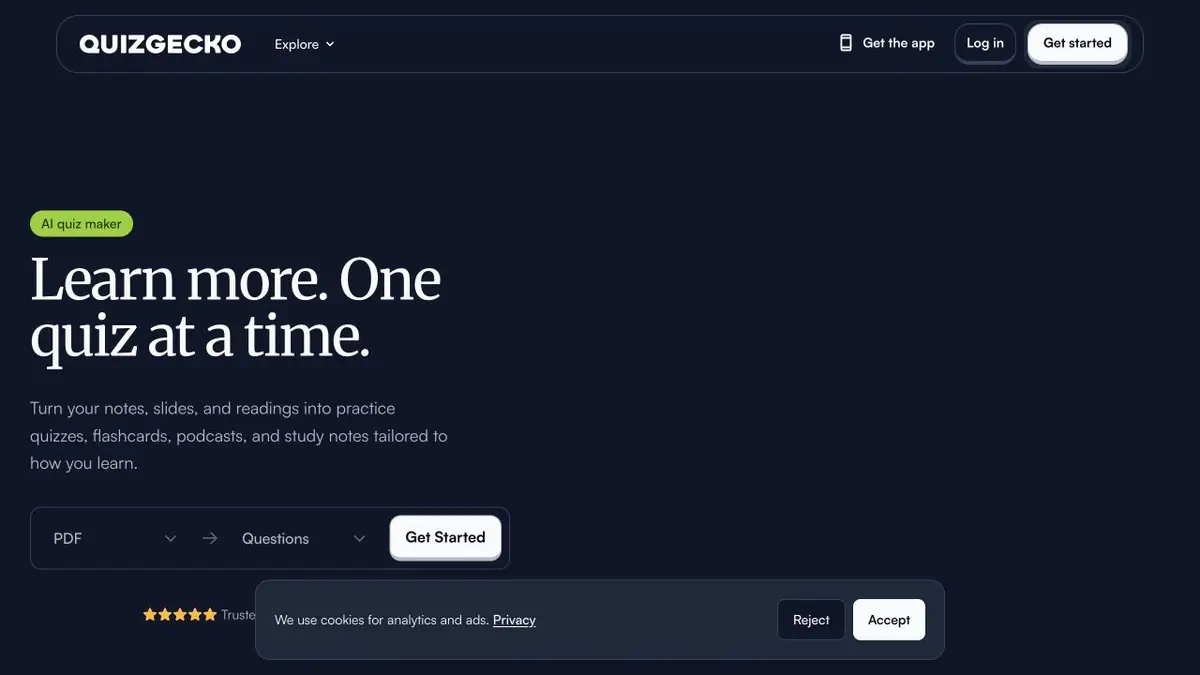
In Quizgecko you can upload notes, slides or a PDF, or provide a link. The service uses the material to create questions, flashcards, study notes and an audio review. Use questions to test yourself and flashcards to review definitions in short sessions. For example, spend one session on the terms you confused last week.
A file that is too large makes it difficult to verify. Start with one topic, such as an introductory lecture on the cell. Then each question can be quickly compared with the definition or drawing in the summary.
Identify the weak spot by answers
Take the test without looking at the material. Then write out two questions where similar terms got confused. Return to the original lecture and state the difference in your own words. If the question turns out to be ambiguous, correct it or remove it from the collection.
Check separately for denials and exceptions. On the card, it is important to keep the condition under which the rule works. So you will not consolidate too broad a generalization. If you are listening to an audio review, keep the source text close to check for unusual wording.
How much material to upload
There is a free level and paid subscriptions. They differ in available volumes and regimes. For comparison, take the same lecture and check whether the desired type of exercise for a week of preparation is enough. In the general account or work group upload only those materials for use which you have permission.
Suitable tasks
- Test your lecture
- Create a card to repeat the topic
- Listen to a review of educational notes
Strengths
- Multiple training formats from one source
- The results help to choose a theme for repetition
Limitations
- Keys and wording are checked with the summary
- Format limits depend on subscription
Selection and conditions
- Free access
- Yes
- Trial period
- Not confirmed
- No sign-up required
- Not confirmed
- Russian interface
- Not confirmed
- Local installation
- Not confirmed
- API
- Not confirmed
“Not confirmed” means there is not enough information. The feature may still be available; check the developer’s terms.
- Input formats
- Text, Document, URL
- Result
- Text, Audio
Terms
Formats and limits depend on the plan. Questions and keys are checked on the material.From task to first result
Practical example
- Task
- Test your lecture
- What to prepare
- Own summary of two pages with definitions and one disassembled example.
Task brief or prompt
Prepare a test for definitions and their application. Check the answers with the summary. If the rule depends on the condition, move this condition to the question.
Expected result
Questions with the key to self-repetition.
How to check the result
- Answer without prompts, then open the key.
- Verify the wording and the key to the original summary.
An editorial teaching example of a task brief, not the result of hands-on testing of the service. Check that the required mode is available, that you have rights to the source material and that the intended use of the result is permitted.
Check details
Official sources
This description is based on the developer’s material. Features, prices and availability may change; check the primary source before use.