Desktop Upscayl enlarges small images using models on the user’s computer. It is a separate free, open-source tool; the brand’s cloud features have their own terms.
When you need a file larger than the original
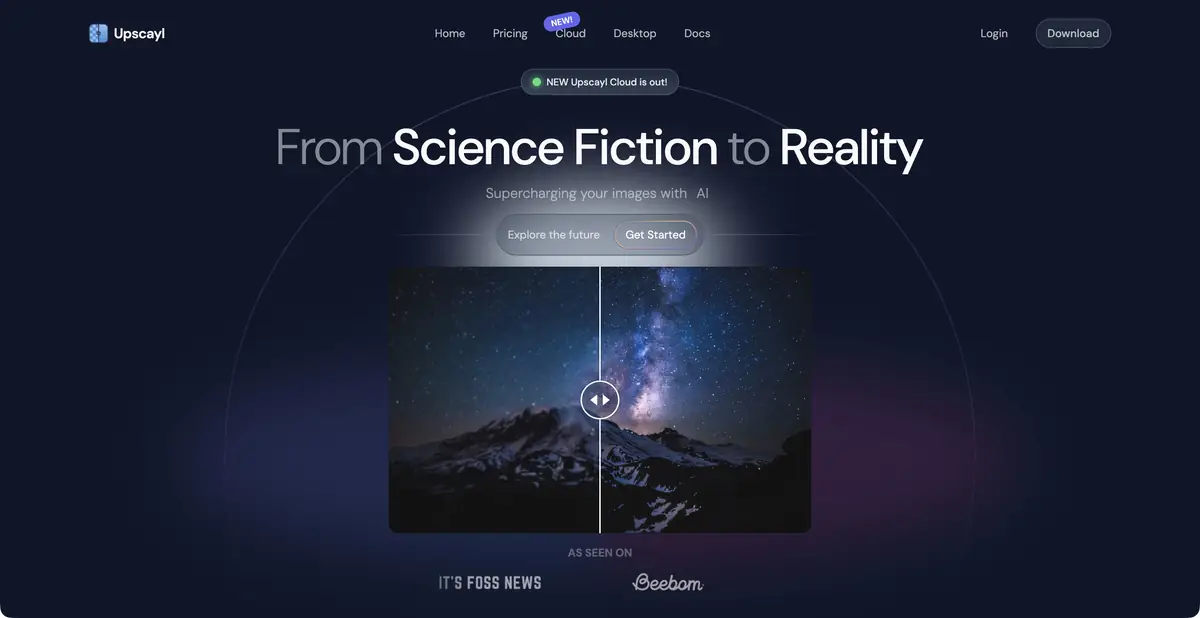
A small illustration may look good on a card but become pixelated when enlarged for print. Desktop Upscayl processes it on your computer to produce a larger copy. The model estimates plausible image details; it does not read hidden information from the source. This helps prepare illustrations, older digital images, and individual layout elements when no larger original exists. If a genuine source file is obtainable, explore that option first.
Desktop and cloud versions have different terms
The official repository provides a free, open-source app for Linux, macOS, and Windows. Documentation covers models, batch processing, and the upscayl-ncnn backend with a command-line interface. Processing requires a Vulkan-compatible GPU; integrated graphics alone do not guarantee it will run. Large images and repeated upscaling increase memory demands.
The main site also promotes a cloud product. Its features and pricing should not be attributed to the free desktop app. If you need local processing, download the desktop version from an official source and check its requirements. A CLI does not thereby become a confirmed hosted service API.
Example: illustration for the handout sheet
You have a small original raster illustration with clear outlines that needs to fit on an A4 page. Save an unchanged copy first and determine the image’s actual size in the layout. Choose a suitable model, run one pass, and compare the result with the original at the same physical size. For multiple files, check one representative image before running the batch.
Inspect fine lines, curved outlines, and small lettering. A halo around an object or a new paper texture may look convincing on screen but poor in print. Do not replace recognizable letters with invented symbols. If the source is entirely out of focus, the official FAQ explicitly warns that Upscayl is not intended for that correction.
Local processing still requires result checks
The desktop program suits users prepared to install an app and allocate compute resources. On-device processing helps with materials you prefer not to upload, but image rights and chosen model licenses still matter. Open-source application code does not authorize processing and distributing every possible input.
Keep the original beside the upscaled version and note the processing method. This is especially useful for archival photographs and technical drawings: a new pixel may be a model’s guess rather than a detail that existed. The criterion is suitability of the file for the required layout, rather than the highest possible scaling factor.
Save the source filename and chosen model with the result so you can process the remaining illustrations consistently and revisit comparisons after printing.
Suitable tasks
- Upscale your own illustration for a layout
- Process a batch of raster images
- Perform AI upscaling on your own device
Strengths
- A free, open-source desktop app
- Local image processing
- Official CLI backend
Limitations
- A compatible GPU is required
- Completely blurred frame is not restored reliably
- The cloud product has separate conditions
Selection and conditions
- Free access
- Yes
- Trial period
- Not confirmed
- No sign-up required
- Not confirmed
- Russian interface
- Not confirmed
- Local installation
- Yes
- API
- Not confirmed
“Not confirmed” means there is not enough information. The feature may still be available; check the developer’s terms.
- Input formats
- Image
- Result
- Image
Terms
These facts apply to the open-source desktop Upscayl with a compatible Vulkan GPU. Cloud has different terms; the CLI is not treated as an API.From task to first result
Practical example
- Task
- Upscale your own illustration for a layout
- What to prepare
- The original photo in the maximum available quality, without recompression.
Task brief or prompt
Task brief: reduce noise and improve the photo’s clarity while preserving natural texture. Compare the original and processed image at the same scale; do not use reconstructed details as evidence of a fact.
Expected result
A photo that is more suitable for a layout; reconstructed details remain the algorithm’s interpretation.
How to check the result
- Compare the texture of skin and fabric, and the appearance of small lettering.
- Check for halos and invented details.
An editorial teaching example of a task brief, not the result of hands-on testing of the service. Check that the required mode is available, that you have rights to the source material and that the intended use of the result is permitted.
Check details
Official sources
This description is based on the developer’s material. Features, prices and availability may change; check the primary source before use.