

An image-upscaling and creative-processing tool within Magnific. It lets you choose between adding texture and preserving the original more closely.
Where Magnific is useful
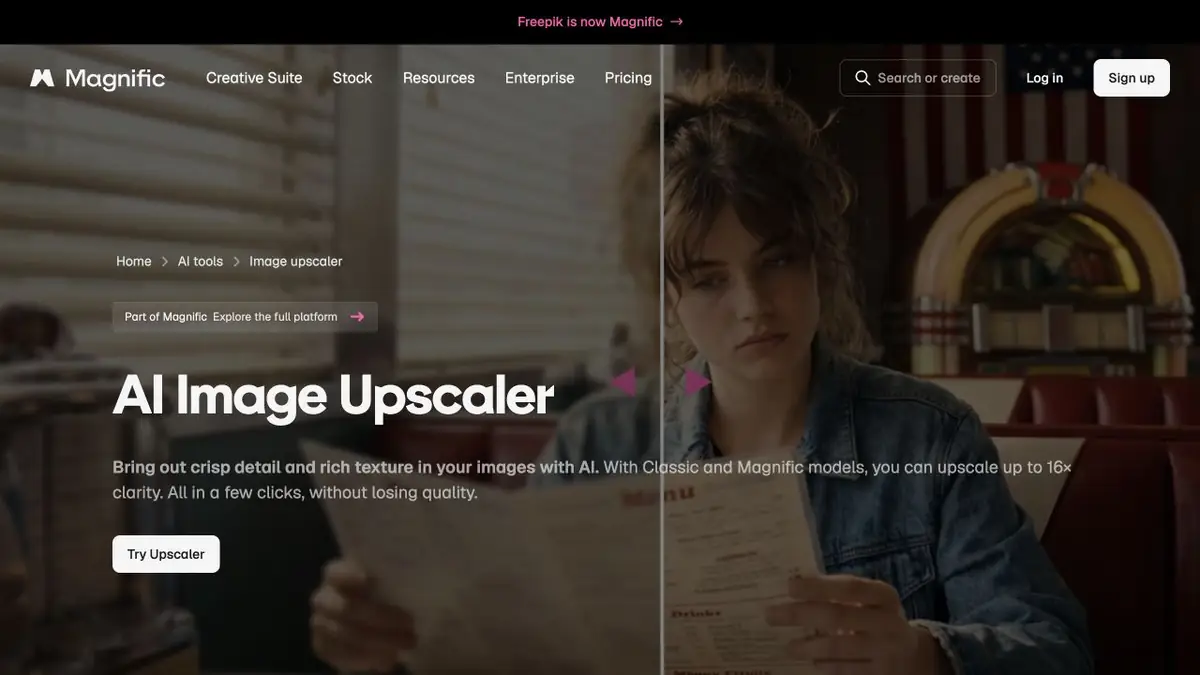
Magnific is known for AI image upscaling and adding detail. Its shared platform now offers other creative tools, but the upscaler still has a specific purpose: enlarging an image while controlling how noticeably its texture changes.
The upscaler’s official page describes Magnific Creative and settings controlling similarity to the original. These let you choose between a restrained result and more noticeable new texture. Generative upscaling is different from restoring details that can be proved to have existed.
How to choose the degree of change
A new texture may suit an artistic concept. For a product photo, an architectural record or a photograph of a person, preserving the content matters more. Define acceptable changes first and inspect a small area: skin, fabric, lettering or material texture. If the tool changes the meaning, a more striking result is not an improvement.
Example: preparing an illustration for a large page section
Take the original version with your chosen composition. Produce a restrained enhancement and a more creative one, then compare them at the intended display size. Inspect object edges and random patterns: they may look like detail from a distance but turn into artefacts when enlarged.
Keep the original and note applied transformations. Use a consistent level of detail for a series, or one image may look photographic and another drawn. Do not entrust precise logos and text to generative restoration without manual inspection.
Official platform and terms
Check the current Magnific plan: allowances, modes and other platform tools may change. User subscriptions and programmatic interfaces follow separate rules. Before processing client files, review commercial terms and source-image rights.
Suitable tasks
- Upscaling illustrations
- Creative Detailing
- Preparing large images
- Texture variations
Strengths
- Controlling creative changes
- Adjusting similarity to the original
- Connection with the creative platform
Limitations
- New details can be invented
- Not suitable for evidence-grade restoration
- Modes and costs depend on the plan
Check details
Official sources
This description is based on the developer’s material. Features, prices and availability may change; check the primary source before use.


