

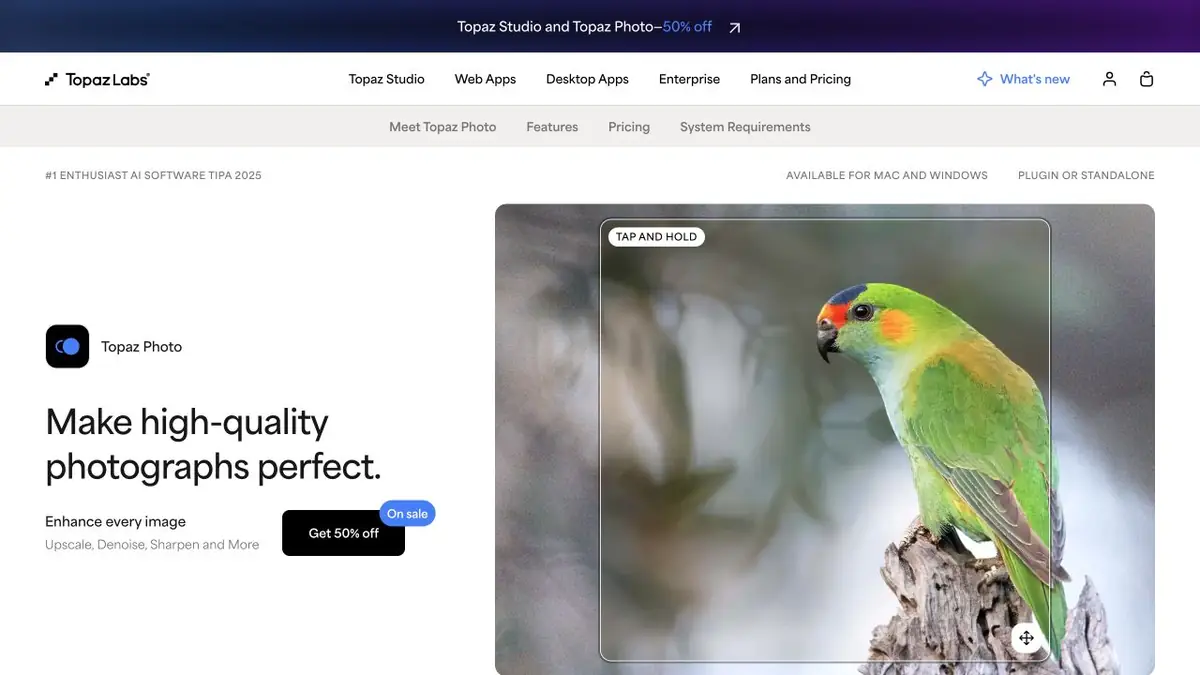
Topaz Labs desktop application for improving photos. The current Topaz Photo continues to develop separately from the outdated Photo AI.
Topaz Photo and the earlier Photo AI
Topaz Photo is Topaz Labs’ current photo-processing app. Distinguish it from the earlier Photo AI: it is a separate product that continues to receive updates and model development. The old name remains among the search aliases to help explain the transition.
Main tasks include denoising, sharpening, recovering focus, face processing, lighting and colour adjustments, and upscaling. The software runs on Mac and Windows as a standalone editor and in supported integrations with other photo apps.
How to check the processing of a noisy photograph
Assess the original first: is the issue noise, motion blur or insufficient detail after cropping? Apply processing to that problem rather than enabling every enhancement. Compare a small area containing hair, fabric or fine lettering first, then inspect the whole image.
Photography needs faithful details as well as sharp edges. Compare the result with the original at actual size. Strong restoration may make a texture look convincing without proving that every new element was present in the shot. This distinction is especially important in documentary photography.
For print, check the final dimensions and do not try to hide poor source focus through excessive sharpening. Keep the original and a separate processed version. Test several different scenes for a series: one successful portrait does not show how the tool handles a noisy landscape.
Local mode, cloud and license
The developer offers local rendering and cloud features under the plan’s terms. Local mode keeps files on your computer; choose cloud mode deliberately. Check system requirements, editor support and Personal or Pro terms. The current product uses subscriptions, and owning the earlier Photo AI does not automatically provide the new licence’s rights.
Suitable tasks
- Photo denoising
- Sharpening
- Restoring old images
- Preparing an image for print
Strengths
- Specialization in photos
- Local and cloud modes
- Integrations with photo applications
Limitations
- May alter fine texture
- A compatible computer is required
- Legacy Photo AI and Topaz Photo have different licenses
Check details
Official sources
This description is based on the developer’s material. Features, prices and availability may change; check the primary source before use.


