

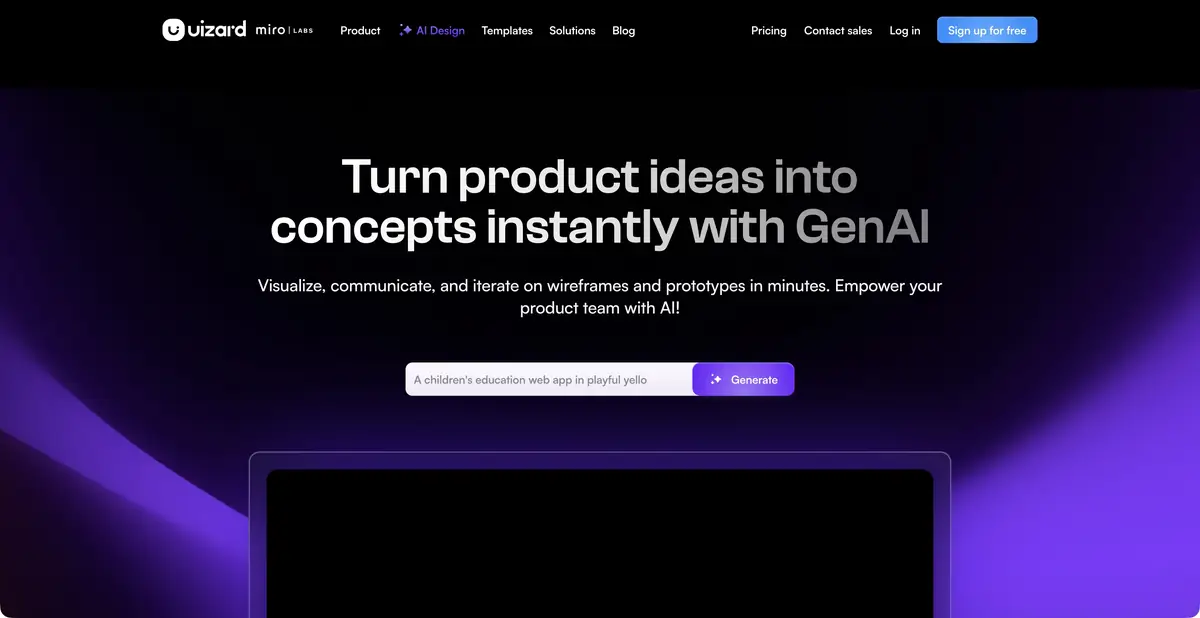
Uizard helps quickly turn an app idea into a set of connected screens. The result is edited and discussed as a prototype; a ready-made application with server logic does not automatically follow from it.
Check the user journey first
When a team debates a future feature, showing connected screens helps more than discussing an abstract image. Uizard generates editable layouts and interactive prototypes from a text brief. You can also start with visual material: a screenshot of an existing interface or your own hand-drawn wireframe. The team remains responsible for source-material rights and relevance to real users.
What Autodesigner does
Autodesigner lets you create a project or screen, change selected components and try a design theme using text commands. Generated elements remain in the editor, where they can be rearranged, refined and connected into a user flow. The shared workspace lets the team discuss options before development.
Screenshot and wireframe scanners help turn a visual idea into an editable form. However, they do not reconstruct the exact source code or hidden application logic. For example, an image of a form does not specify phone validation rules, server access or behavior during a network error.
Example: a customer booking at a workshop
Describe three steps: service selection, time selection and request confirmation. Sample data and one main action per screen are enough for a first version. Request short, clear labels and a way to return to the previous step.
Then walk through the prototype from start to finish. Can the user see the selected service? Is it clear whether a request was submitted or only a confirmation window opened? Check long names and small screens separately: a convincing wide layout can easily fall apart on a phone.
At this stage, do not connect real personal data or promise a working booking system. This is an instructional example of defining a task to test an interface, rather than a published functional system.
Screen export and code export are different capabilities
Official help lists JPG, PNG, SVG and PDF for screen export. On suitable paid plans, Handoff lets you view and copy CSS or React for an individual selected component. This must not become a promise to download the whole application as a finished project.
The developer directly specifies: it is impossible to export the Uizard project entirely to HTML or JavaScript. Therefore, before work, agree on what the team transmits to the development: images, an interactive link, a specification or individual components. The final architecture and handlers still require independent implementation.
Plans and preparation for work
Uizard has a free level with restrictions on projects, templates and AI generation, as well as paid plans for more frequent work. Available versions of the generator, project privacy, branded tools and Handoff are distributed between levels.
Start with a small task and test the whole route to the required handoff format. For a private product, clarify privacy and team access before uploading internal materials. Uizard remains a distinct product within Miro; the owner's name does not define its specific capabilities.
Suitable tasks
- Prepare an interactive application prototype
- Turn your own sketch into a layout
- Agree on the user journey before development
- Transfer screens and individual components to the developer
Strengths
- Editable multiscreen prototypes
- Text-based edits to components and themes
- Visual ways to start the project
- Documented formats and Handoff
Limitations
- The prototype does not include finished server-side logic
- React and CSS are provided for individual components
- No full application export to HTML/JavaScript
Selection and conditions
- Free access
- Yes
- Trial period
- Not confirmed
- No sign-up required
- Not confirmed
- Russian interface
- Not confirmed
- Local installation
- Not confirmed
- API
- Not confirmed
“Not confirmed” means there is not enough information. The feature may still be available; check the developer’s terms.
- Input formats
- Text, Image
- Result
- Prototype, Image, Code
Terms
Free restricts projects and AI generation. Handoff on suitable paid plans produces the code of individual components, not an entire application.From task to first result
Practical example
- Task
- Prepare an interactive application prototype
- What to prepare
- A description of three workshop-booking screens: service selection, time selection and confirmation. You can attach your own sketch.
Task brief or prompt
Propose an editable prototype of these screens with clear navigation. Show an empty time-slot list and an error for an unfilled field. Do not connect real bookings or payments yet.
Expected result
Draft layouts or an interface prototype. Working server-side logic and readiness for production launch are not implied.
How to check the result
- Check transitions, labels, empty states and returning to the previous screen.
- Make sure elements are legible and fit on a narrow screen.
- Separately check accessibility, the actual scope of export and required component rights.
An editorial teaching example of a task brief, not the result of hands-on testing of the service. Check that the required mode is available, that you have rights to the source material and that the intended use of the result is permitted.
Check details
Official sources
- Official Uizard
- Autodesigner
- Plans
- Project export and Handoff limitations
- Official announcement of becoming part of Miro
This description is based on the developer’s material. Features, prices and availability may change; check the primary source before use.

