

Firefly is Adobe’s creative AI product, with its own generation and editing models. The interface also includes partner models, whose terms differ from those of Adobe Firefly.
What Firefly includes
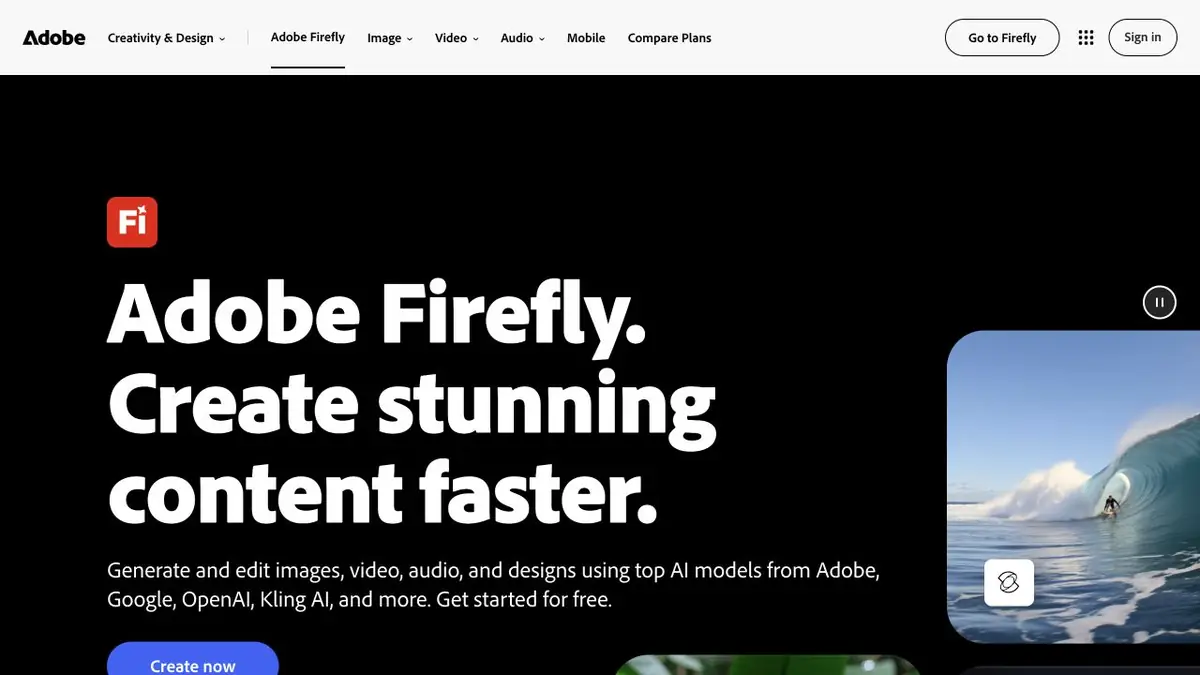
Adobe Firefly brings together image, video and audio tools. You can start with a text description, an original photograph or a visual idea, then refine the result. The official website presents Adobe’s own features and partner models separately.
Firefly is Adobe’s own product, but Adobe did not develop every model in its interface. Check whose model is selected before generating: its capabilities and terms of use depend on that choice.
Images and targeted edits
One task is creating a new image from a description. Another is editing an existing image: removing an object, replacing the background, extending the boundaries or trying a different composition. Choose the operation for the original task.
For product photography, specify in advance what must stay unchanged. After generation, inspect the logo, lettering, object edges and proportions. A model can extend a scene beautifully while changing an important product detail.
From sketch to usable material
Think of Firefly as one part of a creative workflow: finding a direction, generating visual options and preparing individual elements. Other Adobe products can help you continue in a familiar environment, but the specific handoffs and available features depend on your account and plan.
For video and audio, there are their own restrictions and credit consumption. Before a large series of generations, check the price of the operation in the interface and save several trial results to assess suitability.
Rights, models and credits
Firefly has free features and paid plans. Credits, model access and additional tools differ, so compare subscriptions against the operations you need.
Check commercial-use terms for the selected model and feature. Do not transfer Adobe’s promises automatically to partner models or assume generation removes rights to uploaded material. The final design still needs visual inspection.
Suitable tasks
- Generation of illustrations
- Removing objects and replacing the background
- Visual concepts and storyboards
- Preparing materials for further design work
Strengths
- Adobe's own models
- Many creative operations in one product
- Connecting to the Adobe Ecosystem
Limitations
- Credit usage depends on the operation
- Partner models have different terms
- Precise details and usage rights need checking
Check details
Official sources
This description is based on the developer’s material. Features, prices and availability may change; check the primary source before use.


