

A platform for explanatory and training videos with digital presenters. Start from prepared text, a document, a presentation or a scene template.
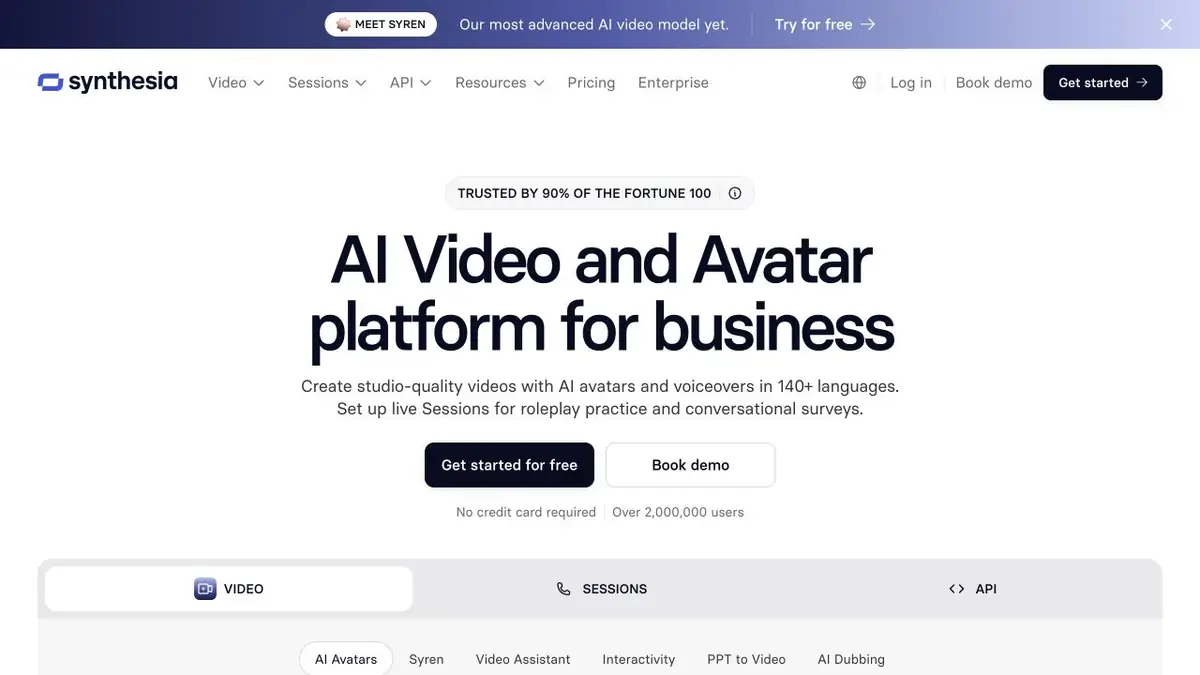
From source material to video
Synthesia focuses on tasks that need clear explanations, such as employee training, product instructions or internal messages. A digital avatar replaces filming a presenter, while the author controls scenes, text and visuals.
Start with an approved text or a new draft
The official guide offers starting points such as a prompt, a finished script, a document, PowerPoint, a template or an empty project. Choose between generating a draft and retaining already approved text. The latter often suits regulated or important messages better because it reduces the risk of accidental meaning changes.
How to set up clear training
Divide material by actions, not by the source document’s length. Each screen should explain one idea. If viewers need to repeat a step, pause and show the relevant interface element. A digital presenter should support the explanation, not cover half the screenshot.
Example: introductory video for a new team
Plan a few scenes: the process’s purpose, its first step, a common mistake and where to find help. Provide approved wording and check that system names are pronounced clearly. Review the generated video as though you were seeing the process for the first time.
Localisation requires more than replacing the voice. Check on-screen captions, units and links. Keep changeable information in short, independent scenes so later edits do not require rebuilding an entire course. Final review must cover both text and visual sequence.
Plan limitations and usage rights
Creation methods and tools vary by subscription level. Documentation identifies which options require a paid mode. API and enterprise use have separate terms. Personal avatars, source documents and uploaded media require the necessary permissions.
Suitable tasks
- Staff training
- Product instructions
- Video from a presentation
- Localization of corporate materials
Strengths
- Several ways to start a project
- An editable scene structure
- Team and programmatic features
Limitations
- Not all methods of import are available for free
- Pronunciation and translation require verification
- Usage rights for avatars and source materials are required
Check details
Official sources
This description is based on the developer’s material. Features, prices and availability may change; check the primary source before use.


