

A digital-presenter platform for finished videos and real-time conversations. It provides a studio, an API and tools for connecting knowledge sources to an agent.
Two main D-ID scenarios
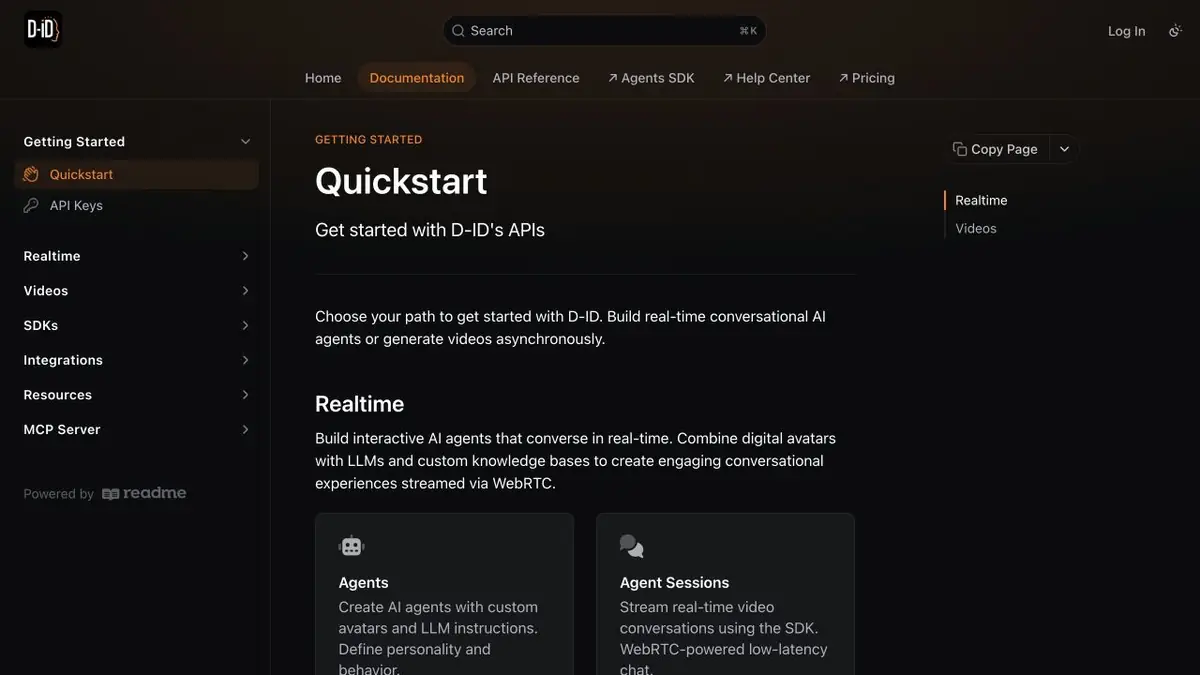
D-ID works with digital characters that speak prepared text or interact with a user. One option produces a finished video: the author provides an image or avatar and a script, then receives a recording. The other is an interactive agent connected to a conversational model and knowledge sources.
The documentation distinguishes these workflows. Pre-rendered video uses asynchronous generation and translation; conversations use sessions, knowledge sources and streaming. A video segment for a training page and a conversational assistant need different setups.
A talking photo does not imply the person's consent
Uploading a photograph provides source material, not permission to speak on the depicted person’s behalf. Use your own likeness, a licensed avatar or material with clear consent. Avoid creating the impression of a genuine recording when the person never said the supplied text.
A video with a digital presenter
For a short video segment, prepare a concise script with a specific action and a clear next step. Remove questionable promises and check names. After generation, assess pronunciation, mouth movement and facial expression: visual credibility does not replace an accurate message.
An interactive assistant and its knowledge base
For a conversational agent, begin with a limited set of verified material. Define what it does when an answer is missing, how it hands a question to a person and which data it must not request. A useful assistant should state the limits of its knowledge honestly rather than answer every question at any cost.
The studio and API have separate plans, allowances and terms. A streaming agent also depends on the connected model, knowledge base and permissions. D-ID’s documentation describes both architectures. Before starting, check commercial rights, rules for using likenesses and how user conversations are handled.
Suitable tasks
- Scripted talking avatars
- Animating a photograph you have permission to use
- Interactive Video Assistants
- Translation and digital presenters
Strengths
- Pre-generated video and a real-time workflow
- Knowledge base for agents
- Official APIs and SDKs
Limitations
- Permission to use the person's likeness and voice is required
- Agent responses depend on the connected knowledge
- Studio and programmatic workflows differ
Check details
Official sources
This description is based on the developer’s material. Features, prices and availability may change; check the primary source before use.


