

A platform for video materials with digital presenters and translation of existing content. Convenient for explanation, training and repetitive messages.
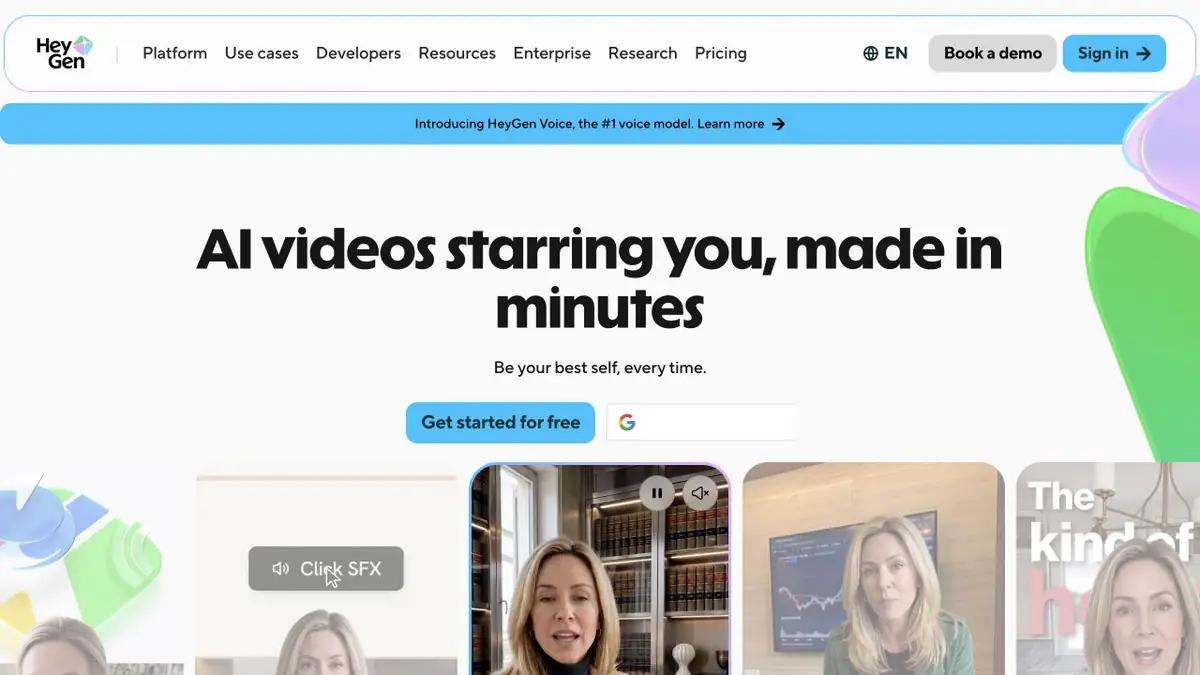
When you need a digital presenter
HeyGen helps create avatar videos from prepared text and localise existing clips. Typical tasks include explaining a process, presenting material or updating a message without filming each segment again. This differs from freely generating an artistic video scene.
The script matters more than the video's length
Text for speech works differently from an article. Remove complex introductory clauses, split long sentences and check name pronunciation. For training videos, decide what the screen shows and what the presenter explains: reading every slide word aloud is usually awkward for viewers.
Example: a guide that is kept up to date
Let the video explain one step in a personal workspace. Prepare a short script and current screenshots, then check pauses, word stress and action order. Give viewers time to see the important button. When the interface changes, update the affected segment.
For translation, provide a glossary of names and ask a native speaker to review the final track. Lip sync improves presentation but does not establish translation accuracy. Do not use a digital presenter to imply that a real person made a statement they never approved.
Consent and programmatic generation
The official platform offers ready-made and personalised avatars, voice tools and translation. Its API lets you integrate generation and other operations into your own system. Using a real face and voice requires following the consent procedure and the developer’s rules, rather than simply uploading a recording you found.
The user-facing service and API have different plans, limits and operations. For production at scale, check task handling, source rights and template consistency. Documentation covers avatars, translation, voices and batch workflows; actual capabilities depend on the access method.
Suitable tasks
- Educational videos with a presenter
- Video localization
- Guides that are kept up to date
- Automating video messages
Strengths
- Specialization in avatars and speech
- Translation and synchronization
- Official API and batch processing
Limitations
- Consent to use the person's likeness and voice is required
- Translation and pronunciation require verification
- Web and API plans differ
Check details
Official sources
This description is based on the developer’s material. Features, prices and availability may change; check the primary source before use.


