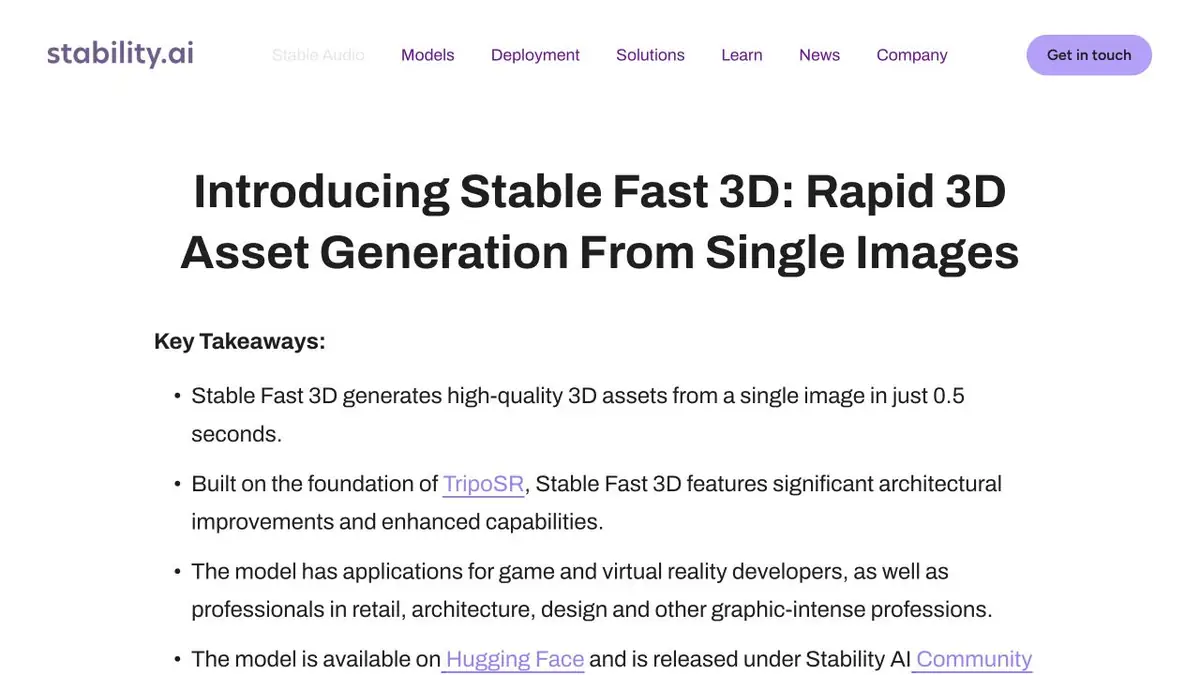
A Stability AI model that creates a mesh, UV layout, and texture from one image. Open the output in a modeling editor to inspect it.
Grid for fast layout
Stable Fast 3D reconstructs an object from one image and creates a UV layout for mapping color onto its surface. This works well for a preliminary mockup when you already have a reference photo and detailed modeling can wait. The official example exports a GLB file you can open in an editor and place alongside other objects in your scene. Assess the lighting and materials in that scene.
Training example with a wooden toy
Select a photo of the wooden car, which shows the front, side and wheels. If the background overlaps the edge, prepare a cleaner source. Download it and after unloading compare the distance between the wheels in the editor with the photo. Turn the model at the bottom side to the camera. It is in invisible areas that you most often have to replace the form that the algorithm has completed on its own.
Separately view the texture at the corners of the body. If the shadow from the picture remains part of the texture, it will be noticeable at a different position of the light source. For the rough layout of the subject, this option may still be suitable.
Local installation and admission to work
Code and instructions are published by the developer. Choose the processing mode from the memory of your computer and check the documentation for the current version of the weights. The appropriate outcome criterion depends on the task. For the presentation, a recognizable silhouette at a given distance is important, and accurate edges, units of measurement and editable geometry will be needed for re-modeling. If the result goes to a commercial project, check the license and photo rights in advance.
Suitable tasks
- Collect a draft of a small prop
- Check the texture to display the item
Strengths
- Creating a polygonal grid from one picture
- Scanning and uploading to GLB
Limitations
- In one perspective, information about the reverse side is lost.
- Small details and glares require verification
Selection and conditions
- Free access
- Not confirmed
- Trial period
- Not confirmed
- No sign-up required
- Not confirmed
- Russian interface
- Not confirmed
- Local installation
- Yes
- API
- Not confirmed
“Not confirmed” means there is not enough information. The feature may still be available; check the developer’s terms.
- Input formats
- Image
- Result
- 3D model
Terms
The model can be run locally on the official repository. Before downloading the scales, check the conditions of the license and the requirements of the environment.From task to first result
Practical example
- Task
- Collect a draft of a small prop
- What to prepare
- Description of the table lamp or your own photos of the object from different sides. Clarify the purpose of the model and the target 3D-editor.
Task brief or prompt
Prepare a rough 3D model of the table lamp for the interior scene: a stable base, separate lampshade, simple materials. Use your own references. First, evaluate the form, then prepare an export format available in the selected plan.
Expected result
A rough object model for subsequent checking in a 3D editor. Geometric accuracy and production readiness are not assumed.
How to check the result
- Examine the silhouette from all sides, cavities, fine details and intersections.
- Check the scale, materials and opening of the exported file in the target editor.
- Before commercial use, check the selected plan's license and the rights to reference materials.
An editorial teaching example of a task brief, not the result of hands-on testing of the service. Check that the required mode is available, that you have rights to the source material and that the intended use of the result is permitted.
Check details
Official sources
- Stable Fast 3D Features and Examples
- Installation, GLB export, and model license
- List of models and information about the conditions of Stability AI
This description is based on the developer’s material. Features, prices and availability may change; check the primary source before use.