

Stability AI’s generative image-model family. It supports custom visual workflows, self-hosting and API integrations.
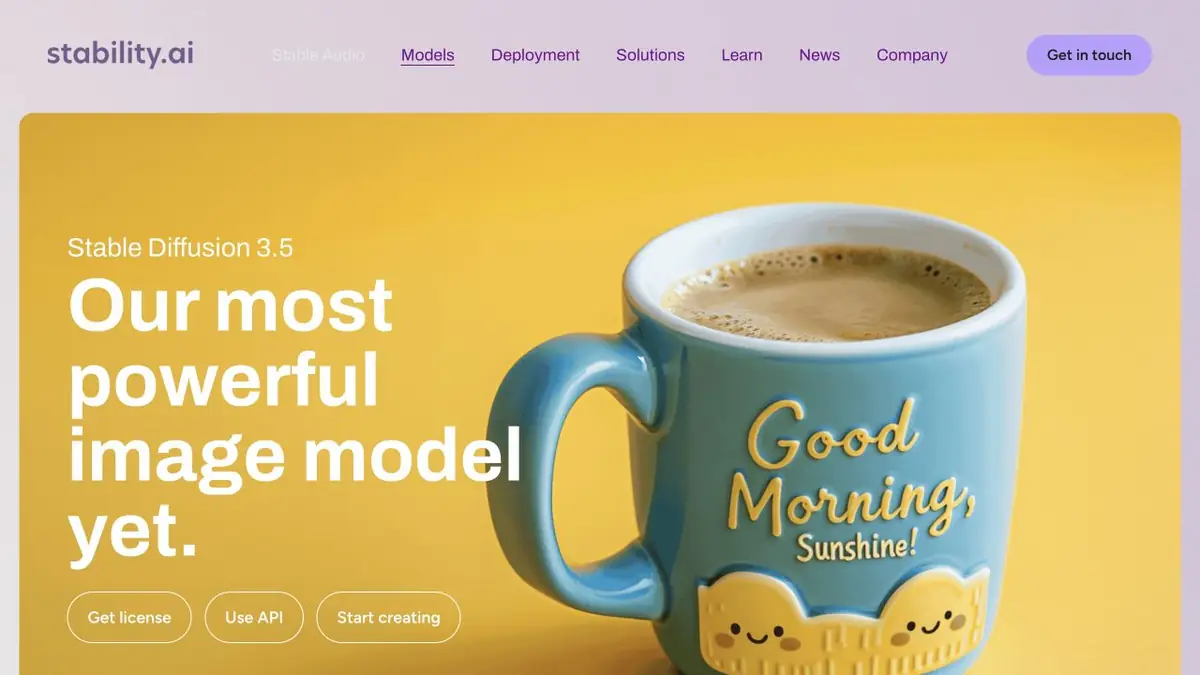
Stable Diffusion models and ways to run them
Stable Diffusion is a family of image-generation models from Stability AI. Unlike a closed web generator, it offers options for self-hosting and configuration. The particular model and interface determine the available features, not the shared family name alone.
The official page describes several configurations with different balances of computing requirements and capabilities. This gives the freedom to choose a tool for the task, but requires understanding the version, license and environment. The capabilities of the third-party interface should not be automatically attributed to the model itself.
When it makes sense to work locally
Self-hosting suits people who want process control, repeatable parameters and no need to send source files to an arbitrary third party. It still needs suitable hardware, model storage and a maintained software environment. Free weight downloads do not make computing free or remove licence requirements.
Example: several background illustrations
Describe the background’s purpose, palette and area to leave clear for text. Begin with a small test set, choose a direction and save the settings and model. This makes a later series easier to reproduce or explain to another designer.
Review images at the size readers will see. A detailed file may fail as a small cover. Leave precise lettering and symbols for a separate step in a conventional graphics editor. After changing models or components, compare again: old settings may behave differently.
Licensing and Cloud Access
Stability AI offers self-hosting under the relevant licence and access through an API. Commercial-use terms depend on the particular model and agreement. Cloud work incurs usage costs; local work uses your system’s resources. Before starting a production workflow, check the current rules and the origin of all additional components.
Suitable tasks
- Generation of illustrations
- Local visual workflows
- Background and concept variations
- Integrating generation into an app
Strengths
- Control over self-hosting
- Multiple model configurations
- Official API and licenses
Limitations
- A suitable computing environment is required
- License terms differ
- An interface's features do not reflect every model's capabilities
Check details
Official sources
This description is based on the developer’s material. Features, prices and availability may change; check the primary source before use.


